
Be There
Blog
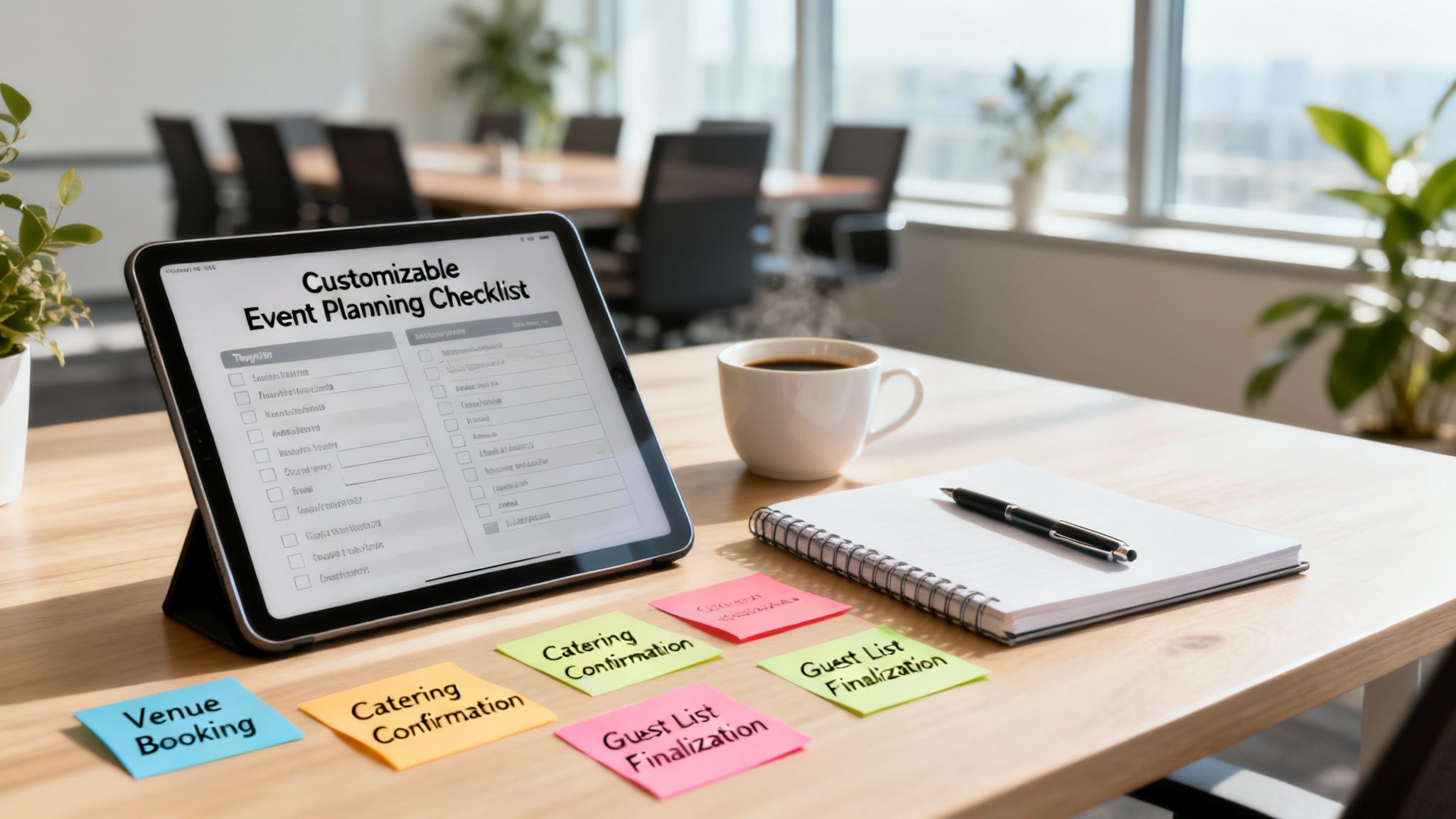
A Modern Checklist Template for Event Planning
By BeThere
Nov 14, 2025 • 15 min read
Share this post


Trying to plan an event without a checklist is just asking for trouble. It's the surest way to miss deadlines, forget crucial details, and end up completely overwhelmed. A solid checklist template for event planning isn't just a nice-to-have; it's the only way to turn a chaotic vision into an actionable, stress-free plan.
Why a Great Checklist Is Your Event's Foundation
A truly effective checklist is more than a simple to-do list. Think of it as the strategic blueprint for your entire event. It takes a massive, intimidating project and breaks it down into small, manageable steps, complete with owners and deadlines. This is how you stop important things from falling through the cracks.
And in today's industry, efficiency is everything. The corporate event planner market is set to explode, growing from around $678.7 billion in 2025 to an incredible $9.5 trillion by 2035. That kind of growth means you need repeatable, scalable processes to keep up, and a great checklist is at the heart of that.
✦Bridging the Communication Gap
Here’s the classic problem with most checklists: they live in one place, like a spreadsheet or a project tool, but the actual conversations happen somewhere else—usually scattered across emails and Slack threads. This constant disconnect is a recipe for missed updates and confusion, especially for companies whose internal operations run on Slack and Google Calendar.
This is exactly where a tool like Be There changes the game. It’s a powerful bridge between your planning calendar and your team's communication hub, making it incredibly handy for any company that relies on both.
Suddenly, your checklist isn't a static document you just tick off. It becomes a living, breathing part of your team's workflow. When a major deadline from your checklist hits Google Calendar, Be There can automatically spin up a dedicated Slack channel just for that task. Every conversation, file, and decision stays right where it belongs.
For corporate event planning, this is huge. It keeps your team perfectly aligned without forcing them to jump between different apps all day. The plan (your calendar) and the conversation (your Slack channels) are always in sync. You can learn more about this approach in our guide on essential corporate event planning tips. It’s not just about getting things done faster; it’s about building a more collaborative and accountable team.
Building Your Event Planning Timeline
Great events are all about timing. They don't magically come together; they're built on a solid timeline that breaks the whole project down into smaller, less intimidating phases. Using a good checklist template for event planning helps turn a mountain of work into a series of molehills you can tackle one by one.
The trick is to think in stages. You start with the big-picture stuff way in advance and get more and more detailed as the big day gets closer. This stops that last-minute panic and makes sure every little thing gets handled when it's supposed to.
This infographic really shows how a structured checklist can bring order to the chaos of planning and give you a clear roadmap to a great event.
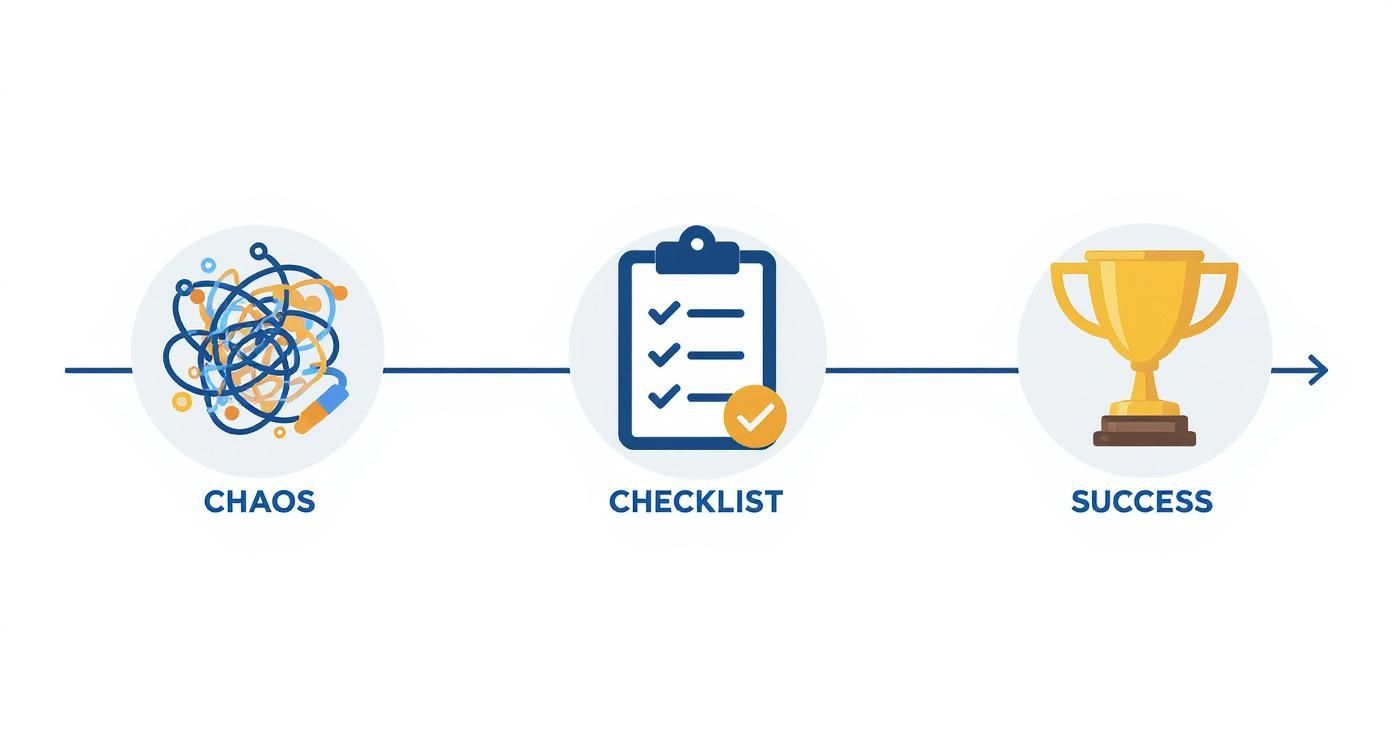
As you can see, the timeline is the backbone of the entire plan. It keeps every task organized and points you straight toward a successful finish line.
✦Key Planning Phases
So, what does a typical event timeline actually look like? Let's walk through the main phases and what you should be focusing on during each one.
12+ Months Out: This is where the dream takes shape. Your checklist for this phase is all about the fundamentals: nailing down the event's goals, sketching out a rough budget, and picking a date. Think of it as laying the foundation for everything to come.
6-9 Months Out: Time to lock in the big pieces. Now you're booking the venue, finding your main vendors (like caterers or AV crews), and getting contracts signed with any keynote speakers.
3-5 Months Out: With the main logistics handled, you can switch your attention to your attendees. This is when you'll kick off marketing, open up registration, and finalize the event schedule.
This is exactly where having the right tools makes a huge difference, especially if your team lives in Slack and Google Calendar. Let's say you pop a deadline like "Finalize Speaker Contracts" into your Google Calendar. Instead of starting a messy email chain to track it, a tool like Be There can automatically spin up a dedicated Slack channel just for that calendar event.
This one small step is incredibly useful for companies using both platforms. It connects your high-level plan directly to where your team actually talks and works. Everyone can jump right into discussing contract details, sharing files, and posting updates for that specific milestone, all without leaving Slack. It keeps the conversation organized and directly linked to your timeline.
As you get closer to the event, your tasks become even more specific. The 'Event Week' phase, for example, is a flurry of final confirmations, on-site walk-throughs, and team briefings. By breaking the entire process down like this, you can be confident that nothing important will slip through the cracks.
Getting Into the Nitty-Gritty: Budget, Vendors, and Logistics
Okay, your timeline is locked in. Now comes the real fun: juggling the budget, vendors, and all the logistical puzzle pieces. This is where your checklist template for event planning goes from a high-level guide to your daily command center. You’re shifting from big-picture ideas to managing a ton of moving parts, and that requires some serious organization.
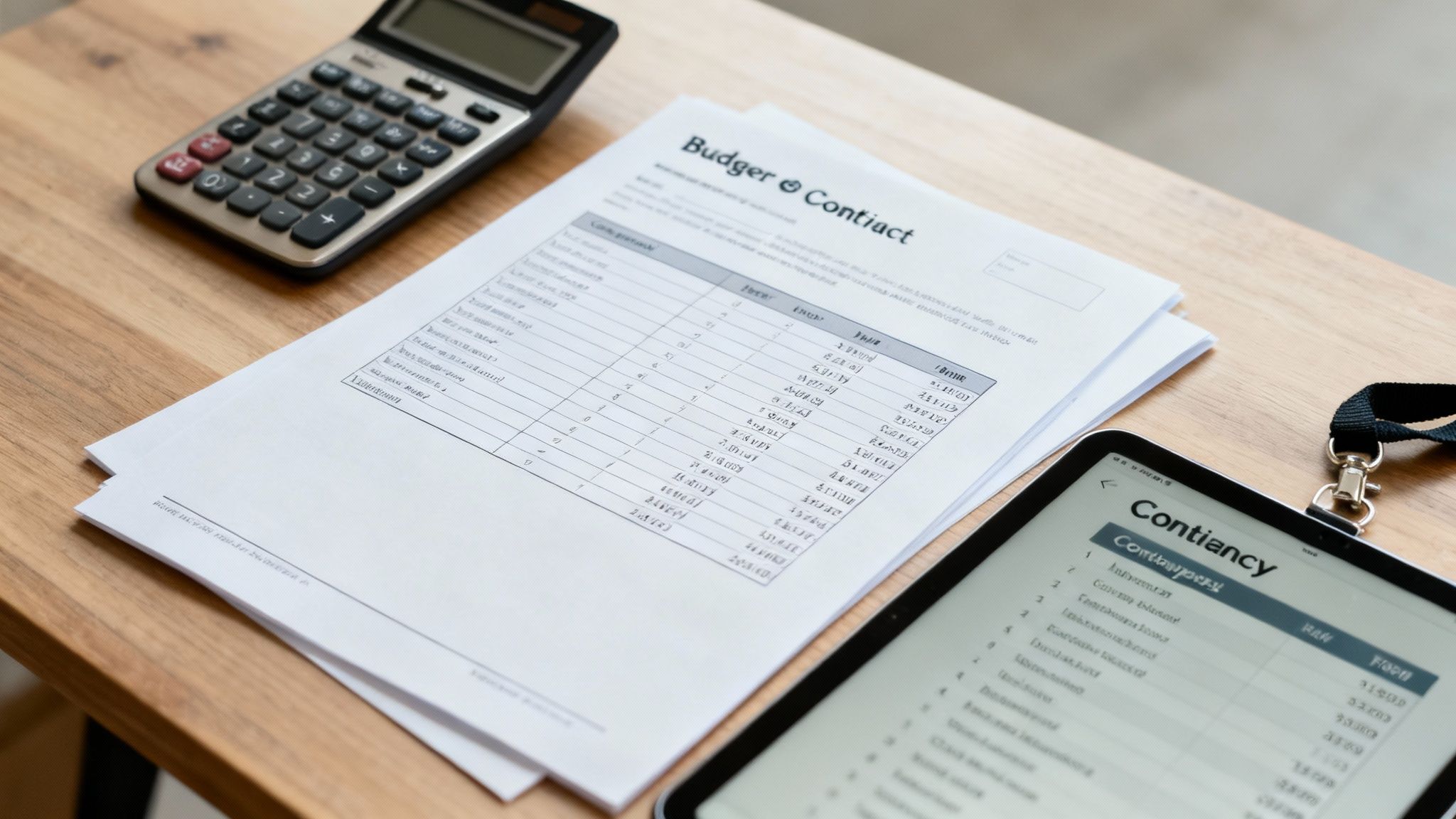
This phase is all about the details. For your budget, that means getting granular. We're talking line items for everything—from the big-ticket venue rental right down to the cost of name badges—and tracking every single dollar as it's spent. Same goes for vendors. It’s not just about hiring a caterer; you’re sourcing quotes, getting contracts signed, and coordinating with everyone from the AV techs to the security team.
✦Making Complex Coordination Feel Simple
Logistics is the catch-all for everything else. Think mapping the venue layout to make sure people can move around easily or doing that one last tech check before doors open. It’s no wonder the industry has leaned so heavily into specialized tools to keep all this straight. In fact, over 85% of event planners now rely on some form of event management software, often for the checklist features alone. You can find more stats on how planners are using tech over on G2.com.
Let's say you have a "Final Vendor Walkthrough" on your Google Calendar. This is a perfect example of where a tool like Be There can make a huge difference for companies whose teams operate within Slack and Google Calendar.
Instead of starting another messy email chain, Be There can spin up a temporary Slack channel tied directly to that calendar event. You can pull in the venue manager, your AV lead, and your on-site team right away to share the latest floor plans, hash out tech requirements, and walk through the run-of-show. This workflow is especially handy for busy teams that already juggle both tools.
Suddenly, all the chatter for that specific task is in one place. No more digging through inboxes to find out who approved the mic order. It’s a simple but incredibly effective way to keep everyone on the same page.
✦Practical Checklists for a Flawless Event
When you’re deep in vendor management, some areas just need more attention. For any event with food, for instance, a detailed restaurant health inspection checklist is non-negotiable. It helps you stay compliant and avoid any last-minute surprises.
Your main checklist should have smaller, dedicated sub-checklists built into it. Think of things like:
- Budget Tracking: Are you checking in on expenses daily? Did you build in a 10-15% contingency fund for those inevitable curveballs?
- Vendor Communication: Who is the main point of contact for each vendor? Are all contracts signed, sealed, and saved in a central spot for everyone to access?
Getting your budget right is the foundation of a successful event. For a more detailed walkthrough, take a look at our guide on budgeting for an event.
Engaging Your Audience From Start to Finish
You can pull off a flawless event, but if your audience isn't truly engaged, it’s a massive missed opportunity. Your checklist template for event planning needs to do more than just track logistics; it should be your roadmap for creating an experience that resonates with attendees from the moment they hear about your event until long after it's over.
This all starts way before the doors open. Your checklist should have dedicated tasks for building pre-event hype. Think about scheduling a series of emails with speaker reveals or creating a social media countdown. Little things like this build excitement and make people feel invested before they even arrive. To really make an impact, don't forget the atmosphere—even simple but creative corporate event decoration ideas can completely transform the guest experience.
✦From Hype to Action
Once the event is underway, the focus of your checklist shifts to keeping that energy high and making everything feel effortless for your guests. This is where you plan for the details that make a difference.
- Interactive Sessions: Don't just schedule speakers; build in time for Q&As, live polls, or hands-on workshops.
- Networking Breaks: Be intentional about creating spaces and moments that help people connect with each other.
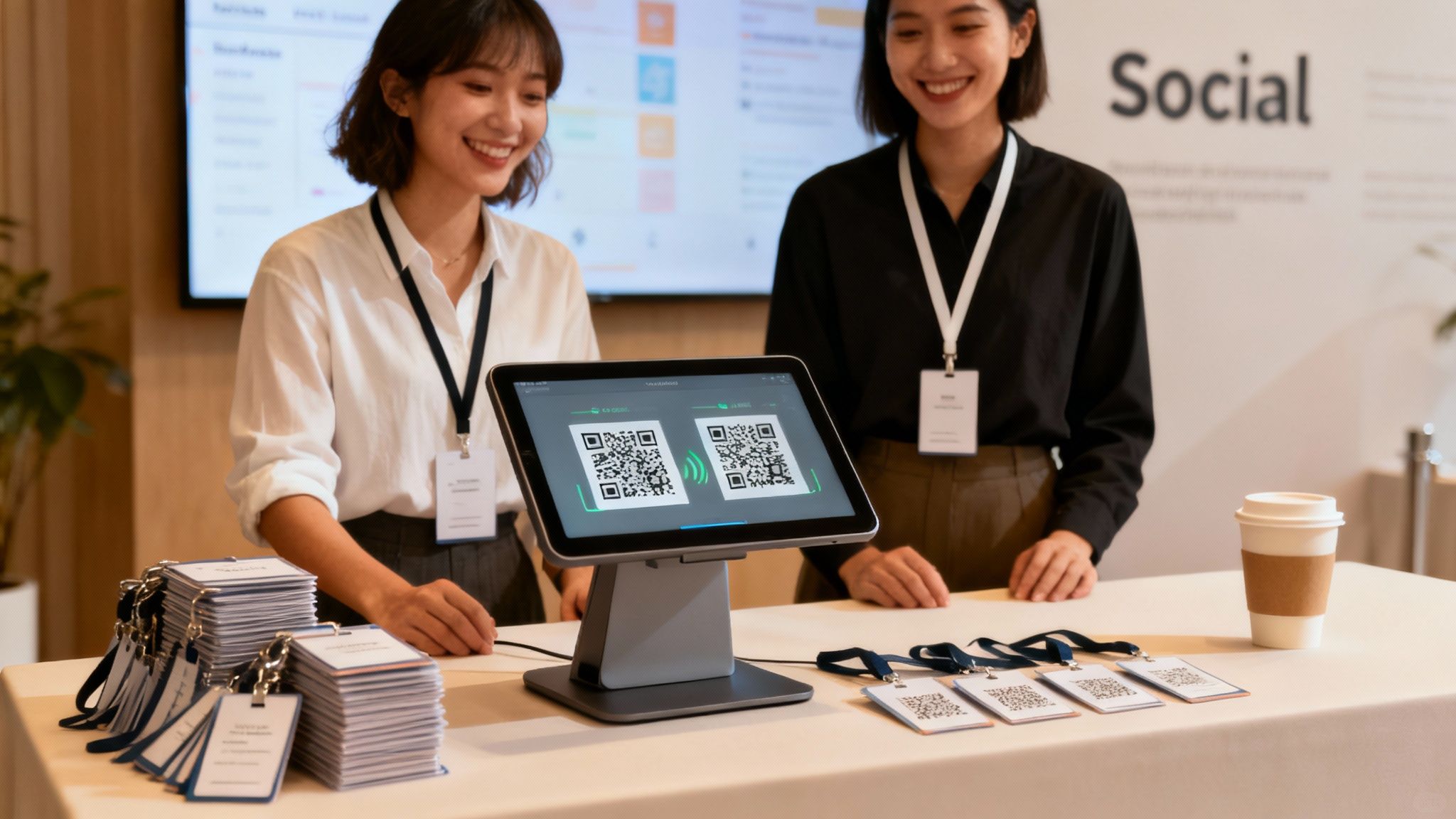
- Smooth Check-In: A fast, welcoming check-in process sets a positive tone for the entire day.
One of the biggest hurdles for 19% to 26% of marketers is proving an event's success because they lack the right tools or data. A smart checklist fixes this by making measurement part of the plan from day one, reminding you to track the metrics that actually matter, like attendance and engagement levels.
The work isn't over when the last person leaves, either. The post-event phase is critical. Your checklist should have prompts to send out feedback surveys and share follow-up content that keeps the conversation going.
This is where your team's workflow can make or break your follow-up. Imagine you schedule a "Post-Event Debrief" in Google Calendar. For companies using both Slack and Google Calendar, a tool like Be There is incredibly useful here. It can automatically spin up a dedicated Slack channel just for that meeting.
Suddenly, your marketing and sales teams can jump right into discussing survey results and planning their next steps without juggling a bunch of different apps. It’s a simple way to keep the momentum going. If you want to dig deeper into this, check out our guide on building a solid event marketing plan.
How to Make Your Event Checklist Work for You
The best checklist template for event planning isn’t a rigid set of rules; it's a starting point. Its real value comes from how you mold it to fit the specific event you're tackling. After all, the checklist for a massive corporate conference looks wildly different from one for a fast-paced product launch or a small team-building getaway.
Think of your template as the skeleton. The event you're planning adds the muscle and unique character.
If you’re running a virtual conference, your checklist needs to expand. You'll add tasks like stress-testing your streaming platform, coaching speakers on how to present to a camera, and scheduling interactive polls to keep a scattered audience from tuning out.
On the other hand, a trade show checklist is a whole different beast. It’s heavy on booth design and shipping logistics, testing your lead capture tech, and mapping out a complex schedule for your on-site staff. This flexibility is what transforms a basic template into your most reliable planning tool.
✦Keep Your Team in Sync, No Matter the Event
No matter how you tweak your checklist, one problem never changes: keeping everyone on the same page. This gets even tougher when your team lives in both Slack and Google Calendar, creating a gap where plans and conversations can drift apart.
This is exactly where a tool like Be There comes in handy for companies that rely on this stack. It’s designed to eliminate the context-switching and communication breakdowns that happen when your calendar and chat app don't talk to each other.
Let's say you're organizing a hybrid event. You might schedule a "Tech Rehearsal" in Google Calendar for the on-site crew and a separate "Virtual Platform Onboarding" for your remote team.
With Be There, you can set things up so a dedicated Slack channel is automatically created for each of those calendar events. Suddenly, your AV team has its own space to talk about equipment, while your community managers have a different channel to handle questions from virtual attendees. It's an incredibly handy way to manage complex logistics.
This approach keeps every conversation tied directly to a specific task on your calendar. It gets rid of the mental gymnastics of switching between apps and trying to find the right thread, making sure every part of your plan—no matter how you’ve adapted it—runs like clockwork.
Got Questions About Your Event Planning Checklist?
Even with the best template in hand, you're going to have questions. It happens to all of us. Let's walk through some of the most common ones I hear, so you can feel confident turning that checklist into a real, successful event.
Getting these fundamentals down pat is what separates a good plan from a great one. It’s about building a framework that's solid but still flexible enough to handle whatever comes your way.
✦What's the Single Most Important Thing on My Checklist?
It’s tempting to point to one big-ticket item, but the truth is, two things are absolutely critical: your event goals and your budget. Everything else you do will hinge on these two pillars. They're the foundation of your entire plan.
Think about it—without clear goals, how do you even know if the event was a success? And without a budget, you're just guessing. Your venue, your marketing, your catering... every decision flows directly from knowing what you want to achieve and what you can afford to spend.
✦How Early Do I Really Need to Start Planning?
This is the classic "it depends" question, but I can give you some solid rules of thumb based on event size. If you're planning a big conference for over 200 people, you absolutely need to start at least 12 months out. That's the only way you'll lock in the best venues and speakers before they're booked.
For something like a mid-sized corporate retreat for 50-200 employees, a 6 to 9-month lead time usually hits the sweet spot. Planning a smaller workshop or an internal team meeting? You can comfortably get that done in 2 to 3 months.
Your checklist should be your timeline. Break it down into phases based on these timeframes. That way, you know exactly what needs your attention, whether you're a year out or just a week away from showtime.
✦How Does Be There Fit Into Our Team's Checklist?
This is where the rubber meets the road, especially if your company uses both Slack and Google Calendar internally. Be There is the missing link that connects your planning checklist (living in your calendar) directly to your team's day-to-day conversations (happening in Slack). It’s designed to be incredibly handy and useful for this specific workflow.
Here’s how it works in the real world:
- You schedule your key checklist milestones in Google Calendar—things like "Venue Site Visit" or "Final Attendee Count Due."
- Be There then automatically spins up a temporary, dedicated Slack channel for that specific calendar event.
- Your team jumps into that channel to discuss the details, share files, and make decisions about that one task.
All the chatter stays organized and tied directly to a specific milestone. No more digging through endless email threads or getting lost in a general #events channel. It keeps everyone on the same page, focused on the task at hand, which is incredibly useful for companies wanting to streamline their internal event planning process.
Ready to stop juggling spreadsheets and scattered Slack threads? With Be There, you can connect your event calendar directly to your team’s workflow, keeping every plan and conversation perfectly in sync. Start your free trial today at https://be-there.co and see how simple event management can be.
Share this post

Planning your internal events has never been easier!
No more scheduling headaches—our Slack-connected web app keeps things simple. Less email, more fun! 🚀
 Prefer a quick walkthrough?