
Be There
Blog
A Practical Guide to Corporate Event Management Software
By BeThere
Dec 6, 2025 • 19 min read
Share this post


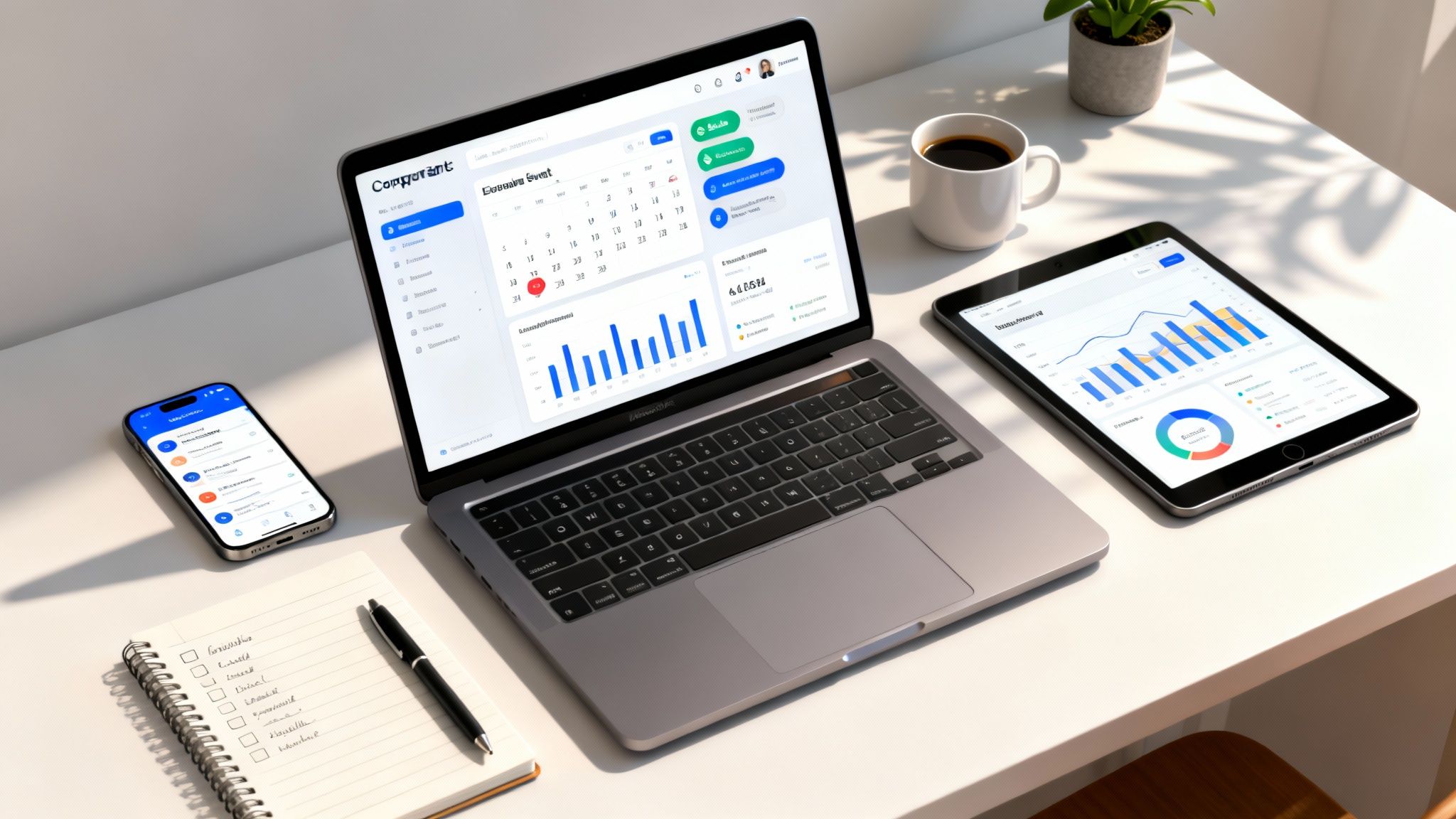
Corporate event management software is your command center for planning, running, and measuring the impact of every business event you host. Think of it as the one-stop shop that replaces all those scattered spreadsheets and manual processes for everything from conferences to workshops and town halls. It gives you dedicated tools for automated registration, agenda building, and attendee communication, turning a logistical headache into a smart, strategic business function.
Why You Need to Ditch the Spreadsheets
Let’s face it: trying to manage a corporate event with a dozen spreadsheets and endless email chains is a recipe for disaster. That old-school approach creates isolated pockets of information, opens the door to human error, and makes it nearly impossible to tell what’s actually happening with your attendees. Whether you’re organizing a simple company town hall or a major client workshop, those manual methods just can’t deliver the efficiency or measurable results we need today.
Making the switch to a proper software platform is more than a simple convenience—it’s a strategic move. The market numbers back this up. Valued at USD 15.5 billion in 2024, the global event management software market is expected to surge to USD 34.7 billion by 2029. A huge chunk of that growth is driven by companies like yours looking to create polished, professional experiences and connect event data back into their other business systems.
✦Where the Old Ways Break Down
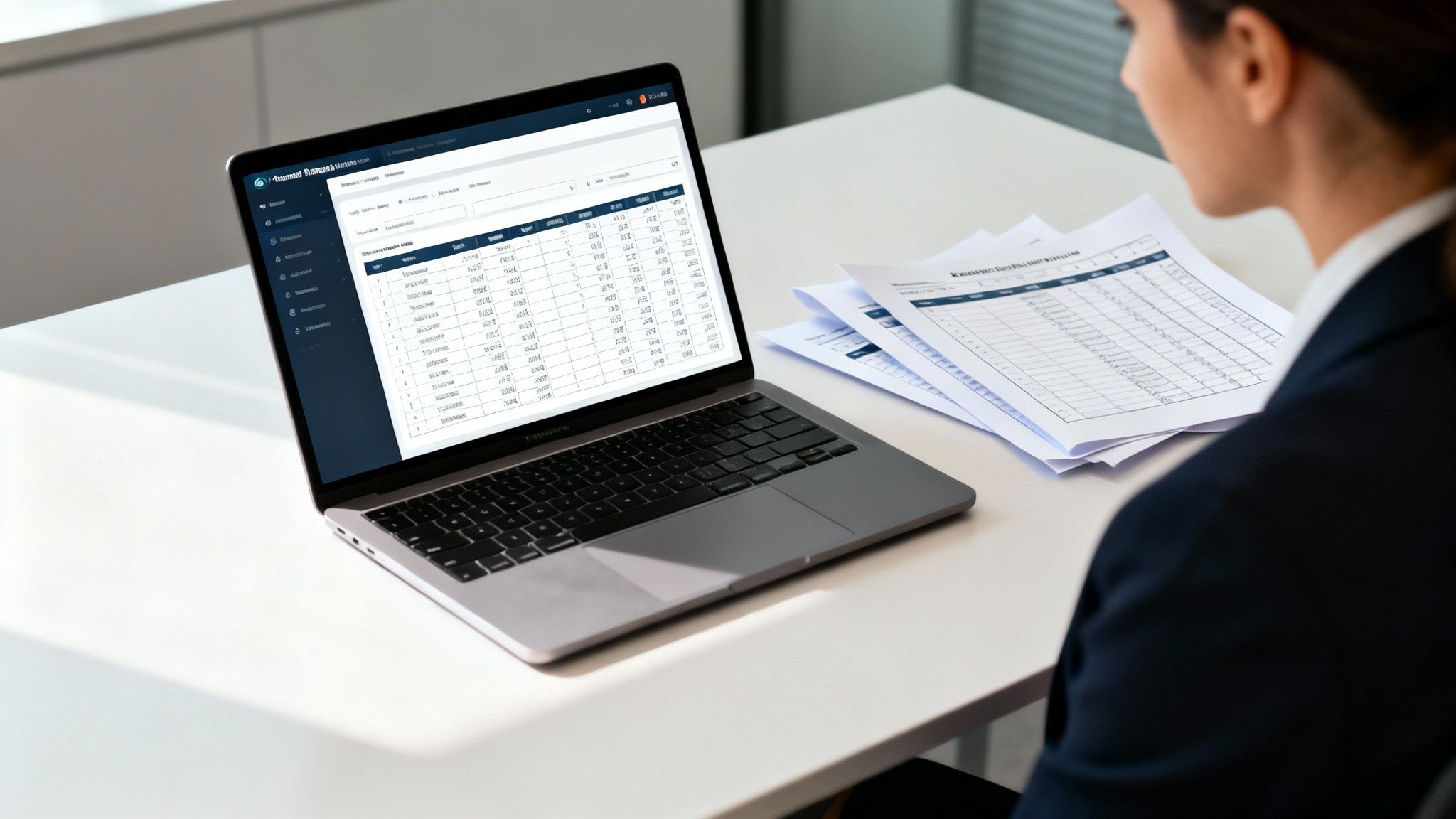
The biggest problem with manual planning is that everything is disconnected. Your budget is in one spreadsheet, vendor contracts are buried in an email thread, and the RSVP list is in yet another file. This isn't just messy; it's risky.
- Version Control Nightmares: When multiple people are editing the same spreadsheet, you're bound to end up with outdated information. Who has the final version? No one really knows.
- No Real-Time Insight: You can’t get a quick, accurate snapshot of who has registered, which sessions are filling up, or how attendees are engaging. You're flying blind.
- Crushing Manual Work: Every single reminder, update, and follow-up has to be sent out by hand. That’s hundreds of hours lost that your team could have spent on strategy and content.
The difference a dedicated platform makes is night and day. Let's look at a quick before-and-after comparison.
✦Before and After Event Management Software
| Task | Traditional Method (The Pain) | With Software (The Solution) |
|---|---|---|
| Registration | Manually tracking RSVPs in a spreadsheet, sending individual confirmations. | Automated registration forms, instant email confirmations, and a live attendee list. |
| Communication | Crafting and sending mass emails one by one for every update or reminder. | Scheduled, automated emails and in-app notifications based on attendee status. |
| Agenda Management | A static PDF agenda that becomes outdated the moment something changes. | A dynamic, live agenda that attendees can access on their phones. |
| Feedback | Sending out a survey link after the event and hoping for responses. | Real-time polls during sessions and automated post-event feedback forms. |
| Reporting | Manually crunching numbers from different sources to guess at ROI. | Instant, automated reports on attendance, engagement, and other key metrics. |
As you can see, the software doesn't just make things easier—it fundamentally changes what's possible.
The right platform brings every detail under one roof, makes it easier for attendees to engage, and gives you the hard data to prove your event's value. It turns events from a coordination headache into a powerful way to connect with employees, partners, and customers.
While a solid event planning checklist template can help organize your thoughts, it can't automate the work. To truly scale your efforts and get meaningful results, you need a dedicated software solution. This isn't just about getting a new tool; it's about adopting a smarter event strategy. You can learn more about how this fits into the bigger picture in our guide on https://be-there.co/blog/articles/project-management-for-events.
Essential Features Your Event Software Needs
When you start shopping for corporate event management software, it’s easy to get lost in a sea of options. Every platform seems to have a million features. But the key isn't finding the one with the longest list; it's about zeroing in on the tools that will genuinely solve your day-to-day headaches and create a better experience for your attendees.
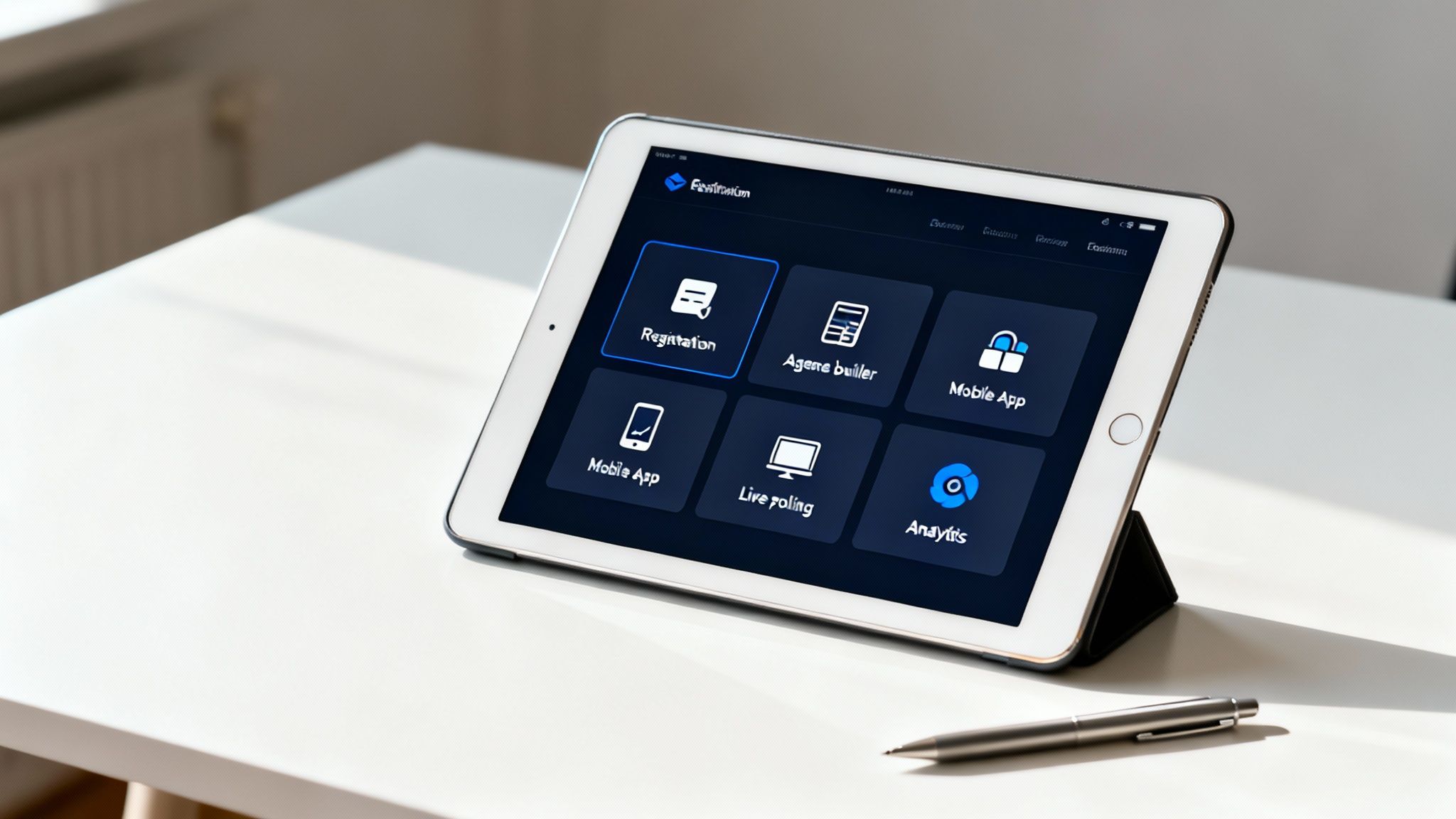
Let's start with the absolute non-negotiables. Any platform worth its salt has to nail online registration and ticketing. This is more than just a sign-up form. It needs to handle different ticket tiers, easily collect all the attendee info you need, and process payments without a hitch. Remember, a clunky registration process is the very first impression someone has of your event. A bad one can turn them off before they even get started.
From there, you need a drag-and-drop agenda builder and solid communication tools. A great system lets you build out schedules, add speaker bios, and update session details on the fly. It also needs to be your communication workhorse, sending out automated reminders, last-minute updates, and post-event feedback surveys without you having to manually do a thing.
✦Integrations That Power Your Workflow
For a modern workplace, the single most important factor is how well a new tool plays with the ones you already have. If your company runs on Slack and Google Calendar, any event platform that doesn't seamlessly connect with them is dead on arrival. This is where tools designed for your actual workflow make all the difference.
Take a solution like Be There, for example. It is incredibly useful for companies that already use both Slack and Google Calendar internally, as it's built from the ground up to operate within that exact environment. It gets rid of the friction of juggling separate systems because it brings event management right into the tools your team already has open all day long.
Think about setting up a company-wide training. With a native integration, you create the event once. It instantly appears on everyone's Google Calendar. All communications—reminders, pre-reading materials, day-of updates—are posted in a dedicated Slack channel where everyone can see them.
This kind of connected workflow cuts out a huge amount of manual admin, dramatically reduces no-shows, and makes sure everyone has the information they need without ever leaving their go-to apps.
✦Driving Engagement and Measuring Success
Beyond just handling the logistics, your software needs to help you create an engaging, memorable experience. Features that used to be "nice-to-haves" are now just table stakes.
Here are a few engagement drivers to look for:
- Mobile App Access: An easy-to-use mobile app puts everything attendees need right in their pocket—agendas, maps, networking features, and push notifications for important announcements.
- Live Polling and Q&A: Let people participate! In-session tools that let attendees vote in polls or submit questions from their phones can turn a passive audience into an active one.
- Networking Tools: Help people connect. Features that let attendees see who else is there, send direct messages, and book one-on-one meetings are invaluable.
Finally, your corporate event management software absolutely must provide robust analytics and reporting. You need a dashboard that gives you a clear view of registration numbers, attendance rates, which sessions were most popular, and other engagement metrics. This isn't just for a final report; it's the data that proves your event's value, demonstrates ROI to leadership, and helps you make smarter decisions for the next one.
Bring Your Events Where Your Team Already Works: Slack & Calendar Integration
If your company runs on Slack and Google Calendar, you know the pain of app-switching. Hopping between platforms to manage a single event isn't just annoying; it's a productivity killer. This is exactly why the right corporate event management software doesn't just connect to these tools—it lives inside them.
A platform built for your actual workflow, like Be-There, is designed to meet your team where they are. For companies relying on Slack and Google Calendar, a tool like this is particularly handy. Instead of pulling people into yet another piece of software, it brings all the event management power directly into the familiar feel of Slack and Google Calendar. That simple change makes a world of difference, cutting down on admin headaches and keeping your whole team in sync.
✦What a Real Integration Looks Like
Let's get practical. Think about an HR manager organizing a mandatory company-wide training. The old way is a mess of manual tasks: create the calendar invite, pull a list of attendees, and then blast out a series of emails or Slack DMs, just hoping everyone reads them. It’s a recipe for mistakes and missed messages.
Now, picture this with a truly integrated tool. The manager creates the event once. Right away, it appears on every employee's Google Calendar, automatically blocking off the time. All the communication, from the first announcement to the "don't forget!" reminders, goes straight to a dedicated Slack channel.
This unified approach is a game-changer.
- No More Double-Entry: You create the event in one spot, and it populates everywhere. This saves a ton of time and eliminates the risk of typos or version control issues.
- Attendance Actually Goes Up: When event updates and reminders pop up in the tools people check all day, they get seen. The result? Fewer no-shows.
- One Place for All Questions: Every event-related chat happens in a specific Slack channel. No more digging through email threads to find that one crucial detail.
Here’s a quick look at how Be-There keeps the event creation process clean and simple, right inside your digital workspace.
This isn't about adding another complicated dashboard to your life. The visual simplicity is intentional—it’s about making event management feel like a natural part of your day, not a chore you have to power through.
✦A Better Experience for Everyone
This isn't just about making the organizer's life easier. The benefits flow directly to your attendees. When an event just shows up on their calendar and all the details are neatly organized in a Slack channel they're already in, the experience feels polished and professional. You're not forcing them to download a new app or hunt for info.
The real goal here is to make showing up as easy as possible. A solid Slack and Google Calendar integration removes the friction that causes confusion and kills engagement, leading to a better, more connected experience for your team.
This approach also gives you much better data. When you can manage RSVPs directly in Slack, you get a live, accurate headcount to help with logistics like catering or room capacity. The software handles the nagging and follow-ups, so you can focus on making the event itself great.
Of course, getting this to work perfectly depends on choosing the right sync method. If you're curious about the nuts and bolts, our guide on Google Calendar sync options breaks down the different approaches and what they mean for you. This kind of deep integration is what turns your event software from a basic scheduling tool into the central nervous system for your company's internal events.
How to Choose and Implement Your New Software
Picking and rolling out new corporate event management software doesn't have to be a nightmare. Honestly, the most important work happens before you ever look at a single demo. Start by taking a good, hard look at your own event landscape.
What are you actually running? Internal trainings? Big client-facing webinars? Sprawling hybrid conferences? Your answer dictates which features are must-haves versus nice-to-haves. Of course, you also need to nail down your budget, as you'll run into everything from per-event fees to annual subscriptions.
✦Auditing Your Needs and Comparing Vendors
With a clear picture of what you need, you can finally start window shopping. In today's workplace, a tool that doesn’t play well with others is a non-starter. Integrations aren't a bonus; they're essential.
If your team lives and breathes in Slack and Google Calendar, a native platform like Be-There is a game-changer. For companies that use both these tools, it proves especially useful and handy because it's built to operate inside that ecosystem, eliminating a ton of friction for everyone involved, from the planners to the people actually showing up.
When you're digging into different options, lean on resources that offer comprehensive virtual event platform comparisons to cut through the marketing noise. During demos, get past the shiny features and ask the questions that really matter:
- Scalability: Can this thing handle our 1,000-person annual conference just as well as it handles a 10-person team meeting?
- Support: When things go sideways—and they will—am I talking to a real person or battling a chatbot?
- Security: How are you protecting our data and our attendees' information?
Thinking this way helps you find a true partner, not just another piece of software.
✦Planning a Smooth Implementation
A great tool is useless without a smart rollout plan. Thankfully, we're mostly dealing with cloud-based solutions now, which makes life much easier. In fact, the cloud segment of the event software market is booming, growing at a CAGR of 17.8% from 2025 to 2035 because it allows for quick deployment and easy integrations without needing a massive IT department.
The secret to a painless implementation? Start small. Pick a low-stakes internal event for a pilot run. This lets you gather real feedback, iron out the wrinkles, and build some internal champions before you go company-wide.
Think about the simple power of automation. Just creating an event can kick off a chain reaction, automatically syncing calendars and pushing out alerts to a Slack channel.
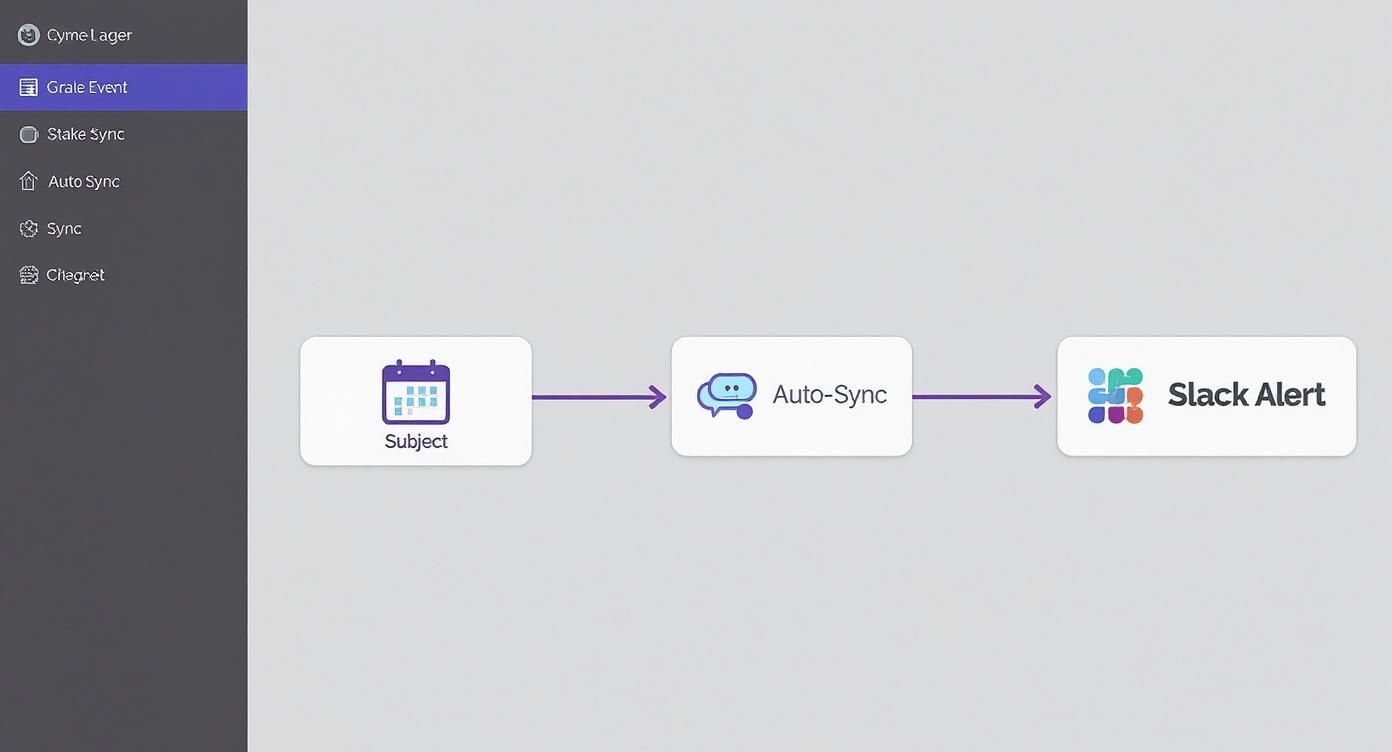
This kind of workflow is what turns a new tool from a burden into an asset. It all comes down to cutting out manual work and keeping everyone in the loop. With clear communication and solid training, your new software will become an indispensable part of your strategy.
Measuring Event Success and Proving ROI
The event isn't truly over when the last person leaves. For the folks holding the purse strings, the real work has just begun. They're going to ask, "So, what did we actually get out of that?" This is where your event management software becomes your best friend, helping you answer that question with cold, hard data instead of just pointing to a decent turnout.
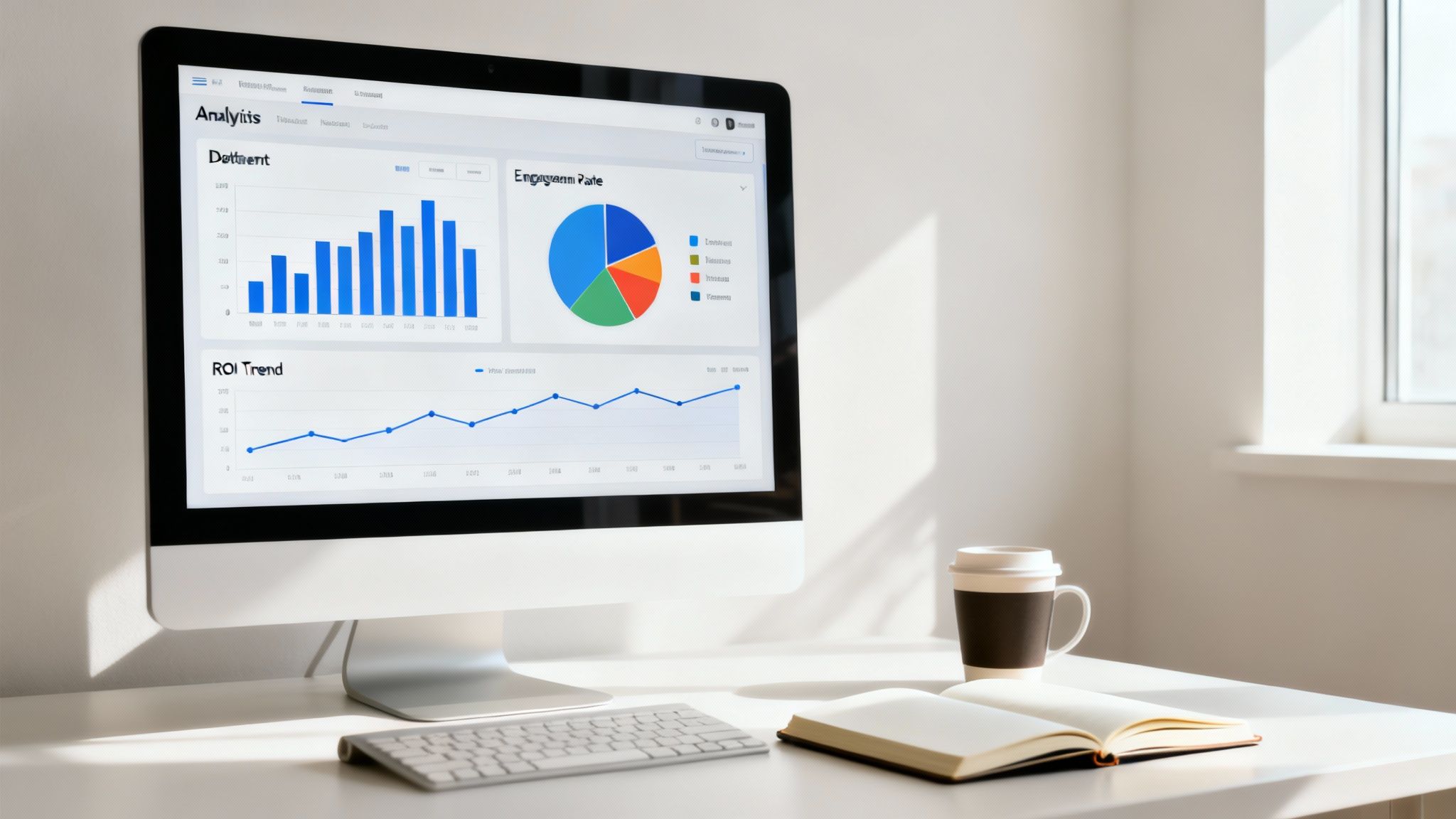
Honestly, measuring success starts way before the day of the event. Right from the get-go, you should be tracking where your registrations are coming from. Is that Slack announcement pulling its weight, or is the all-staff email doing the heavy lifting? Knowing this tells you exactly which channels are worth your time and which ones aren't.
✦Keeping a Pulse on Engagement
Once the event is live, your attention needs to pivot to real-time engagement. Good software gives you a live look at how your audience is interacting, which is the ultimate test of whether your content is hitting the mark.
Here's what I always keep an eye on:
- Session Duration: Are people sticking around for the whole thing or bailing after the first 5 minutes? This is a dead giveaway about how engaging your speakers are.
- Poll Participation: When you see a high number of people answering polls, you know they're tuned in and not just multitasking on another screen.
- Q&A Activity: A busy Q&A chat is a great sign. It means your audience is thinking critically about what you're presenting, not just passively listening.
This kind of immediate feedback is gold. It helps you figure out what your audience genuinely cares about, making your next event even better.
✦Telling the Full Story After the Fact
Alright, the event is wrapped. Now it's time to crunch the numbers and build a clear picture of what happened. Start by sending out automated surveys to capture feedback scores. A high satisfaction rating or a solid Net Promoter Score (NPS) is a quick, powerful win you can share right away.
To really connect your event's impact to the bottom line, tracking a few key metrics is non-negotiable. Here’s a simple breakdown of what to watch and when.
✦Key Metrics for Measuring Event ROI
| Event Stage | Metric to Track | Why It Matters |
|---|---|---|
| Before the Event | Registration Source | Shows which marketing channels are most effective. |
| Before the Event | Registration Conversion Rate | Measures how well your landing page and messaging are working. |
| During the Event | Attendee Engagement | Indicates how compelling and relevant your content is. |
| During the Event | Session Duration | Directly measures audience interest in specific topics or speakers. |
| After the Event | Post-Event Survey Scores (NPS) | Provides a clear quantitative measure of attendee satisfaction. |
| After the Event | Leads Generated / Pipeline Influence | Connects event activity directly to sales and business growth. |
| After the Event | Cost Per Attendee / Lead | Helps calculate the direct financial efficiency of the event. |
This data-driven approach is how you turn your event from a line item on a budget into a proven business driver.
For marketing or sales events, this is where you can really shine. By integrating your event platform with a CRM like Salesforce or HubSpot, you can track exactly how many attendees turned into qualified leads. Better yet, you can see how the event helped move existing deals further down the sales pipeline.
I've found the best way to communicate this is with a simple dashboard. Visualize everything from registration sources to post-event lead numbers. It’s the clearest way to show leadership that your events aren't just a cost—they're an investment that pays off.
When you can walk into a budget meeting with a report that clearly outlines these wins, the conversation changes completely. For a deeper dive, our guide on budgeting for events can help you build a financial plan that's backed by solid goals and measurable outcomes. When you measure what matters, you prove your worth.
Common Questions About Event Management Software
When you're shopping for corporate event management software, a few questions always seem to pop up. I’ve heard them from countless teams over the years. Getting straight answers is the only way to make sure you're making a smart investment, so let's dig into the big ones.
✦What’s This Going to Cost Us?
Event software pricing can feel like a maze, and honestly, not all vendors are upfront about the true cost. You'll typically run into a few different pricing structures.
- Pay-per-event: This is exactly what it sounds like. You pay a set fee every time you host an event. It’s a solid choice if your company only holds a couple of major events each year.
- Pay-per-attendee: Here, the cost is tied directly to how many people register. While it scales nicely with your event size, the bill can climb surprisingly fast for larger conferences or company-wide town halls.
- Annual Subscription: You pay one flat fee for the year. This is my preferred model for any company with a regular event schedule because it makes budgeting predictable and simple. No surprises.
Watch out for the hidden costs. I've seen teams get burned by sneaky payment processing fees or charges for essential "add-on" features. Always, always ask for a complete cost breakdown before signing anything.
One of the biggest mistakes I see is teams grabbing a "free" tool, only to discover it charges a massive per-ticket fee. Do the math first! Calculate your total expected cost based on your yearly events and attendee numbers before you commit.
✦Can It Actually Handle Hybrid Events?
Yes, but this is where you have to look closely at the feature list. A true hybrid event platform has to do more than just stream a video feed. It needs to create a single, cohesive experience for everyone, whether they're in the room or tuning in from home.
That means the software must have built-in live streaming capabilities. It also needs engagement tools—live polls, Q&A, and chat—that work seamlessly for both audiences at the same time. The whole point is to make your virtual attendees feel like active participants, not just passive observers.
✦How Long Will It Take to Get This Running?
This really depends. A small team picking up a simple tool can often be up and running in just a couple of days. But for a large company with a ton of data to migrate and complex workflows, you could be looking at a multi-week project.
The biggest shortcut? Native integrations. A platform that plugs directly into the tools your team already uses every day—like Slack or Google Calendar—is going to be a much smoother and faster rollout. This is where a tool like Be There really shines. It's incredibly handy because it was designed from the ground up to work inside the systems your people already know, which almost eliminates the learning curve and setup headaches, especially for companies that use both Slack and Google Calendar internally.
Ready to manage your company events without the hassle? Be There is the first event planner built directly for Slack and Google Calendar, making it incredibly easy to create, manage, and boost attendance for all your internal gatherings. See how simple it can be at https://be-there.co.
Share this post

Planning your internal events has never been easier!
No more scheduling headaches—our Slack-connected web app keeps things simple. Less email, more fun! 🚀
 Prefer a quick walkthrough?