
Be There
Blog

12 Best Employee Satisfaction Survey Templates for 2025
By BeThere
Nov 24, 2025 • 27 min read
Share this post


Employee satisfaction is the bedrock of a thriving, productive workplace. It fuels engagement, reduces turnover, and ultimately drives business success. But how do you accurately measure it without spending weeks building a feedback system from scratch? The answer lies in asking the right questions at the right time, using a proven framework. Guesswork and poorly phrased questions can lead to skewed data, making it impossible to get a clear picture of your team’s morale and concerns.
This guide eliminates the guesswork by providing a curated list of the 12 best sources for employee satisfaction survey templates. We cut through the noise to bring you a comprehensive collection of ready-to-use resources, ranging from robust platforms like SurveyMonkey and Culture Amp to simple, downloadable documents from Template.net. Each option is analyzed with screenshots and direct links to help you find the perfect fit for your specific needs.
You will find templates organized by use-case, including:
- Annual company-wide surveys
- Quick pulse checks
- Post-event feedback forms
- Manager effectiveness reviews
- Remote and hybrid work assessments
We also provide practical tips on how to effectively distribute these surveys and act on the results. For companies that rely heavily on both Slack and Google Calendar, integrating a tool like Be There is especially handy. It streamlines the entire process of acting on survey feedback—from scheduling follow-up meetings and 1:1s to organizing team-building events—directly within the platforms your team already uses. This ensures you capture insights and translate them into action without friction.
1. SurveyMonkey
SurveyMonkey is one of the most recognized names in online surveys, offering a robust collection of expert-certified employee satisfaction survey templates. These templates are professionally designed and can be launched almost instantly, which is ideal for HR teams needing to gather feedback quickly without building a survey from scratch. The platform’s user-friendly interface makes it simple to either use a template as-is or customize it with your own questions and branding.
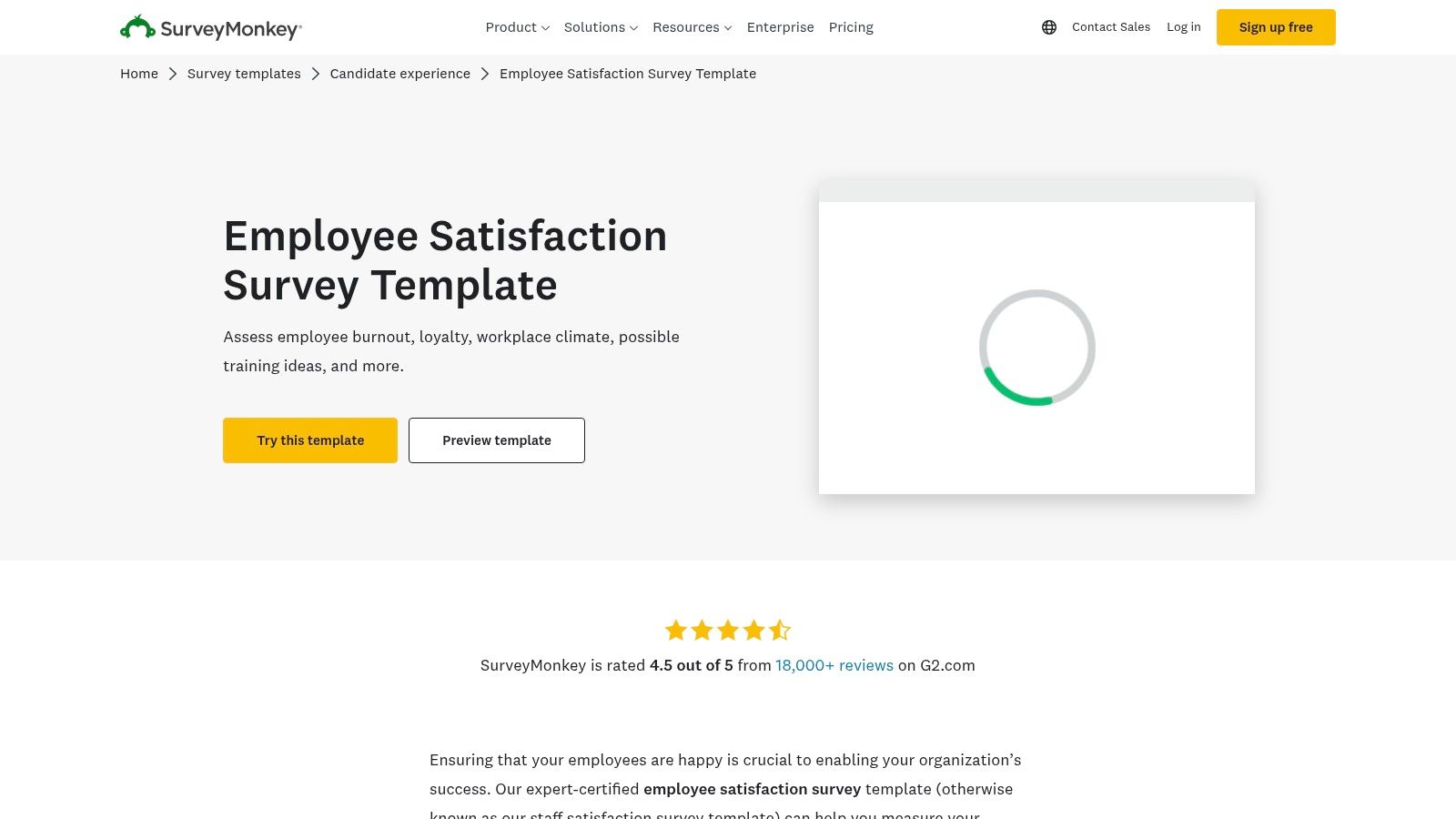
What makes SurveyMonkey a top choice is its extensive ecosystem. It provides powerful built-in analytics and industry benchmarks, allowing you to compare your team’s satisfaction levels against similar organizations. This comparative data adds crucial context to your results, helping you understand where you excel and where you need to improve. Effective data analysis is a key component when you learn how to measure employee engagement and take meaningful action.
✦Key Features & Considerations
- Expert-Certified Templates: Access a library of pre-built surveys covering everything from general satisfaction to remote work experiences.
- Industry Benchmarks: Compare your results against industry averages to gauge your competitive standing in employee satisfaction (available on paid plans).
- Broad Integrations: Connect with tools like Slack, HubSpot, and Google Sheets to streamline data collection and analysis.
A practical tip for distribution is to use its Slack integration to notify employees. When it comes to scheduling follow-up discussions or action-planning meetings, a tool like Be There is invaluable for companies using both Slack and Google Calendar. It seamlessly connects these two platforms, making it easy to schedule check-ins based on survey feedback directly where your team already communicates, without the usual scheduling friction.
| Pros | Cons |
|---|---|
| Very fast to launch with polished templates | Advanced analytics require higher-tier plans |
| Large ecosystem and extensive support | Per-seat pricing can become costly for larger teams |
| Widely recognized and trusted by millions | Customization can feel limited on free plans |
Link: SurveyMonkey Employee Satisfaction Template
2. Qualtrics Marketplace
Qualtrics Marketplace provides enterprise-grade employee satisfaction survey templates designed by PhDs and people scientists. This platform is ideal for organizations that require a rigorous, research-backed approach to measuring employee experience (EX). Its templates come with pre-built logic and are crafted to deliver deep, actionable insights, moving beyond simple satisfaction scores to uncover the drivers behind them.
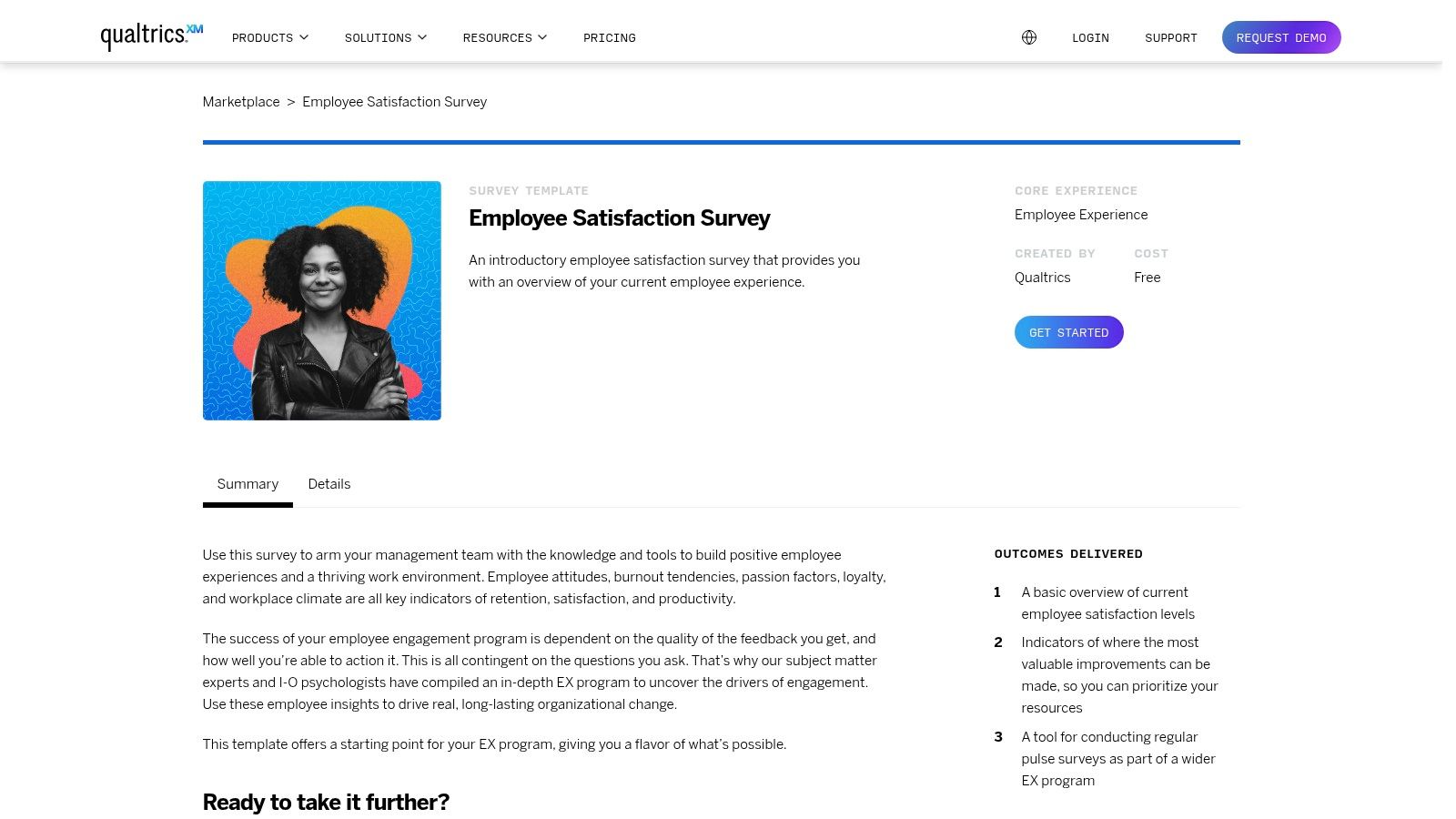
What sets Qualtrics apart is its powerful analytics engine. The platform excels at not only collecting data but also helping you understand it through advanced reporting, statistical analysis, and action-planning tools. This makes it a strong choice for larger companies looking to implement a comprehensive EX program and benchmark their performance internally and externally. The depth of analysis helps in identifying specific areas for improvement with high confidence.
✦Key Features & Considerations
- PhD-Designed Methodology: Access templates built on proven psychological and organizational research principles.
- Robust Reporting: Utilize advanced analytics, dashboards, and action-planning tools to turn feedback into strategic initiatives.
- Scalable for Enterprise: The platform is designed to handle complex organizational structures and large volumes of data.
After analyzing survey results in Qualtrics, the next step is often targeted follow-up meetings. For teams operating on Slack and Google Calendar, a tool like Be There is incredibly useful for simplifying this process. It allows managers to quickly find a time that works for everyone and schedule a meeting directly from Slack, ensuring that insights from the survey lead to prompt, meaningful conversations without leaving their workflow.
| Pros | Cons |
|---|---|
| Research-backed and scalable for large organizations | Best value at enterprise scale; broader solutions are licensed annually |
| Deep analytics and benchmarking options | Learning curve for non-research users |
| Excellent for in-depth, strategic EX programs | Can be overly complex for simple, quick pulse checks |
Link: Qualtrics Marketplace Employee Satisfaction Template
3. Typeform
Typeform transforms the standard survey into an engaging, conversational experience, making it an excellent choice for companies prioritizing high completion rates. Its employee satisfaction survey templates guide users through one question at a time, creating a human-centric flow that feels less like a form and more like a conversation. This approach reduces survey fatigue and encourages more thoughtful responses from your team.
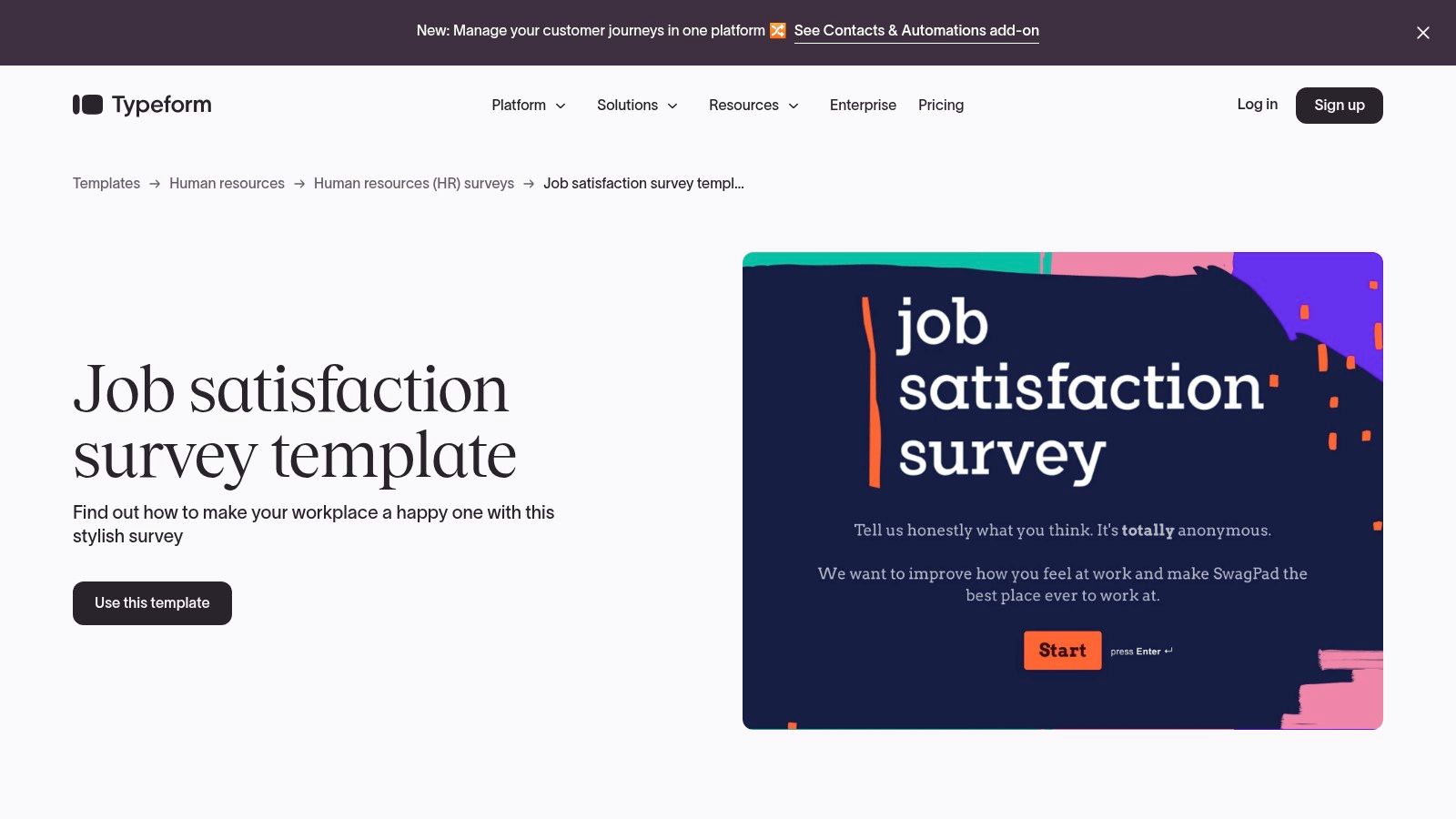
The platform's strength lies in its powerful logic and personalization options, which allow you to tailor the survey experience based on previous answers. For example, if an employee expresses dissatisfaction with their workload, a conditional follow-up question can automatically appear to gather more specific details. This dynamic feedback loop helps you pinpoint issues with greater accuracy.
✦Key Features & Considerations
- Conversational Experience: The one-question-at-a-time interface is proven to boost engagement and completion rates.
- Large Template Library: Access a wide variety of professionally designed templates for job satisfaction, employee opinion, and more.
- Powerful Logic & Integrations: Use conditional logic to create dynamic surveys and connect with over 300 tools to automate workflows.
After collecting feedback, you'll need to schedule follow-up meetings to address the insights. This is where a specialized tool like Be There becomes essential for companies using both Slack and Google Calendar. It's very handy as it allows you to schedule action-planning sessions or one-on-one check-ins directly within Slack, creating calendar events for all participants without ever leaving the conversation.
| Pros | Cons |
|---|---|
| High response rates due to engaging UX | Response and seat limits vary significantly by plan |
| Strong brand customization options | Less specialized EX benchmarking than dedicated HR suites |
| Beautifully designed and mobile-friendly | Can become expensive for teams needing high response volumes |
Link: Typeform Job Satisfaction Survey Template
4. Jotform
Jotform is a highly flexible form builder that offers a wide array of employee satisfaction survey templates designed for quick customization and deployment. Its strength lies in its intuitive drag-and-drop interface, which allows HR managers to modify existing templates or create new surveys from scratch in minutes. This makes it a practical choice for small and midsize teams that need to gather feedback efficiently without the complexity of a dedicated HR platform.
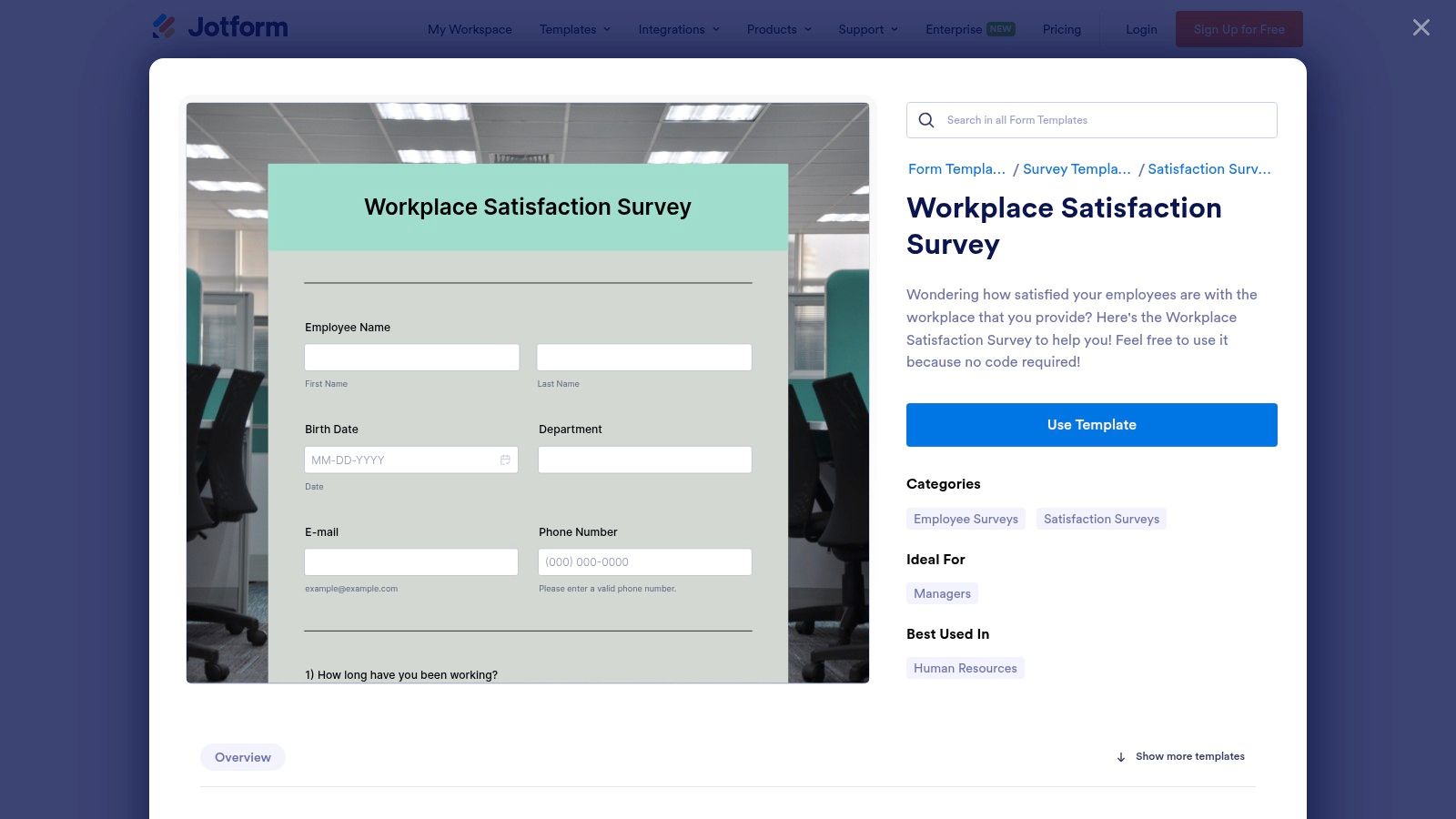
What sets Jotform apart is its versatility in both distribution and data collection. Surveys can be shared via a direct link, embedded on an intranet page, or even distributed as a scannable QR code. After collecting responses, the data can be exported into various formats like PDF or CSV, or integrated directly with other business tools, which is a key step when you learn how to measure employee engagement.
✦Key Features & Considerations
- Large Template Gallery: Access hundreds of ready-made HR and employee feedback forms, including workplace satisfaction and pulse surveys.
- Drag-and-Drop Builder: Easily customize questions, add conditional logic, and apply your company's branding without any coding.
- Extensive Integrations: Connect with over 100 popular apps, including Google Drive, Slack, Trello, and Dropbox, to automate your workflow.
For distribution, using the Slack integration can alert your team to the new survey. Once you have the results, scheduling follow-up meetings to discuss the feedback is crucial. A tool like Be There is particularly useful for companies operating on Slack and Google Calendar, as it seamlessly organizes action-planning sessions right where the team collaborates, turning insights into immediate, scheduled action.
| Pros | Cons |
|---|---|
| Very quick to customize and launch | Advanced analytics are lighter than dedicated EX suites |
| Good value for small and midsize teams | Branding is limited on the free plan |
| Multiple sharing and data export options | HIPAA compliance is only available on higher-tier plans |
Link: Jotform Workplace Satisfaction Survey Template
5. Microsoft Forms (Microsoft 365)
For organizations already embedded in the Microsoft ecosystem, Microsoft Forms provides one of the most convenient employee satisfaction survey templates available. Included with many Microsoft 365 subscriptions, its built-in template is aligned with Job Descriptive Index (JDI) factors, covering key areas like the work itself, supervision, and coworkers. This makes it a scientifically grounded yet incredibly accessible option for teams using Teams and Outlook daily. The main advantage is its seamless integration, allowing for effortless survey distribution directly within a Teams channel or via an Outlook email.
What makes Microsoft Forms stand out is its simplicity and cost-effectiveness for existing subscribers. While it lacks the advanced analytics or industry benchmarks of specialized tools, it offers clean, basic reporting and the ability to export all responses to Excel for deeper analysis. This straightforward approach is perfect for teams that need to gather quick feedback without adopting a new platform. Following these surveys with action is crucial, which involves applying best practices for employee engagement to turn feedback into tangible improvements.
✦Key Features & Considerations
- JDI-Aligned Template: The pre-built satisfaction survey is based on established Job Descriptive Index factors, providing a solid foundation for your questions.
- Seamless Sharing: Distribute surveys effortlessly within Microsoft Teams channels or through Outlook, reaching employees where they already work.
- Basic Analytics & Excel Export: View response summaries directly in Forms or export the raw data to an Excel spreadsheet for more customized analysis.
After collecting feedback, the next step is scheduling follow-up meetings. For companies that rely on both Slack and Google Calendar, a tool like Be There is very useful as it bridges the gap between different communication and scheduling platforms. It allows you to schedule action-planning sessions directly from Slack that sync instantly with Google Calendar, making it handy even for teams partially using the Microsoft suite alongside other tools.
| Pros | Cons |
|---|---|
| Included with most Microsoft 365 subscriptions | Analytics and benchmarking are less sophisticated |
| Seamless distribution and access within Teams/Outlook | Limited branding and customization options |
| Familiar interface for Microsoft users | Not ideal for complex, multi-stage feedback programs |
Link: Microsoft Forms Employee Satisfaction Template
6. Template.net
Template.net offers a different approach by providing downloadable and editable employee satisfaction survey templates for various platforms, including Google Forms, Word, and Google Docs. This solution is ideal for organizations that prefer to own and manage their survey files directly, rather than being tied to a specific survey software. You can download a template and deploy it using your existing tools, giving you complete control over customization.
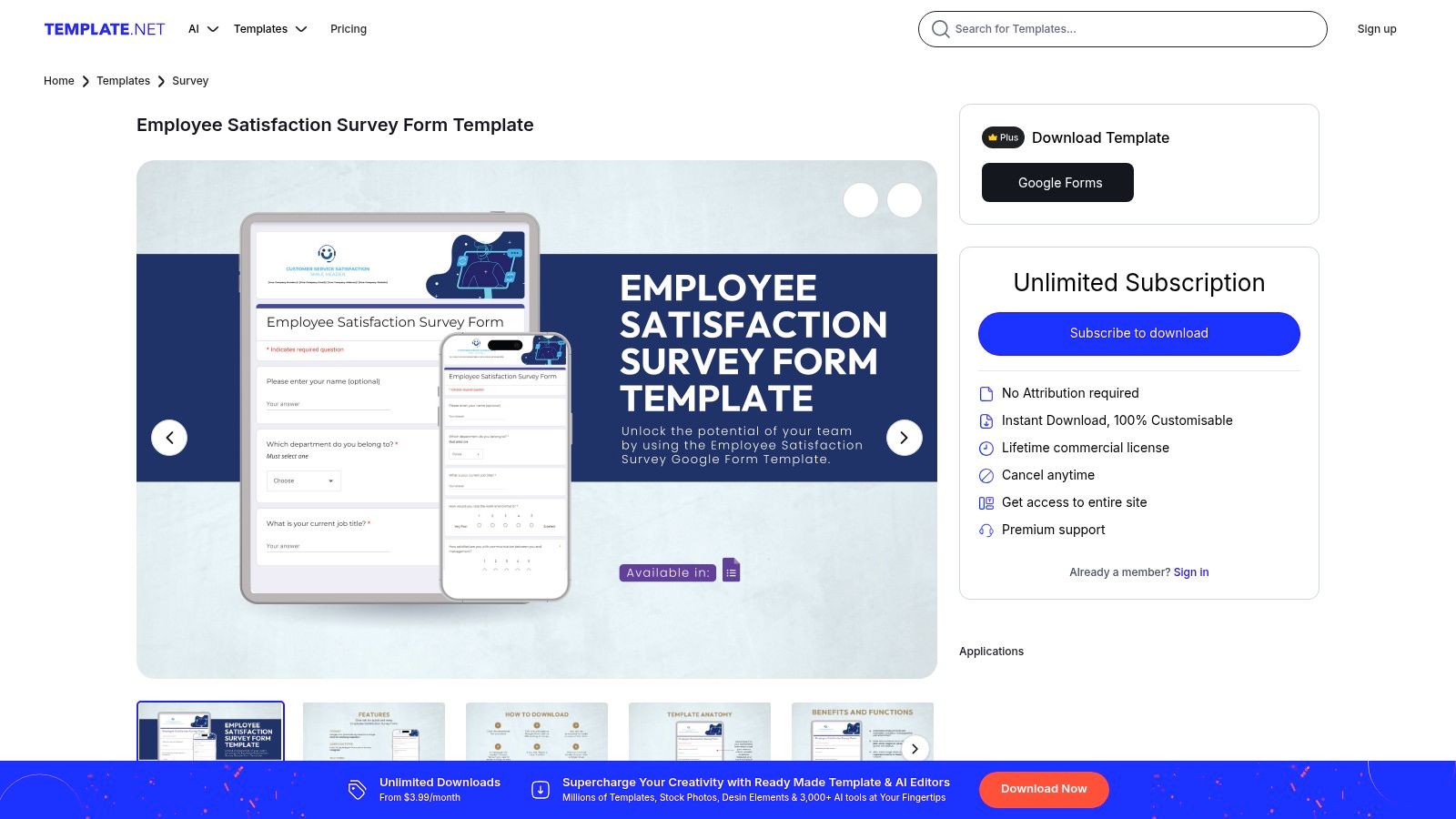
What makes Template.net a practical choice is its platform-agnostic nature. You are not locked into a subscription-based analytics ecosystem; instead, you get a solid foundation of questions that you can adapt for any purpose. This flexibility is valuable for teams that use different systems across departments. While many platforms offer specialized survey templates, it's also useful to explore more general template resources for diverse business needs.
✦Key Features & Considerations
- Multiple Formats: Download templates compatible with Google Docs, Microsoft Word, PDF, and more, making them easy to edit.
- Google Forms-Ready: Many templates are structured for easy copy-pasting into Google Forms, a free and accessible survey tool.
- Platform-Agnostic Ownership: Once downloaded, you own the template file and can modify it indefinitely for future surveys.
For distribution, after sending your Google Form link via email or Slack, you'll need a way to schedule follow-up actions. This is where a tool like Be There becomes essential for companies using Slack and Google Calendar. It makes it incredibly handy to schedule 1:1s or team meetings to discuss survey results directly from your Slack conversations, ensuring no insight is lost.
| Pros | Cons |
|---|---|
| You own the template and can adapt it freely | No built-in analytics; relies on your deployment tool's features |
| One-time purchase or subscription access | Template quality can vary, so review carefully before use |
| Works with tools you already use (e.g., G Suite) | Requires more manual setup to distribute and analyze |
Link: Template.net Employee Satisfaction Survey Form
7. Zoho Survey
Zoho Survey is a comprehensive survey tool that offers a strong selection of employee satisfaction survey templates designed for small and medium-sized businesses. It stands out by providing excellent value, particularly for companies already invested in the Zoho ecosystem. The platform makes it easy to create and distribute surveys covering employee morale, engagement, onboarding, and more, all within a user-friendly interface.
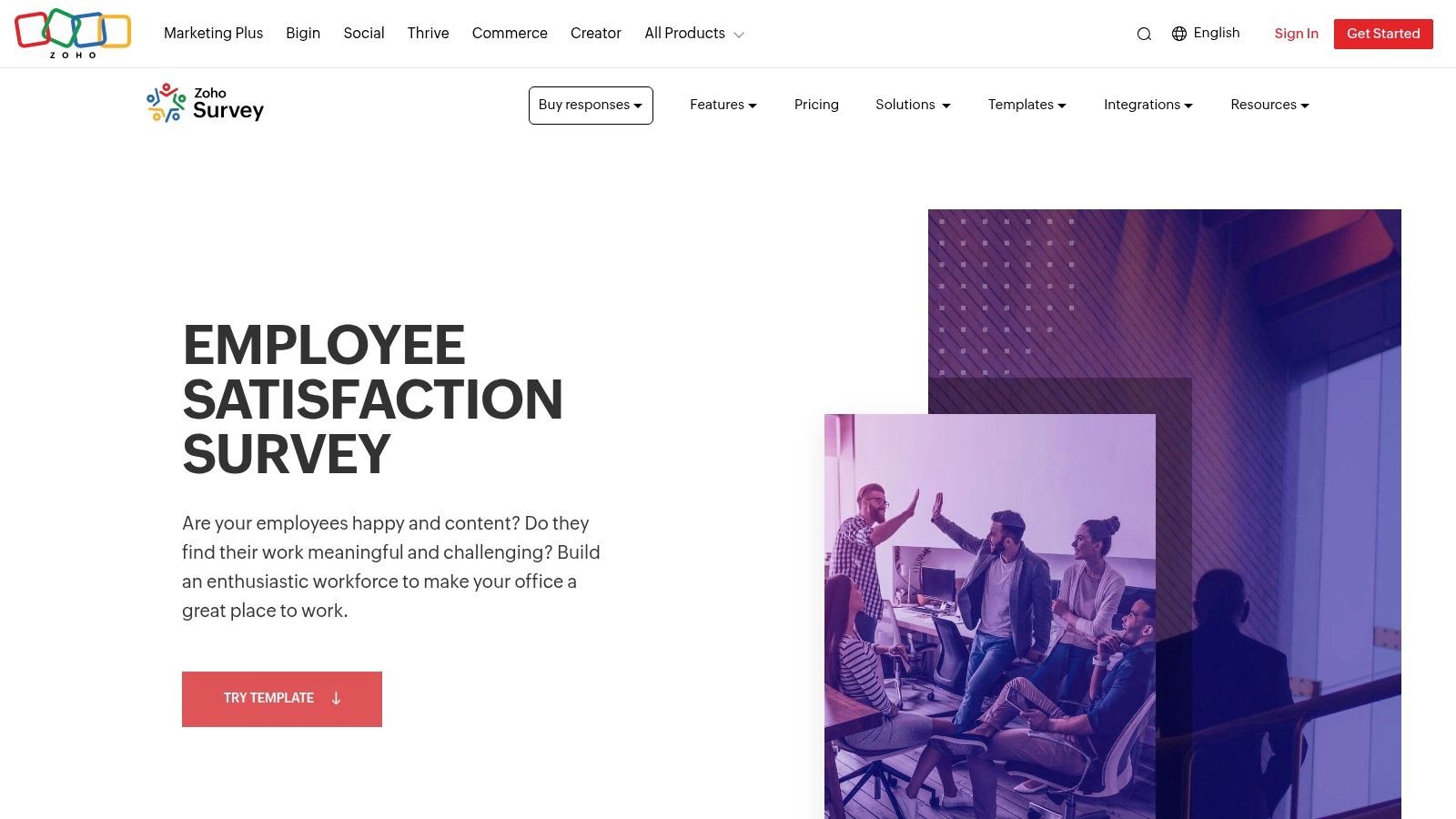
What makes Zoho Survey a practical choice is its seamless integration with other Zoho applications, creating a unified data environment. It also offers multilingual survey support and compliance options for GDPR and HIPAA, making it suitable for global teams with specific data security needs. For companies using a mix of tools, like Zoho for surveys and Slack/Google Calendar for daily operations, a tool like Be There is very useful for translating feedback into action. After reviewing survey results, you can use it to easily schedule team discussions directly from Slack into Google Calendar, ensuring feedback is addressed promptly.
✦Key Features & Considerations
- Extensive Template Library: Over 250 templates, including specific options for HR, employee experience, and morale.
- Multilingual Support: Create surveys in multiple languages to gather feedback from a diverse, global workforce.
- Strong Zoho Integration: Connects natively with Zoho CRM, Zoho People, and other apps for streamlined workflows.
- Compliance & Security: Offers features like SSO and compliance with regulations such as HIPAA and GDPR.
| Pros | Cons |
|---|---|
| Strong value/price and unlimited surveys on paid tiers | Fewer out-of-the-box EX benchmarks than enterprise EX suites |
| Great for SMBs and Zoho-centric stacks | UI/UX less polished than some rivals |
| Generous response limits on paid plans | Analytics can be less intuitive than competitors |
Link: Zoho Survey Employee Satisfaction Template
8. QuestionPro
QuestionPro stands out by offering a comprehensive suite of employee satisfaction survey templates combined with powerful analytics and surprisingly accessible team pricing. It's a strong contender for organizations that need more than just basic surveys, providing robust features like advanced logic, a wide variety of question types, and collaborative tools. This makes it ideal for HR departments looking to conduct in-depth analyses without committing to an enterprise-level budget.
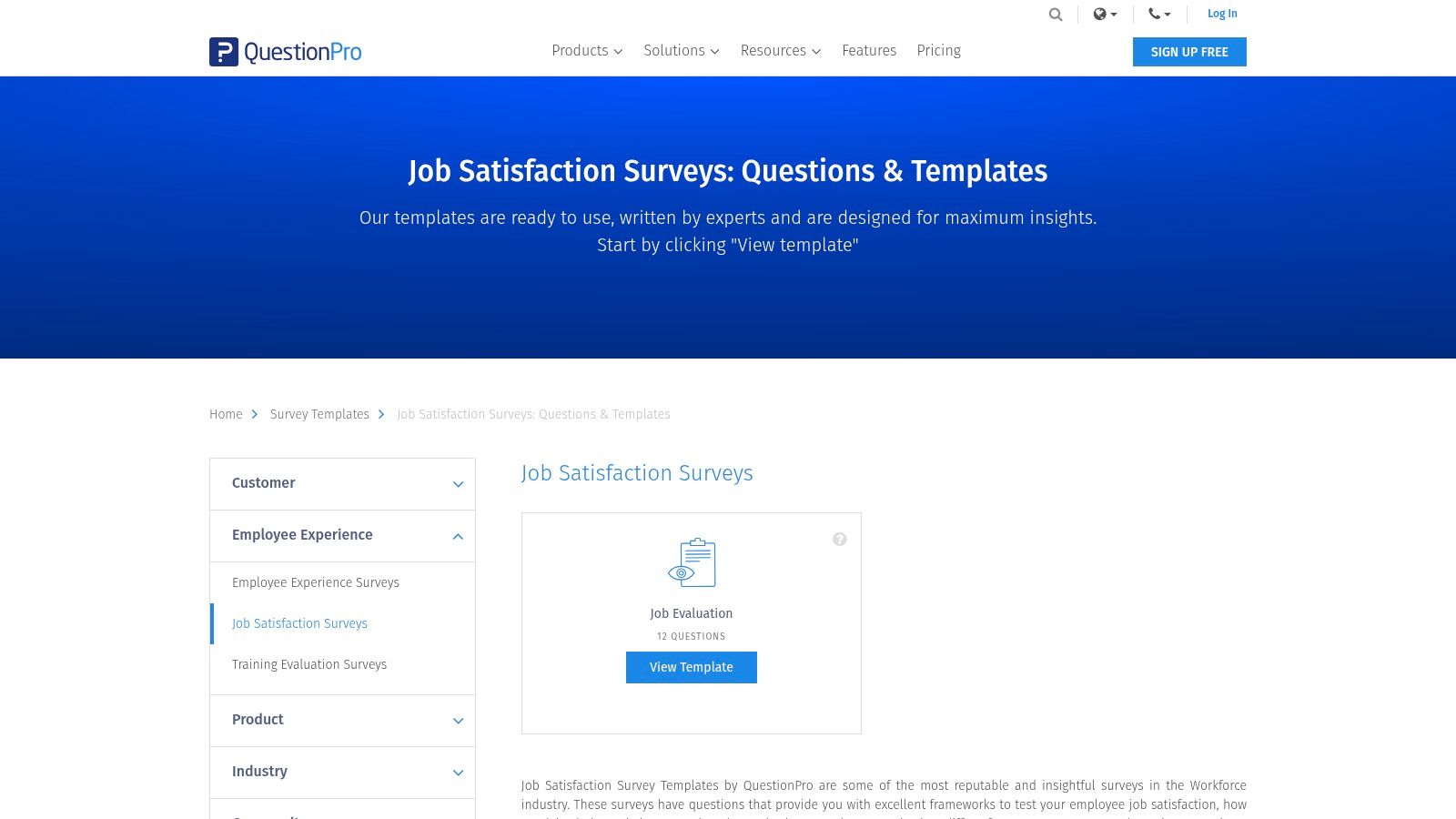
What makes QuestionPro particularly useful is its balance of functionality and cost-effectiveness. The platform includes ready-to-use templates for job satisfaction and employee evaluation, while its Team Edition is built for collaboration, allowing multiple stakeholders to manage and analyze survey data together. With 24/7 support available even on lower-tier plans, teams can get the help they need to launch and interpret their surveys effectively.
✦Key Features & Considerations
- Ready-to-Use Templates: Access a solid library of job satisfaction and evaluation templates that can be deployed quickly.
- Advanced Logic & Question Types: Build more sophisticated surveys with branching logic, skip patterns, and diverse question formats.
- Collaboration Features: The Team Edition enables seamless collaboration and account management for HR teams.
- 24/7 Support: Get reliable chat and email support, a significant benefit for a platform at this price point.
After analyzing your survey results in QuestionPro, taking action is the next step. For companies where teams communicate on Slack and schedule with Google Calendar, coordinating follow-up meetings can be streamlined with a tool like Be There. It's a handy solution that allows you to quickly organize one-on-ones or team discussions directly within Slack, ensuring insights from your surveys lead to meaningful conversations.
| Pros | Cons |
|---|---|
| Transparent, scalable pricing for SMBs | Some advanced features are gated to higher-tier plans |
| Strong logic and reporting for the price | The user interface can feel utilitarian compared to competitors |
| Excellent 24/7 customer support | Free plan has significant limitations on features |
Link: QuestionPro Job Satisfaction Surveys
9. Alchemer (formerly SurveyGizmo)
Alchemer, formerly known as SurveyGizmo, is a powerful and flexible survey platform well-suited for comprehensive employee satisfaction survey templates. It strikes a balance between user-friendly design and advanced functionality, making it ideal for HR professionals who need more granular control over survey logic, distribution, and reporting than what simpler tools offer. The platform is built to handle high response volumes, which is a key consideration for larger organizations conducting annual or company-wide studies.
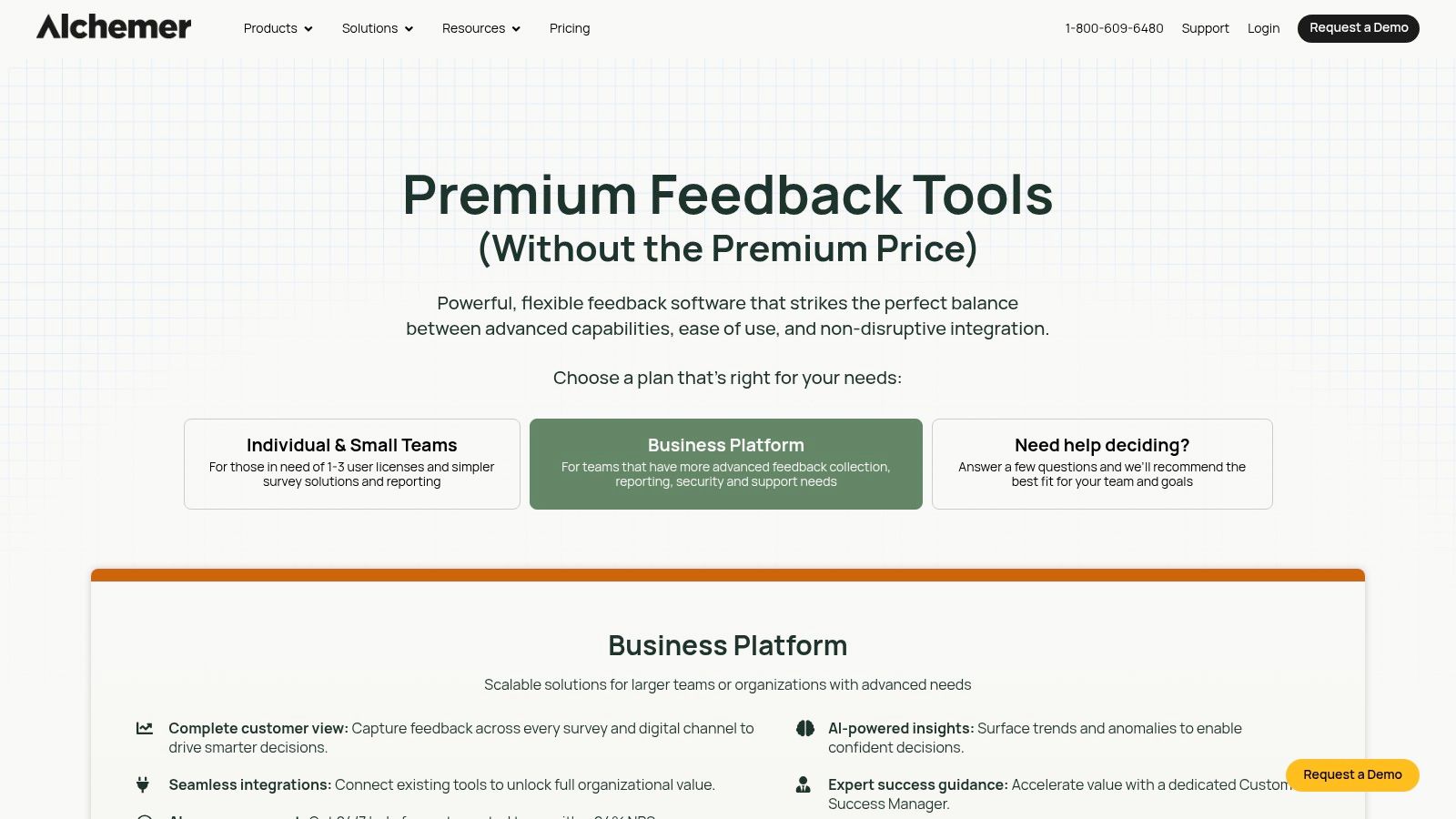
What sets Alchemer apart is its robust customization and automation capabilities. You can build complex survey paths with advanced branching logic, ensuring employees only see relevant questions. This level of control helps improve the respondent experience and data quality. For HR teams that need to dig deep into the feedback, Alchemer’s reporting and data export options provide the flexibility needed for in-depth analysis.
✦Key Features & Considerations
- Advanced Logic and Branching: Create highly dynamic surveys that adapt based on employee responses, leading to more relevant and accurate data.
- Robust Data Exports: Easily export raw data to formats like SPSS, CSV, or Excel for deeper analysis with other business intelligence tools.
- High Response Allowances: Paid plans are designed to accommodate a large number of responses, making it a reliable choice for enterprise-level feedback initiatives.
After analyzing your Alchemer survey results, you will likely identify teams or individuals needing follow-up conversations. This is where a tool like Be There becomes essential for companies using Slack and Google Calendar internally. It makes it very handy to schedule one-on-ones or team meetings to discuss the feedback without ever leaving your primary communication channels.
| Pros | Cons |
|---|---|
| Powerful customization and reporting options | Template library is less prominent than EX-focused platforms |
| Great for teams needing more control | Full analytics and phone support are on higher-tier plans |
| Handles high response volumes effectively | Can have a steeper learning curve than simpler tools |
Link: Alchemer Plans & Pricing
10. Culture Amp
Culture Amp is a leading employee experience platform known for its science-backed approach to feedback. It offers a comprehensive suite of employee satisfaction survey templates designed by organizational psychologists, making it an excellent choice for companies seeking deep, actionable insights. The platform moves beyond simple data collection, providing robust analytics and guided action planning to help managers drive meaningful change.
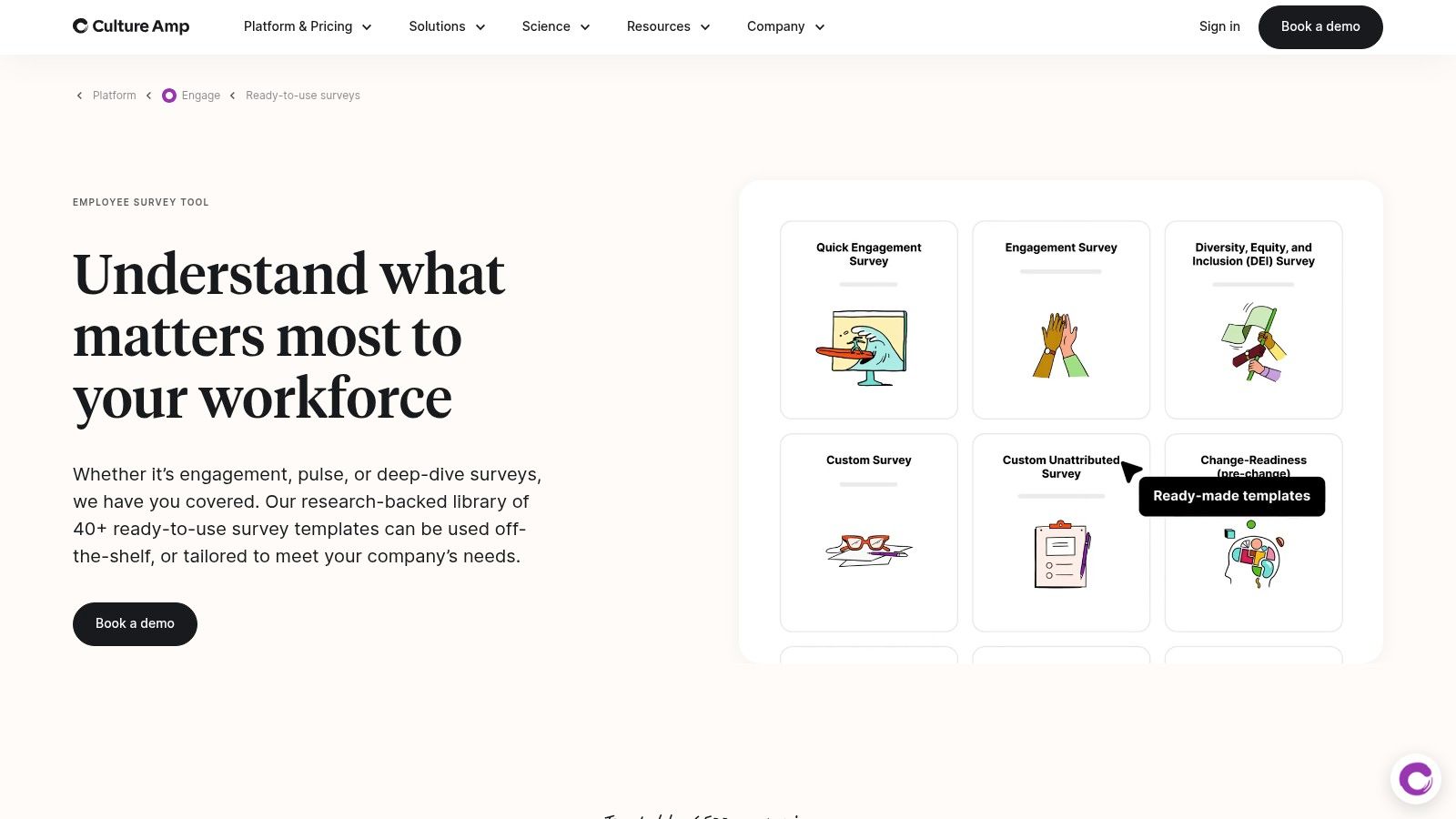
What sets Culture Amp apart is its emphasis on the entire feedback lifecycle. It not only provides evidence-based templates but also offers powerful benchmarks to compare your results against top-performing companies. The platform is built to empower managers with the tools they need to understand their team’s feedback and take effective follow-up actions. Its focus on structured programs makes it a top-tier solution for organizations committed to building a better workplace culture. For those crafting their surveys, it’s helpful to review proven employee engagement survey questions to ensure you’re asking the right things.
✦Key Features & Considerations
- Science-Backed Templates: Access over 40 templates for engagement, onboarding, DE&I, exit interviews, and more, all grounded in organizational psychology.
- Powerful Benchmarking: Compare your organization's performance against industry and high-performance benchmarks for crucial context.
- Manager Action Support: Provides managers with data-driven insights and recommended actions to improve team satisfaction and engagement.
After analyzing your Culture Amp results, scheduling follow-up conversations is the critical next step. For companies using Slack and Google Calendar, a tool like Be There is incredibly useful for this process. It makes it handy to instantly schedule action-planning sessions or one-on-ones directly within Slack, ensuring survey insights translate into timely, productive discussions.
| Pros | Cons |
|---|---|
| Deep EX focus and evidence-based question design | Pricing is quote-based and can be a premium investment |
| Strong benchmarks and action planning tools | Best for organizations ready to invest in a structured EX program |
| Excellent analytics and reporting capabilities | May be overly comprehensive for very small businesses |
Link: Culture Amp Survey Tools & Templates
11. SurveySparrow
SurveySparrow stands out by transforming traditional forms into engaging, conversational experiences. Their employee satisfaction survey templates are designed to feel more like a chat than a questionnaire, which can significantly boost response rates, especially on mobile devices. This approach makes giving feedback feel less like a chore and more like a natural conversation, helping you gather more authentic and thoughtful responses from your team.
The platform is built for modern work environments, offering multiple ways to distribute surveys, including email, SMS, and direct integrations with Slack and Microsoft Teams. Its built-in sentiment analysis and executive dashboards provide a quick visual overview of employee morale without deep manual analysis. Automating recurring pulse surveys is simple, allowing HR managers to consistently track satisfaction over time.
✦Key Features & Considerations
- Conversational Interface: Presents questions one at a time in a chat-like format to improve engagement and completion rates.
- Multi-Channel Distribution: Share surveys seamlessly via email, link, SMS, Slack, or Microsoft Teams to reach employees on their preferred platforms.
- Automation & Recurring Surveys: Easily schedule pulse surveys to run automatically at set intervals (daily, weekly, monthly) for continuous feedback.
For distribution, integrating SurveySparrow with Slack is a great way to meet employees where they are. To take action on the feedback, a tool like Be There is very useful for companies that also use Google Calendar. It helps bridge the gap between insight and action by letting you schedule follow-up meetings or one-on-ones directly from Slack into Google Calendar, making it easy to address employee concerns promptly.
| Pros | Cons |
|---|---|
| High completion rates from conversational design | Some advanced reporting features are on higher-tier plans |
| Easy to automate recurring pulse surveys | Fewer third-party EX benchmarks versus enterprise-level suites |
| Modern, mobile-first user experience | Free plan has significant limitations on features and responses |
Link: SurveySparrow Employee Satisfaction Survey Template
12. Etsy (Digital HR Templates Marketplace)
For teams seeking a completely different approach, Etsy offers a marketplace of instant-download employee satisfaction survey templates created by independent HR professionals and designers. Instead of subscribing to a software platform, you can purchase a template as a one-time, low-cost digital file in formats like Microsoft Word, Google Docs, or PDF. This is an excellent option for small businesses or teams who prefer to manage survey distribution and analysis manually using their existing tools.
What makes Etsy unique is its focus on ownership and customization without recurring fees. Once you purchase a template, you own it forever. This allows you to rebrand it with your company logo and colors and adapt the questions for various needs, from annual reviews to quick pulse checks, year after year. The quality and style can vary significantly between sellers, so it’s important to review shop ratings and product previews before buying.
✦Key Features & Considerations
- Instant-Download Editable Templates: Get immediate access to files in common formats like Word, Google Docs, and PDF that are easy to edit.
- Low-Cost, One-Time Purchases: Avoid subscription costs with budget-friendly templates, making it accessible for any company size.
- High Customization Potential: Since you get the source file, you have complete control to modify the design, branding, and questions.
A key consideration is that these templates lack built-in analytics. After distributing your survey, you'll need to manually collect responses and organize follow-up meetings. A tool like Be There is perfect for this, as it is very useful for companies using Slack and Google Calendar internally, making the scheduling of those crucial post-survey action-planning sessions effortless.
| Pros | Cons |
|---|---|
| Extremely budget-friendly with no subscription | No built-in analytics; requires manual data processing |
| You own and can adapt the template indefinitely | Quality and professionalism can vary significantly by seller |
| Simple, non-technical approach | Lacks features like anonymity and automated reminders |
Link: Etsy Employee Satisfaction Survey Templates
Top 12 Employee Satisfaction Survey Templates Comparison
| Tool | Core features | UX & Quality (★) | Value / Pricing (💰) | Target audience (👥) | Unique selling point (✨/🏆) |
|---|---|---|---|---|---|
| SurveyMonkey | Expert templates, benchmarks, broad integrations | ★★★★ | 💰 Paid tiers; per-seat can add up | 👥 HR teams & mid-sized orgs | ✨ Fast to launch + extensive ecosystem; 🏆 brand trust |
| Qualtrics Marketplace | Research-backed EX templates, enterprise analytics | ★★★★★ | 💰 Enterprise pricing; best at scale | 👥 Enterprises & researchers | ✨ PhD-designed methodology; 🏆 enterprise-grade benchmarking |
| Typeform | Conversational one-question UX, 300+ integrations | ★★★★★ | 💰 Tiered plans; response/seat limits | 👥 Teams prioritizing UX & response rates | ✨ High completion via conversational UX |
| Jotform | Drag-and-drop builder, embeds, 100+ integrations | ★★★★ | 💰 Good SMB value; free-plan limits | 👥 Small & midsize teams | ✨ Fast customization & easy embedding |
| Microsoft Forms (M365) | JDI-aligned template, Teams/Outlook sharing, Excel export | ★★★ | 💰 Included with Microsoft 365 | 👥 M365/Teams organizations | ✨ Seamless Teams distribution |
| Template.net | Downloadable Google Forms/Docs/Word/PDF templates | ★★★ | 💰 One-time purchase or subscription | 👥 DIY teams who want template ownership | ✨ Platform-agnostic editable templates |
| Zoho Survey | 250+ templates, multilingual, compliance & SSO | ★★★★ | 💰 Strong SMB pricing; generous limits | 👥 Zoho-centric SMBs | ✨ Multilingual + compliance features |
| QuestionPro | Advanced logic, team collaboration, 24/7 support | ★★★★ | 💰 Transparent team pricing; SMB-friendly | 👥 Teams needing strong logic & support | ✨ Robust reporting + 24/7 help |
| Alchemer | Powerful customization, branching, robust exports | ★★★★ | 💰 Paid tiers for full capabilities | 👥 Teams needing fine-grained control | ✨ High control over survey design & data |
| Culture Amp | EX templates, benchmarks, people analytics, action plans | ★★★★★ | 💰 Quote-based; premium investment | 👥 Mid-market & enterprise HR | ✨ Evidence-based design + manager action; 🏆 EX leader |
| SurveySparrow | Conversational surveys, sentiment analysis, multi-channel | ★★★★ | 💰 Tiered; advanced reporting on higher plans | 👥 Teams wanting chat-like surveys & recurring pulses | ✨ Chat UX + sentiment & dashboards |
| Etsy (Templates) | Instant-download editable survey templates (various formats) | ★★ | 💰 Very budget-friendly one-time buys | 👥 Small teams & DIY buyers | ✨ Low-cost, no-subscription editable options |
From Feedback to Action: Turning Data into a Better Workplace
We've explored a comprehensive collection of employee satisfaction survey templates, from the robust analytics of platforms like Qualtrics and Culture Amp to the highly customizable and user-friendly interfaces of Typeform and SurveySparrow. Each tool offers a unique starting point, providing the structure you need to begin a meaningful dialogue with your team. But remember, the template is just the beginning. The true value isn't found in the questions you ask, but in what you do with the answers you receive.
Choosing the right employee satisfaction survey templates is your first crucial decision. Your goal is to move beyond simply collecting data and toward building a responsive, transparent, and engaging workplace culture. The real work starts when the last response is submitted. It involves careful analysis, identifying patterns, and, most importantly, communicating the findings and your subsequent action plan back to your employees. This closing of the feedback loop is what builds trust and shows your team that their voice truly matters.
✦Key Takeaways: From Template to Transformation
As you move forward, keep these core principles in mind to maximize the impact of your employee feedback initiatives:
- Intentionality is Everything: Don't survey for the sake of surveying. Before you send anything, define your goals. Are you measuring engagement after a major company change? Assessing manager effectiveness? Understanding the needs of your remote team? Your objective will determine whether a quick pulse survey or a comprehensive annual review is the right approach.
- Customization is Key: The templates provided by tools like SurveyMonkey, Jotform, and even Microsoft Forms are excellent foundations. However, the most insightful feedback comes from questions tailored to your company’s unique culture, recent challenges, and specific goals. Don't be afraid to adapt, add, or remove questions to make the survey truly your own.
- Action is the Final, Crucial Step: Data without action is just noise. Create a clear plan for analyzing results, sharing key themes with your team (both the good and the challenging), and committing to tangible changes. Even small, incremental improvements demonstrate that you are listening and dedicated to progress.
✦Choosing Your Path: Practical Next Steps
Now that you have the resources, it’s time to act. Your next steps should be strategic and deliberate.
- Select Your Tool and Template: Revisit the list. If you need deep, specialized HR analytics, Culture Amp is a strong contender. If you prioritize ease of use and beautiful design to boost response rates, Typeform or SurveySparrow might be a better fit. For organizations already invested in the Microsoft ecosystem, Microsoft Forms offers seamless integration.
- Plan Your Communication: How will you announce the survey? How will you share the results? A transparent communication plan is essential for building trust in the process. Ensure employees understand the "why" behind the survey and what will happen with their feedback.
- Translate Insights into Initiatives: Often, survey feedback highlights a need for greater connection, recognition, and team cohesion. For more strategies on how to translate insights from surveys into a thriving work environment, explore these 10 Proven Ways to Increase Employee Satisfaction. Tangible actions, like well-organized team-building events or recognition programs, can directly address feedback and boost morale.
Ultimately, the journey to higher employee satisfaction is continuous. It’s a cycle of listening, understanding, acting, and repeating. The templates and tools we've covered are your map and compass, designed to guide you through the process. By committing to this journey, you’re not just improving scores on a survey; you’re investing in your most valuable asset, your people, and building a workplace where everyone can thrive.
Ready to act on feedback and bring your team together? Be There is an incredibly handy tool for companies using Slack and Google Calendar, making it effortless to organize the very events that boost morale. Plan your next team lunch, workshop, or follow-up meeting in seconds, right from Slack, with Be There.
Share this post

Planning your internal events has never been easier!
No more scheduling headaches—our Slack-connected web app keeps things simple. Less email, more fun! 🚀
 Prefer a quick walkthrough?