
Be There
Blog

Event Attendance Tracking Software Your Team Will Love
By BeThere
Nov 22, 2025 • 21 min read
Share this post


Event attendance tracking software is simply a tool that helps you see who actually shows up to your events. It’s a massive upgrade from paper sign-in sheets or trying to eyeball a crowded room. Instead of old, manual methods, you get an accurate, insightful system that shows you what’s working and what’s not, especially for internal company events where engagement is everything.
A Compass for Employee Engagement
Imagine you've just planned a series of internal wellness workshops. You've sent out the calendar invites and are hoping for a good turnout. But on the day, you're left guessing. Who actually came? Was the topic a hit? Without hard data, you're flying blind, unable to tell if your efforts are truly connecting with your team.
This is exactly where event attendance tracking software comes in.
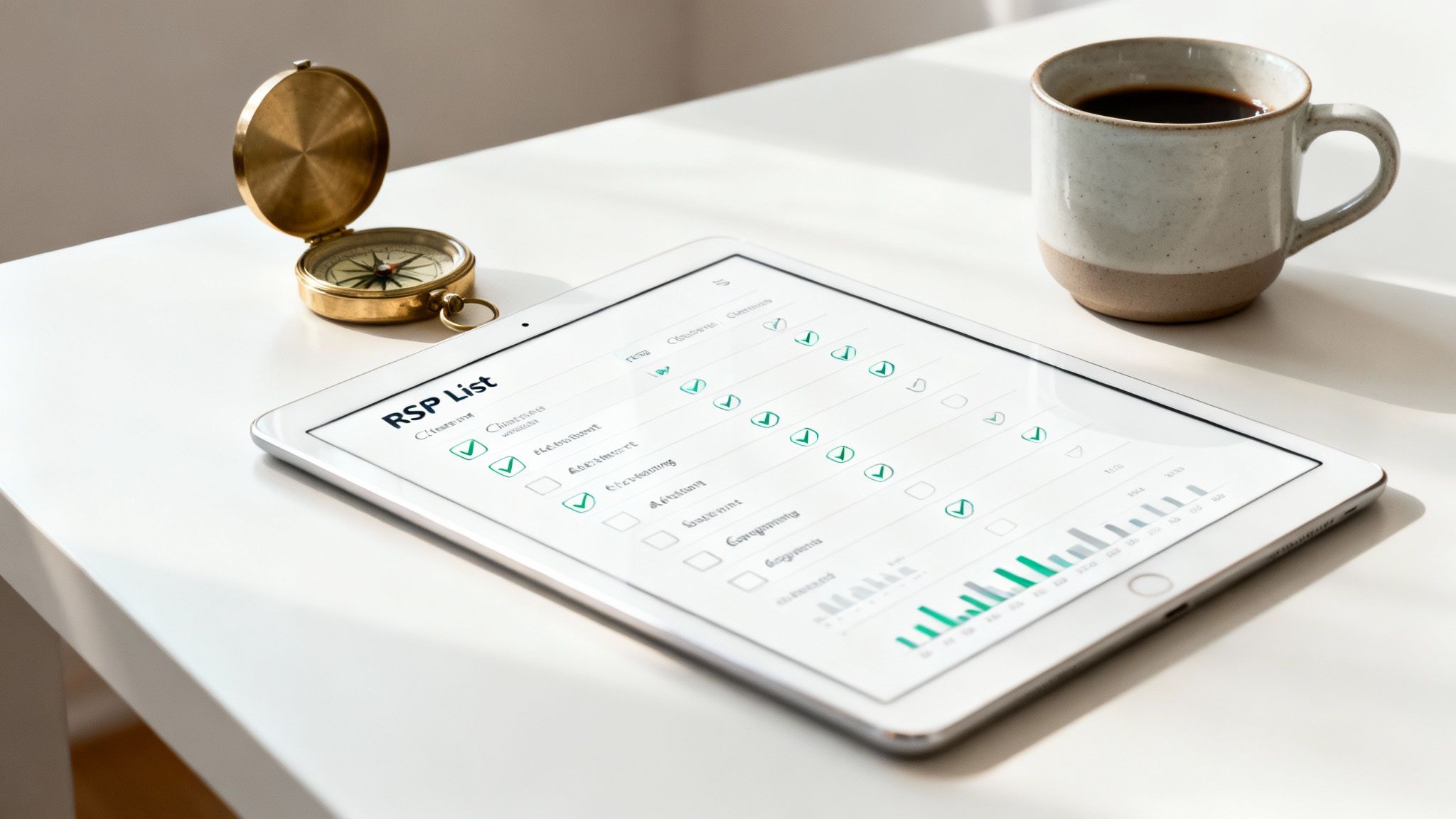
Think of it less like a surveillance tool and more like a compass for employee engagement. The goal isn't just to count heads; it's to give you a clear direction for your company’s culture and event strategy. It’s about moving beyond clunky, error-prone spreadsheets to get real-time insights into what your team actually values.
✦Beyond the Simple Headcount
Modern software has completely changed how we can collect and analyze attendance data. In the past, manual methods were all we had, but they were a recipe for errors and long check-in lines. Today’s tools can slash the administrative workload by as much as 40-60% compared to manual tracking, all while boosting data accuracy and making post-event follow-up a breeze.
This is a game-changer for companies that live and breathe in agile communication tools. If your team is already all-in on Slack and Google Calendar, a disconnected tracking system just adds friction nobody needs. The best solutions plug right into the tools you already use.
A truly effective attendance tool meets your employees where they already are. Instead of forcing them to adopt a new platform, it works seamlessly within the systems they use every single day, making participation effortless.
This is where a tool like Be There becomes invaluable for companies using both Slack and Google Calendar. It perfectly bridges the gap between these two essential platforms. You create an event in your calendar, a notification pops up in the right Slack channel, and employees can RSVP with a single click. It's a simple, integrated process that makes it incredibly easy to boost participation and gather accurate data without disrupting anyone's day.
To really see the value, it helps to view event attendance tracking as a part of a bigger picture: workflow automation. These systems are all about eliminating manual steps to make processes more efficient. You can learn more in this comprehensive guide to workflow automation software. By automating RSVPs and reminders, you free up HR and team leads to focus on what really matters: creating events people genuinely want to be a part of.
✦Manual Tracking vs Automated Software
So, what does this shift actually look like in practice? Here’s a quick comparison showing the practical differences between old-school attendance tracking methods and modern software solutions.
| Feature | Manual Tracking (Spreadsheets) | Automated Software |
|---|---|---|
| RSVP Collection | Manual entry from emails or messages | One-click RSVPs from Slack or email |
| Accuracy | Prone to human error (typos, missed entries) | Highly accurate, real-time data |
| Reminders | Sent manually (if at all) | Automated, scheduled reminders |
| Check-In Process | Paper lists or manual spreadsheet updates | Digital check-in, QR codes, or automated |
| Data & Insights | Basic headcount, difficult to analyze trends | Detailed analytics, engagement metrics |
| Time Investment | High administrative overhead | Minimal, frees up hours of work |
Ultimately, making the switch is about trading tedious, error-prone tasks for a system that gives you back time and provides clear, actionable insights to build a stronger company culture, one event at a time.
Why Old-School Tracking Just Doesn't Cut It Anymore
Let's be honest, for any team that lives in Slack and Google Calendar, the old way of tracking who's coming to an event feels painfully outdated.
You know the drill. You create a calendar invite for a big all-hands meeting, send it out, and then... crickets. The RSVPs slowly trickle in, but that information is trapped inside your calendar, totally separate from where your team actually talks and works.
This is where everything starts to fall apart. It quickly turns into a logistical mess. You're stuck manually chasing people down in Slack, trying to match calendar responses with "I'll be there!" messages in a channel, and you still end up just guessing at the final headcount. It's a clunky, time-sucking process that helps no one.
✦The Headaches of a Disconnected System
When your event attendance tracking software doesn’t talk to your main communication tools, you’re basically creating extra work for everyone. Forcing your team to jump over to another app or dig through their inbox just to say "yes" is one more little annoyance in their already packed day. This friction is exactly why you get low RSVP rates and people flaking at the last minute.
This old-fashioned approach creates some all-too-familiar problems:
- Wildly Inaccurate Headcounts: You're left guessing how many people will actually show up, which makes planning everything from catering to virtual meeting licenses a total shot in the dark.
- Wasted Time for Organizers: Countless hours are burned sending manual reminders, updating messy spreadsheets, and trying to make sense of conflicting RSVP lists.
- A Lousy Employee Experience: The whole process feels disorganized. It can even kill the buzz for an event, making it feel less like a perk and more like an obligation.
For any company that runs on tools like Slack and Google Calendar, this fragmented system is a non-starter. The very tools meant to make collaboration easier end up causing massive logistical headaches.
The real problem with traditional tracking is that it yanks event management completely out of the natural flow of work. It forces people into a separate, clunky process instead of meeting them right where they are—in Slack and their calendars.
This is precisely why a native solution like Be There is so useful for companies that rely on Slack and Google Calendar. It lives right inside Slack and syncs flawlessly with your calendar, completely closing the gap that causes so much friction.
You create an event, a notification pops up in the right channel, and your team can RSVP with a single click without ever leaving the app they use all day long. This isn't just about making logistics easier; it's about turning event participation from a chore into a seamless part of the workday. When you remove the friction, you get better data and boost engagement without even trying.
Integrating with Slack and Google Calendar
Let’s be honest. The biggest reason it’s so hard to track internal event attendance isn’t a lack of tools—it’s the hassle of using them.
Your team lives in Slack and Google Calendar. Asking them to hop over to another platform just to click "Yes" on an RSVP is a surefire way to get ignored. The best event attendance tracking software doesn’t try to change your team's habits; it fits right into them.
This is where a native integration isn't just a nice-to-have, it's a total game-changer. Instead of pulling people out of the apps they have open all day, you meet them where they already are. It feels less like a corporate mandate and more like a natural part of their workflow.
✦Bridging the Gap Between Planning and Workflow
A tool like Be There was built from the ground up to solve this exact problem for companies that use both Slack and Google Calendar internally. It acts as a seamless bridge, connecting the event you schedule in Google Calendar directly to the conversations happening in your Slack channels. The entire process becomes simple, intuitive, and, most importantly, frictionless.
Here’s what that looks like in the real world:
- Create Your Event in Google Calendar: You start in the same place you always do. Set up your all-hands meeting, team lunch, or training session in Google Calendar. No new process to learn.
- It Instantly Appears in Slack: Be There automatically picks up the new event and posts a clear, actionable notification right into the relevant Slack channel.
- One-Click RSVP: Team members see the event and can RSVP with a single click—"I'm in," "Can't make it," or "Maybe"—without ever leaving Slack.
Suddenly, responding to an invite goes from a multi-step chore to a two-second action. No more hunting through emails, opening new tabs, or logging into a separate system. This simple change has a massive impact on response rates, which means you get attendance data you can actually trust.
The most powerful tools are the ones you barely notice. By weaving event RSVPs into the tools your team already uses, you remove the barriers to participation and get a real-time pulse on who’s showing up.
The diagram below shows exactly why disconnected systems fail. It’s a cycle of friction and frustration that a native integration is designed to break.
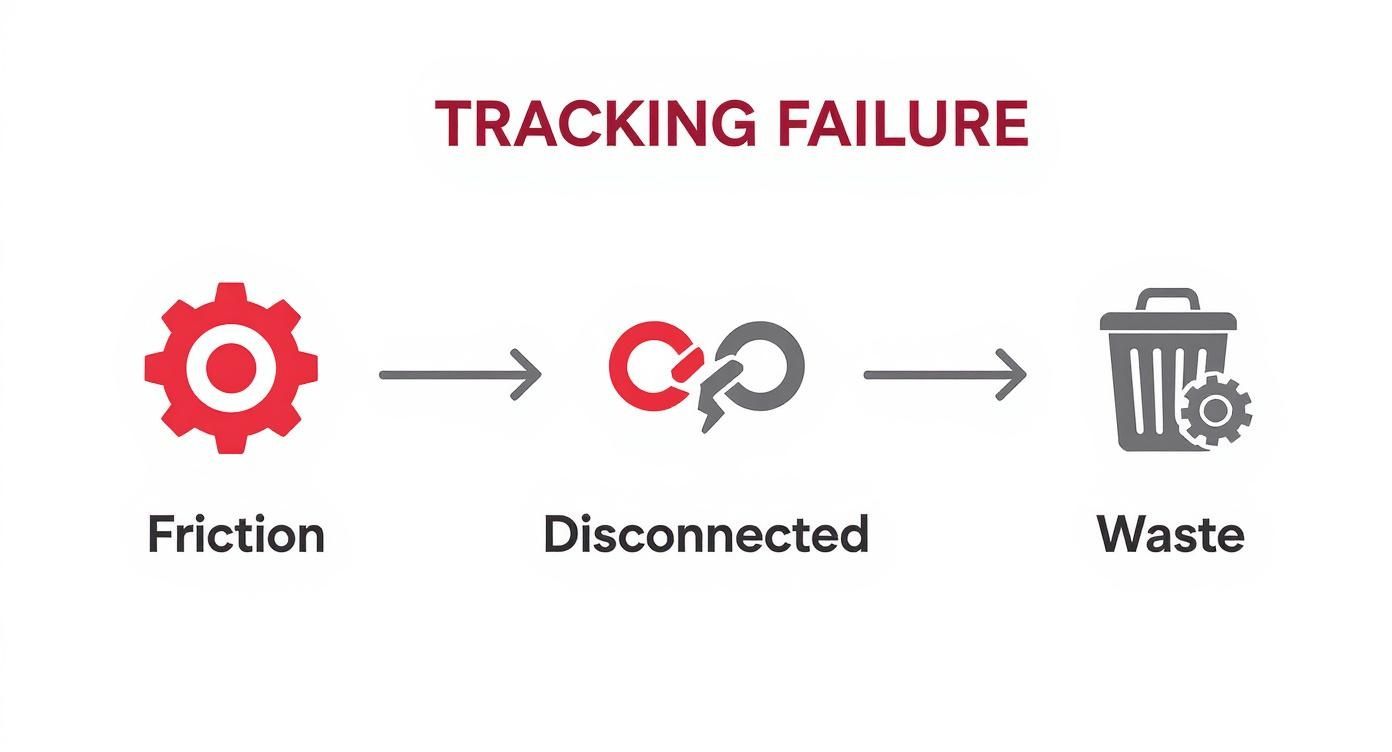
This cycle of friction, poor data, and wasted resources is a familiar headache for anyone who's ever planned an internal event.
✦Why This Ecosystem Is So Powerful
For companies running on Slack and Google Calendar, this kind of tight-knit integration offers benefits a standalone platform just can't touch. You’re not just tracking who shows up; you’re embedding event management into the very nervous system of your company’s day-to-day communication. It becomes less about administration and more about fostering a connected culture.
This native approach also gives you real-time, actionable insights. The moment an employee clicks their RSVP in Slack, that data is ready for you. This helps HR managers and team leads make quick decisions—like adjusting the catering order, grabbing a bigger room, or sending a friendly nudge to the folks who haven't responded yet. If you want to dig into the nuts and bolts, you can learn more about Google Calendar sync options and see how they make these workflows possible.
At the end of the day, bringing your event tracking directly into Slack and Google Calendar is the most logical way forward for any company already living in that ecosystem. It boosts engagement by making participation ridiculously easy, gives organizers reliable data, and saves everyone a ton of time.
What to Look for in Great Tracking Software
Picking the right event attendance tracking software can feel like a chore, but it really comes down to a few core features that solve actual, everyday problems. If your team practically lives in Slack and Google Calendar, the single most important feature is one that connects those two worlds. A tool that can’t do that isn't just a small inconvenience—it's a dealbreaker.
The whole point is to find a system that fits into your team's existing workflow, not one that forces them to change their habits. The best tools are the ones that work so smoothly in the background that employees barely even notice they're using something new. That’s the secret to getting everyone on board and collecting data you can actually trust.
✦Seamless Slack and Calendar Integration
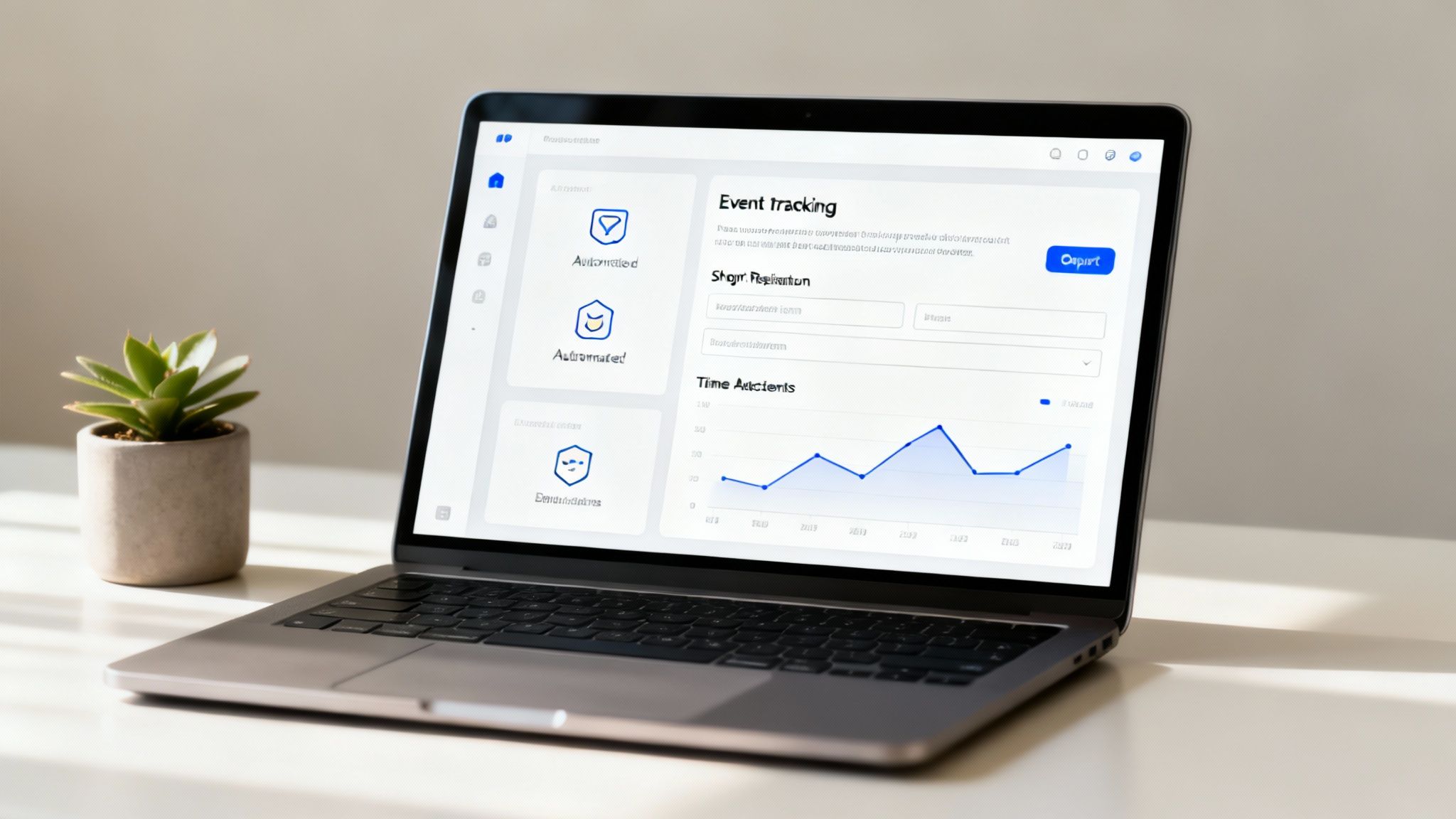
For any modern, fast-moving company, this is non-negotiable. Your tracking tool needs to feel like a natural part of Google Calendar and Slack, not some separate app you have to remember to check. A solution like Be There, for example, is built from the ground up to do exactly this. You create an event in your calendar, and it instantly pops up in the right Slack channel, letting people RSVP with a single click.
This kind of native integration gets rid of the main reason people don't respond to invites. No more telling employees to hunt for an email, log into another website, or download yet another app. You’re meeting them right where they work, making it completely effortless to participate. This is especially handy for companies that rely on both Slack for communication and Google Calendar for scheduling, as it unifies the entire event process.
✦Automated Reminders and Notifications
Let's be honest, people get busy and forget things. A solid tracking tool takes the follow-up work off your plate to help prevent no-shows. Look for software that sends smart, timely reminders right inside Slack or through their calendar notifications.
These systems often include powerful automated text message reminders to give attendance a real boost. This simple automation saves organizers hours of manually chasing people down and keeps the event from getting lost in the shuffle.
✦Customizable Registration and Questions
Sometimes, you need more than a simple "yes" or "no." Your software should let you ask follow-up questions directly in the Slack RSVP prompt.
- Dietary Needs: "Any allergies or preferences for the team lunch?"
- Swag Sizes: "What t-shirt size should we order for you for the company offsite?"
- Session Preferences: "Which breakout session are you planning to attend?"
This simple feature transforms a basic attendance tool into a mini-event management hub. It centralizes all the little details you need in one place. For a tool like Be There, it means you can grab all that info without ever making someone fill out a clunky, separate form.
The best software doesn't just count heads; it helps you figure out what people need to have a great experience. It’s all about gathering practical information with the least amount of friction.
✦Real-Time Dashboards and Analytics
At the end of the day, you're tracking attendance to get useful data. The software absolutely must have a clear, real-time dashboard that shows who’s coming, who’s a maybe, and who’s declined. This lets you make quick adjustments to catering orders, seating arrangements, or even virtual meeting licenses on the fly.
But it goes beyond just a headcount. Good data helps you understand the true impact of your events. Seeing who attended which training session, for example, gives you incredible insight for planning future programs. These analytics give HR and team leaders the hard numbers they need to make smarter decisions and prove the value of their engagement efforts.
Measuring Event Success with the Right Metrics
Having a tool to track event attendance is a great first step, but the real magic happens when you know how to interpret the data it gives you. Simply knowing who RSVP'd isn't enough. It doesn't tell you who actually showed up, who was paying attention, or if the time and money you spent on the event made a real impact.
The goal is to get past the vanity metrics and dig into the numbers that actually matter—the Key Performance Indicators (KPIs) that show you the true value of your efforts. This is where good software shines. It helps answer the big questions: Are our events actually building a stronger culture? Are we getting a good return on our budget? Are people genuinely finding value in getting together?
✦Beyond the Headcount: Key Metrics That Matter
To get the full story, you need to look at both the numbers and the feedback. Modern software can automate most of the number-crunching, freeing you up to focus on what those numbers mean. For instance, a tool like Be There, which lives right inside Slack and Google Calendar, captures this data automatically in the background. This is a huge advantage for companies using this tech stack, as it provides accurate metrics with zero manual data entry.
Here are the essential metrics every people-focused leader should be watching:
- Attendance Rate (RSVP vs. Actual): This is your baseline. If 100 people say they’re coming but only 60 show up, that 60% attendance rate is telling you something important. Maybe the timing was off, the topic wasn't compelling, or the communication missed the mark.
- Engagement Trends Over Time: A single event is just a snapshot. The real insights come from tracking attendance over several months across different types of events, like all-hands meetings, wellness workshops, and happy hours. This is how you spot patterns and learn what your team truly wants.
- Cost Per Attendee: This simple calculation (total event cost ÷ number of actual attendees) is a powerful way to measure ROI. It helps you justify your budget and make smarter spending decisions for the future.
✦Turning Data into Strategic Decisions
The data you gather is only as good as the decisions you make with it. These metrics provide the proof you need to refine your event strategy, demonstrate the value of your work, and ultimately build a more connected team.
For example, if you see that workshops on Friday afternoons are always a ghost town, you have the data to back up moving them to a different day. If department-specific socials have way higher attendance than big company-wide parties, you might shift more of your budget toward those smaller, more intimate gatherings. These insights are fundamental to learning how to measure employee engagement effectively.
The whole point of tracking metrics is to listen to what your employees are telling you with their actions. High attendance is a vote of confidence. Low attendance is a clear signal that it's time to try something new.
There's a reason the event management software market is exploding—it was valued at around $15.5 billion in 2024 and is projected to reach $34.7 billion by 2029. Companies are realizing the incredible value of a data-driven approach. It helps you move from guessing to knowing, ensuring every event you plan contributes to a more engaged and vibrant company culture.
How to Choose the Right Software for Your Team
Picking the right event attendance tracking software is more than just a tech purchase. Think of it as choosing a partner that needs to slide right into your company's existing rhythm. The goal isn't just to add another tool; it's to find something that genuinely makes life easier for event organizers and removes any friction for employees who want to participate. This means taking a good, hard look at your team's needs, their daily habits, and where you want your company culture to go.
First things first, figure out who this decision really affects. You'll want to pull in your HR managers, who are always looking for ways to show the value of culture-building activities. Loop in the team leads who organize their own department get-togethers and the internal comms folks who are tasked with getting the word out. Their feedback is gold because it helps you zero in on the actual problems you need to solve, not just the ones you think you have.
✦Your Evaluation Checklist
With your key players in the room (or on the Zoom call), it’s time to nail down your non-negotiables. For any modern team, the biggest question should be about integration. How well does this tool play with the software you already use every single day? If your team lives and breathes in a specific ecosystem, a clunky, disconnected tool is dead on arrival. It will just add another layer of work and frustration.
As you start looking at different options, use these questions to cut through the marketing noise:
- Native Integration: Does it plug directly into our core platforms, like Slack and Google Calendar? A tool that meets your team where they already work is the single biggest factor for getting people to actually use it.
- User Experience: Is this thing genuinely easy to use? Can someone figure it out in a minute without a manual or a training session? If it feels like homework, people will avoid it.
- Scalability and Pricing: Does the pricing feel fair for your current team size, and will it grow with you? You want a model that doesn’t penalize you for being successful.
- Support: What happens when something goes wrong five minutes before a big all-hands meeting? You need to know you can get a quick, helpful answer from a real person.
✦Making the Final Call for Slack and Google-Centric Teams
If your company runs on Slack and Google Calendar, the choice becomes much simpler. A standalone platform, no matter how many bells and whistles it has, forces your employees to break their focus and go somewhere else. That extra step is a killer for your RSVP and attendance rates. The secret to great engagement is removing every possible bit of friction.
This is where a Slack-native tool like Be There becomes the obvious, effective choice. It was built from the ground up for this exact environment, making it incredibly useful and handy for companies who use both platforms. It transforms event management from a tedious, multi-app process into a quick, one-click action right inside the tools your team already has open. This isn't just about making things convenient; it's a smart strategy to get more people to show up. For more ideas on this, check out our guide on how to increase event attendance—it all starts with making it incredibly simple for people to say yes.
Still Have a Few Questions?
You've seen what this kind of software can do, but you probably still have a few lingering questions. That's completely normal. Let's tackle some of the most common ones that come up when teams are considering making a change.
✦Just How Hard Is This to Set Up?
Honestly, it depends on the tool, but the newer ones that live inside platforms you already use are shockingly easy. If your team runs on Slack and Google Calendar, the setup is designed to be a breeze.
For a tool like Be There, you're literally just a few clicks away. You authorize it in your Slack workspace, and that’s it. There’s no big software installation or lengthy training session required. Your team can be using it in minutes, not days. This is a major benefit for companies that want a handy solution without a complicated rollout.
✦Does This Work for Both In-Person and Virtual Events?
Absolutely. A good event tracking tool has to be flexible enough for today's hybrid world, and that means handling both physical and digital events without a hiccup.
- For virtual events, it automatically logs who attended based on their RSVP and calendar data. No more trying to match a Zoom participant list to a spreadsheet.
- For in-person events, it gives you a clean, accurate list of who to expect, all based on the RSVPs you collected right in Slack. It makes check-in a simple, organized process.
The bottom line is you can finally ditch the paper sign-in sheets and stop spending hours manually entering data. It just works, no matter where your event is held.
✦Is This Going to Make My Team Feel Micromanaged?
This is a really important question, and it all comes down to how you frame it. The goal isn't to play "Big Brother" but to gather valuable feedback on what your team actually enjoys doing together. Think of it as listening to what they "say" with their feet (or their clicks).
The key is positioning the software as a tool for improving employee experience, not for surveillance. When the goal is to invest in more events people love, the process feels helpful rather than intrusive.
When the tool is low-friction and works inside a familiar space like Slack, it doesn't feel invasive. If you're upfront that this is about planning better, more engaging events based on their preferences, people see it as a huge benefit.
✦What’s the Real ROI Here?
The return on investment shows up in a few significant ways.
First, you immediately get back all those administrative hours your team was sinking into manual tracking, sending follow-ups, and trying to make sense of messy spreadsheets. Second, you start making much smarter budget decisions. By seeing exactly which events get the most traction, you can stop wasting money on duds and double down on what truly works.
Over time, that improved data helps you prove the value of your culture initiatives, which is directly tied to keeping your best people happy and engaged.
Ready to see how simple event management can be when it’s built for teams that use Slack and Google Calendar? With Be There, you can get rid of the friction, see attendance climb, and gather the insights you need to build an amazing company culture.
Give Be There a try for free and see for yourself.
Share this post

Planning your internal events has never been easier!
No more scheduling headaches—our Slack-connected web app keeps things simple. Less email, more fun! 🚀
 Prefer a quick walkthrough?