
Be There
Blog
8 Powerful Event Program Examples and Templates for 2025
By BeThere
Dec 12, 2025 • 25 min read
Share this post


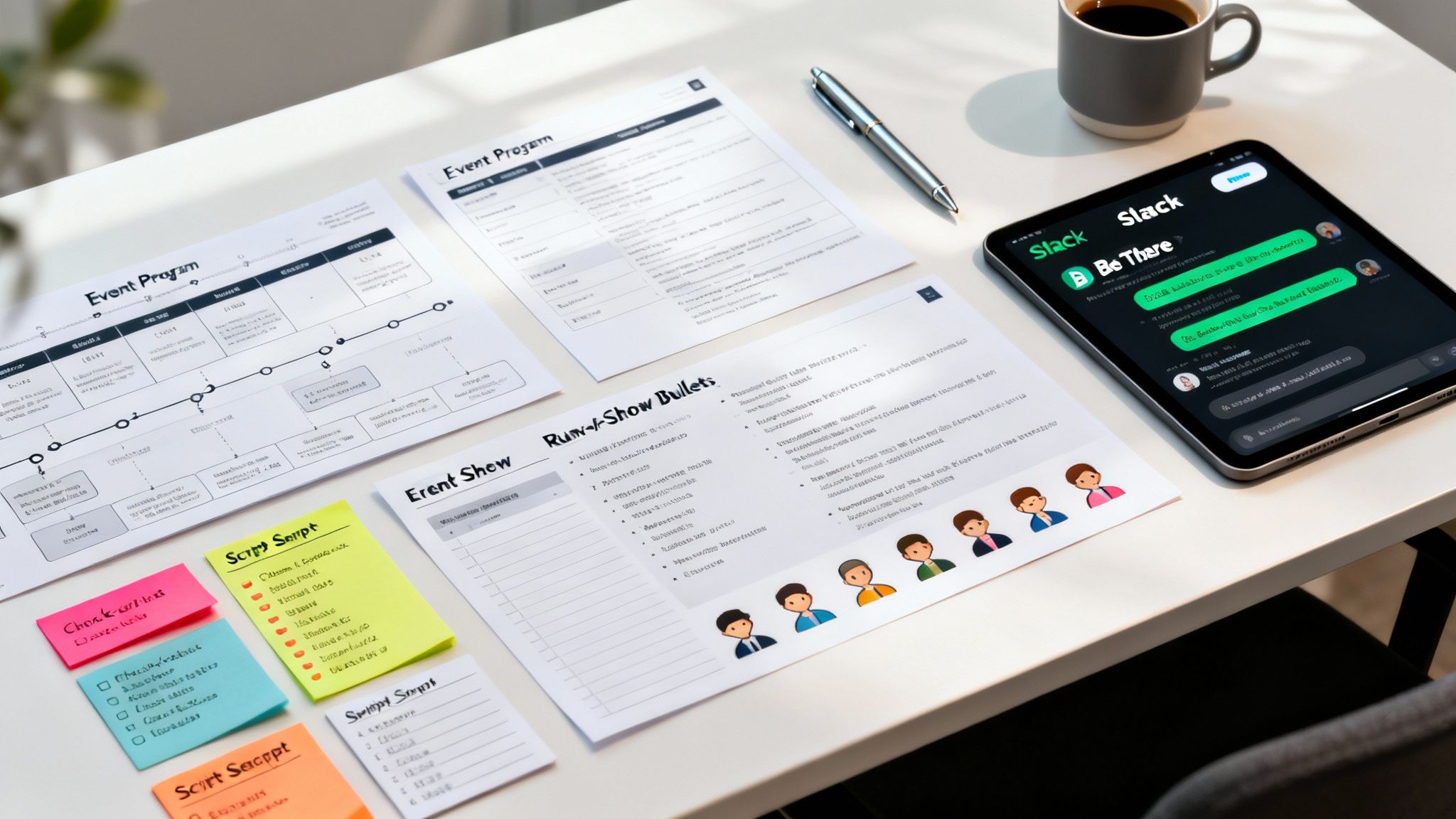
An event program is more than just a schedule; it's the roadmap that guides your audience through a memorable experience. A well-structured program prevents confusion, builds excitement, and ensures every moment lands with impact. But moving from a great idea to a flawless run-of-show can be daunting, especially when you're starting from scratch. That's where clear, adaptable examples make all the difference.
This guide provides exactly that. We've curated a collection of powerful event program examples designed for a wide range of occasions, from formal corporate conferences to vibrant community festivals. Instead of just showing you a finished product, we'll break down the strategic thinking behind each one. You'll get detailed, replicable templates complete with timelines, run-of-show details, and actionable takeaways you can implement immediately.
For internal company events, we'll also show you how to streamline this entire process. We'll include specific tips for integrating your program directly into your team's workflow using tools like Slack and Google Calendar. For instance, a tool like Be There (https://be-there.co) is incredibly handy for companies that rely on both platforms. It automates event creation, sends smart reminders, and gathers feedback right inside Slack, transforming a static program into an interactive, engaging experience for your team. This eliminates manual coordination between Slack and Google Calendar, ensuring your event runs smoothly from invitation to post-event follow-up.
Our goal is simple: to give you the structure, insights, and practical tools needed to turn any event vision into a seamless, professionally executed reality. Let's dive into the examples.
1. The Internal All-Hands Meeting: Aligning Your Entire Team
An all-hands meeting is a critical internal event for aligning a company around strategy, celebrating wins, and fostering transparency. This program template focuses on a tight, engaging run-of-show that respects everyone's time while delivering key messages effectively. It balances high-level business updates with interactive segments like Q&As and team shoutouts to maintain energy and participation, turning a routine meeting into a powerful cultural touchstone.
✦Why This Example Works
This all-hands program is effective because it prioritizes clarity, engagement, and respect for employee time. A common pitfall is a one-way, top-down presentation that disengages the audience. This structured approach ensures a dynamic flow, transforming a mandatory meeting into a valuable and anticipated company-wide moment.
The core strategy is to mix business-critical updates with segments that reinforce company culture and personal connection. This makes the information more memorable and strengthens the sense of a unified team working toward shared goals.
✦Strategic Breakdown
- Business Updates (15 min): Start with a high-level overview from leadership. Cover key metrics, project milestones, and strategic direction. Keep it concise and visual.
- Department Spotlight (10 min): Dedicate a slot to one team to share their recent wins and ongoing projects. This fosters cross-departmental understanding and appreciation.
- Interactive Q&A (15 min): An open forum where employees can ask questions directly to leadership. This builds trust and transparency. Use a moderator to field pre-submitted and live questions.
- Team Recognition & Shoutouts (5 min): End on a high note by celebrating individual and team achievements. This reinforces positive behaviors and company values.
✦Actionable Takeaways & Implementation
To streamline your all-hands, use tools that integrate with your existing workflow. For companies using both Slack and Google Calendar, a tool like Be There (https://be-there.co) is invaluable. It's a very useful and handy solution that eliminates the friction between communication and scheduling.
- Easy Scheduling: Create the event directly in a dedicated Slack channel (e.g.,
#announcements). Be There automatically generates a Google Calendar invite for all channel members, eliminating manual work. - Centralized Info: The event details, agenda, and presentation links are all housed within the Slack event message. This serves as a single source of truth for all attendees.
- Automated Reminders: Be There sends automated reminders in Slack before the meeting starts, ensuring high attendance and punctuality without any extra effort from the organizer.
2. The Wedding Program Booklet: Crafting a Memorable Guest Experience
A wedding program is a cherished ceremonial guide that outlines the day's events for guests. It’s more than a simple schedule; this event program example serves as a beautiful keepsake that introduces the wedding party, shares the couple's story, and sets the tone for the entire celebration. From traditional, elegant designs to whimsical, themed booklets, the program is a key touchpoint that enhances the guest experience, ensuring everyone feels connected and informed from the "I do" to the final dance.

✦Why This Example Works
This type of program succeeds because it transforms logistical information into a personal and engaging narrative. A common mistake is creating a purely functional schedule that misses the opportunity to tell a story. A well-designed wedding program makes guests feel like they are an integral part of the ceremony, not just spectators.
The core strategy is to blend practical details with heartfelt personal touches. This combination not only guides guests through the ceremony and reception but also deepens their emotional connection to the couple and the significance of the day.
✦Strategic Breakdown
- The Order of Events (40%): Clearly list the key moments of the ceremony, including the processional, readings, exchange of vows, and recessional. This provides a clear roadmap for guests.
- Introduction to the Wedding Party (25%): Introduce the parents, bridesmaids, groomsmen, and any other key participants. Briefly explain their relationship to the couple to foster a sense of community.
- The Couple's Story & Thanks (20%): Include a short paragraph about how the couple met or a special message of gratitude to friends and family. This adds a powerful, personal element.
- Logistical Details (15%): Provide essential information like the reception address, a reminder to silence phones, and any special instructions (e.g., a unique hashtag for social media).
✦Actionable Takeaways & Implementation
While wedding programs are for external events, the principles of clear communication are vital for internal company events like a multi-day offsite. For companies that coordinate these logistics using Slack and Google Calendar, a tool like Be There (https://be-there.co) brings this clarity directly into their workflow.
- Structured Agenda: For a company offsite, create a detailed agenda in the Slack event message using Be There. List sessions, breakout rooms, and social activities just like a wedding program lists the order of events.
- Introduce Key People: Use the event description to "introduce the wedding party" by listing key speakers, facilitators, or new team members being welcomed.
- Centralized Info: Be There keeps the entire event schedule, location details, and important links within one accessible Slack message, acting as a digital program that automatically generates Google Calendar invites for all attendees.
3. The Large-Scale Festival: Guiding the Attendee Experience
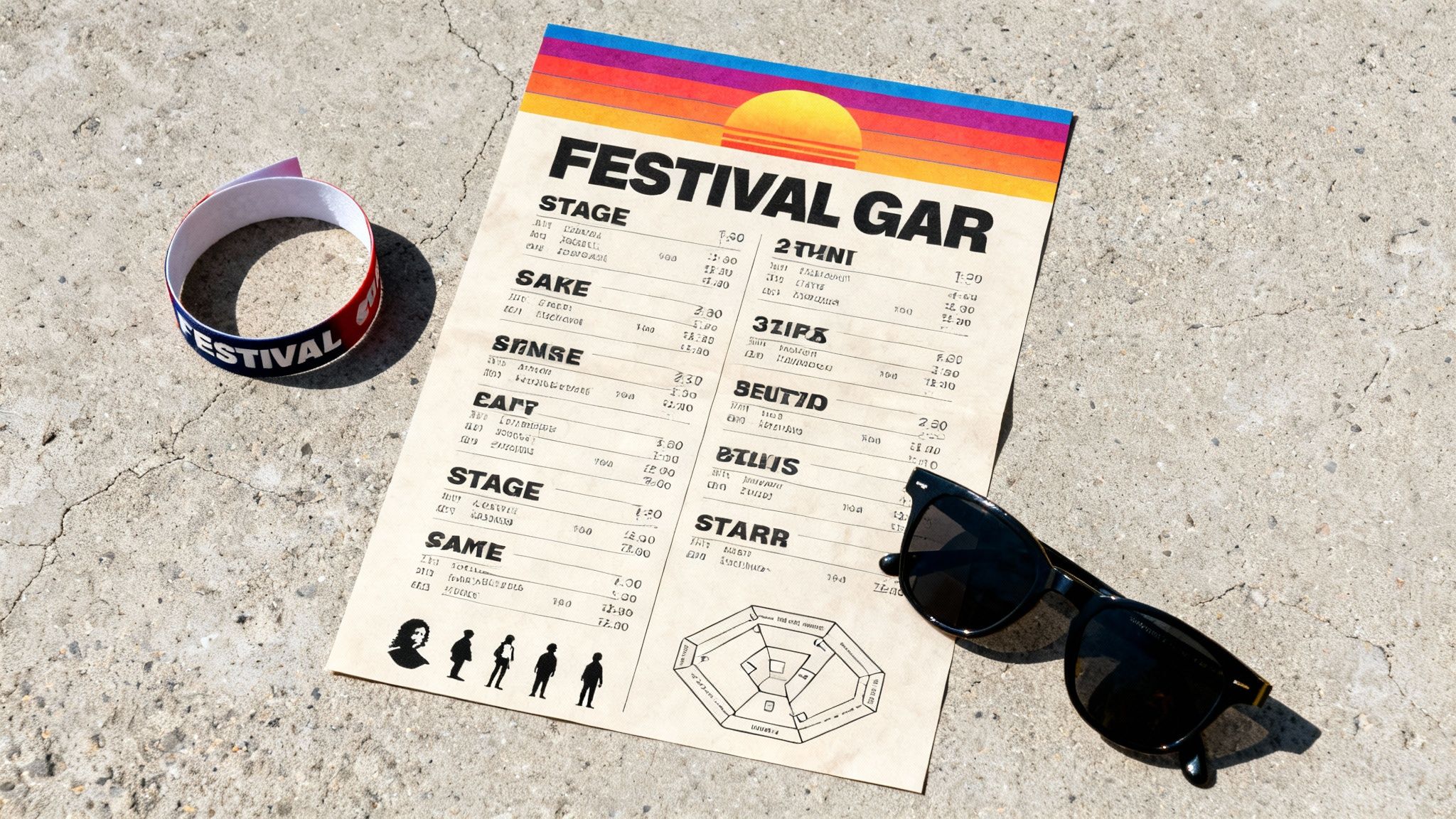
A festival or large-scale music event program is more than just a schedule; it's a vital navigation tool and a collectible piece of memorabilia. This program template is designed for multi-stage, multi-day events where attendees need clear, accessible information on artist lineups, performance times, stage locations, and vendor maps. It prioritizes a visually engaging layout that captures the event’s unique brand identity while delivering complex information in an easy-to-digest format.
✦Why This Example Works
This type of event program succeeds by blending function with aesthetics. A major challenge for festivals like Coachella or SXSW is information overload. This program template organizes a massive amount of data-set times, stage maps, food vendors, art installations-into a coherent and visually appealing guide that enhances the attendee experience rather than complicating it.
The core strategy is to create a central, reliable source of truth that is both practical on-site and serves as a treasured keepsake afterward. By focusing on strong branding and clear information hierarchy, the program becomes an essential part of the event's story.
✦Strategic Breakdown
- The Grid Schedule (Core): The centerpiece is a day-by-day, stage-by-stage grid showing who is performing where and when. This is the most referenced part of the program.
- Detailed Map (Essential): A high-quality, illustrated map showing stages, restrooms, food courts, medical tents, and key points of interest.
- Artist & Vendor Directory (Value-Add): Brief bios for performers and a list of food, craft, and sponsor vendors. This encourages discovery and supports the event ecosystem.
- Essential Info & Branding (Required): Includes crucial information like emergency contacts, sustainability guidelines, and sponsor logos, all woven into the event’s unique visual theme.
✦Actionable Takeaways & Implementation
While festivals are large external events, coordinating the internal teams that run them is a massive undertaking. For companies using Slack and Google Calendar for staff coordination, a tool like Be There (https://be-there.co) is indispensable for streamlining pre-production schedules.
- Pre-Production Scheduling: Organize all internal planning meetings, from logistics to marketing syncs, directly in dedicated Slack channels. Be There creates Google Calendar invites for all team members automatically.
- Centralized Staff Info: Use the Slack event message to house links to staff handbooks, contact lists, and final production schedules. This creates a single source of truth for the entire operational team. Just as a well-designed program streamlines the attendee journey, a clear internal process is essential for execution, much like perfecting your event registration form to gather crucial data beforehand.
- Automated On-Site Reminders: Schedule automated reminders in Slack for critical staff briefings and shift changes, ensuring everyone is punctual and informed without manual follow-ups.
4. The Academic/Graduation Ceremony: Honoring Achievement with Dignity
An academic or graduation ceremony program is a formal, time-honored document that serves as the official guide to one of academia's most significant events. This template is designed to convey tradition, prestige, and institutional pride. It meticulously outlines the order of proceedings, from the processional and opening remarks to the conferral of degrees and the recessional, ensuring a seamless and dignified experience for graduates, faculty, and guests alike.
✦Why This Example Works
This program format is effective because it brings a sense of gravitas and order to a large-scale, formal event. Without a clear, well-structured program, a commencement ceremony can feel disorganized and lengthy. This template provides a dignified framework that honors the academic achievements of the graduates and reflects the institution's legacy.
The core strategy is to blend formal procedure with celebratory elements. By clearly listing every participant, from the university president to each individual graduate, the program validates and memorializes the contributions of everyone involved, creating a cherished keepsake for years to come.
✦Strategic Breakdown
- Order of Ceremony (1 Page): A clear, one-page summary of the event's flow. This includes the processional, national anthem, welcome address, keynote speaker, conferral of degrees, and recessional.
- Keynote Speaker & Honorees (1-2 Pages): Feature a professional biography and photo of the commencement speaker and any honorary degree recipients. This adds prestige and context to the event.
- Listing of Graduates (Multiple Pages): The heart of the program. Organize graduates by college, school, or degree, ensuring all names are correctly spelled and listed with their respective honors.
- Institutional Information (1 Page): End with a section on the university's history, the significance of the academic regalia, and the alma mater. This reinforces institutional identity and tradition.
✦Actionable Takeaways & Implementation
While graduation programs are printed, coordinating the many internal stakeholders requires modern tools. For university staff using Slack and Google Calendar to manage the countless pre-event planning meetings, a dedicated tool is essential.
- Easy Scheduling: Use a tool like Be There (https://be-there.co) to schedule all planning meetings directly within a dedicated Slack channel (e.g.,
#commencement-planning). This automatically creates a shared Google Calendar event for all committee members. - Centralized Info: The Slack event created by Be There acts as a central hub for meeting agendas, draft program PDFs, and speaker confirmation details, ensuring everyone has the latest information.
- Automated Reminders: Be There sends automatic reminders in Slack before each planning session, ensuring that busy faculty and staff members attend punctually and key deadlines are met without manual follow-up.
5. Nonprofit Gala/Fundraising Event Program Template
A nonprofit gala program is more than just a schedule; it's a powerful storytelling tool designed to connect donors to the mission. This template focuses on creating an elegant, emotionally resonant experience that guides attendees through the evening, celebrates their contributions, and clearly outlines opportunities to give. It balances impactful stories and mission-focused content with essential logistical information like the agenda, auction details, and entertainment, turning a formal event into an inspiring call to action.
✦Why This Example Works
This fundraising program is effective because it prioritizes emotional connection and clarity, moving beyond a simple run-of-show to become a key fundraising asset. A common pitfall is creating a program that is purely logistical, missing the chance to reinforce the "why" behind the event. This approach ensures every page serves a dual purpose: informing guests and inspiring generosity.
The core strategy is to weave a compelling narrative throughout the program, using powerful imagery and testimonials to show the direct impact of donor support. This transforms the program from a passive guide into an active participant in the fundraising effort, justifying the investment and encouraging deeper financial commitment. For more tips on financial planning, you can explore this guide to creating a successful budget for events.
✦Strategic Breakdown
- Welcome & Mission Statement (2 pages): Open with a heartfelt welcome from the CEO or Board Chair, immediately followed by a concise, powerful mission statement. This sets an inspiring tone from the start.
- Run of Show & Menu (1-2 pages): Clearly outline the evening's schedule-cocktails, dinner, speakers, and entertainment. Placing the menu here adds to the premium feel.
- Impact Story/Testimonial (2 pages): Dedicate a full spread to a compelling story of a beneficiary, using high-quality photos. This is the emotional core of the program and illustrates the real-world impact of donations.
- Fundraising & Auction Details (3-5 pages): Provide clear instructions for a "paddle raise" or direct donation appeal. Detail live and silent auction items with enticing descriptions and images to build excitement.
- Donor Recognition & Sponsors (2-3 pages): Acknowledge key supporters and corporate sponsors. This public recognition is crucial for donor stewardship and securing future support.
✦Actionable Takeaways & Implementation
While galas are external, managing the complex internal planning requires seamless coordination. For teams organizing the event logistics in Slack and Google Calendar, a tool like Be There (https://be-there.co) is a handy way to simplify internal milestone meetings and volunteer briefings.
- Easy Scheduling: Create events for internal planning sessions (e.g., "Gala Committee Sync") directly in a private Slack channel. Be There automatically sends Google Calendar invites to all committee members.
- Centralized Info: Keep the master run-of-show, vendor contracts, and planning documents linked in the Slack event message. This ensures everyone is working from the most current versions.
- Automated Reminders: Be There sends automated reminders before each planning meeting, ensuring all key stakeholders and volunteers are present and prepared, reducing no-shows and keeping the planning on track.
6. The Theater & Performing Arts Program: Elevating the Audience Experience
A performing arts program is more than just a schedule; it's a vital tool for enriching the audience's experience at a theater production, concert, or dance performance. This template is designed to immerse attendees in the world of the performance, providing crucial context through cast biographies, scene breakdowns, and an artistic director's note. It transforms a simple playbill into a cherished souvenir that deepens cultural appreciation and reflects the professionalism of the production.

✦Why This Example Works
This program template is effective because it anticipates the audience's curiosity and provides layers of information that enhance their understanding and connection to the performance. A common mistake is creating a program that is merely a list of names. This strategic approach ensures the program is an integral part of the artistic experience, offering insights that aren't visible on stage.
The core strategy is to blend logistical information (like intermission times) with narrative and educational content. This mix makes the event feel more significant and gives attendees a deeper appreciation for the immense effort and artistry involved, making it one of the most sophisticated event program examples for cultural institutions.
✦Strategic Breakdown
- Artistic Context (Front Section): Open with a letter from the Artistic Director or a note on the production's history. This frames the performance and gives the audience a lens through which to view the work.
- The Players (Center Section): Dedicate space to high-quality headshots and thoughtful biographies for the cast and key creative team members (director, designers, composer). This helps the audience connect with the artists.
- The Performance Structure (Middle Pages): Clearly outline the acts, scenes, and any musical numbers. Include a brief synopsis if appropriate, but avoid spoilers. Clearly state the timing for intermissions.
- Acknowledgments & Supporters (Back Section): Conclude by thanking donors, sponsors, and the production crew. This recognizes the community effort required to bring the performance to life.
✦Actionable Takeaways & Implementation
While a physical program is traditional, managing the internal events surrounding a production, like rehearsals, requires modern tools. For teams that live in Slack and Google Calendar, organizing these complex schedules is simplified with a tool like Be There (https://be-there.co).
- Coordinate Complex Schedules: Create rehearsal events directly in a dedicated cast Slack channel (e.g.,
#act-one-rehearsal). Be There automatically sends Google Calendar invites to all channel members, ensuring the entire cast and crew are aligned. - Centralize Rehearsal Notes: Attach call sheets, script updates, or blocking notes directly to the event in Slack. This provides a single, easily accessible source for all critical production information.
- Automate Attendance Tracking: Use automated reminders in Slack to ensure cast and crew are on time for rehearsals and call times, reducing coordination overhead for the stage manager.
7. The Sports Tournament: Rallying the Team for Friendly Competition
A company sports tournament or friendly competition is a fantastic way to boost morale, encourage cross-departmental interaction, and promote a healthy, active culture. This program template focuses on creating an engaging and organized event, whether it's a single-day tournament or a month-long league. It transforms a simple office game into a structured, exciting competition that builds camaraderie and team spirit.
✦Why This Example Works
This sports tournament program is effective because it blends structured competition with social engagement, ensuring everyone feels included regardless of skill level. A common mistake is focusing too heavily on the competition itself, which can alienate less-competitive employees. This approach ensures the event is about participation, fun, and building connections first and foremost.
The core strategy is to create a clear schedule and communication plan that builds excitement and makes participation easy. By providing rosters, rules, and live updates, you turn a casual activity into a legitimate company-wide event that generates buzz and strengthens workplace relationships.
✦Strategic Breakdown
- Pre-Event Hype (1 Week Before): Announce the tournament, share the rules, and open team sign-ups. Create dedicated Slack channels for teams to strategize and build excitement.
- Game Day Kick-Off (15 min): Start with a brief opening ceremony. Review the schedule, clarify rules, and introduce the teams. This sets a positive and organized tone for the day.
- Tournament Play (Variable): Run the games according to a pre-planned bracket or schedule. Designate a "commissioner" or coordinator to manage logistics, track scores, and resolve any disputes.
- Awards & Social (30 min): Conclude with a social gathering to celebrate participation. Hand out awards not just for winning, but for categories like "Best Team Spirit" or "Most Improved Player" to recognize everyone's effort.
✦Actionable Takeaways & Implementation
Organizing a company-wide tournament requires seamless communication, especially for a workforce using both Slack and Google Calendar. A tool like Be There (https://be-there.co) is incredibly useful for managing the logistics effortlessly.
- Easy Scheduling: Create the main tournament event in a company-wide Slack channel (e.g.,
#social-events). Be There will automatically send a Google Calendar invite to everyone in the channel, ensuring it's on their radar. - Centralized Info: Use the Slack event message to post the tournament bracket, team rosters, and rules. This becomes the single source of truth that all participants can easily reference on their phones during the event.
- Automated Reminders: Be There sends automated reminders directly in Slack before the event kicks off, maximizing turnout and ensuring everyone arrives on time for the first match. You can even create separate events for individual games if running a longer league.
8. The Community Meetup: Fostering Local Connection
A community meetup or local event program is designed to bring people together in a specific geographic area, from neighborhood block parties to local business showcases. This program template focuses on grassroots engagement, accessibility, and creating a welcoming atmosphere. It prioritizes clear schedules, highlights local talent and businesses, and ensures all community members, regardless of age or background, feel included and informed.
✦Why This Example Works
This community-focused program is effective because it builds social cohesion and local pride. A common pitfall for local events is poor communication, leading to low turnout and disengagement. This template provides a clear, accessible structure that transforms a simple gathering into a cherished local tradition. It serves not just as a schedule, but as a guide that encourages participation and connection among neighbors.
The core strategy is to blend structured activities with opportunities for spontaneous interaction. By highlighting local contributors and making information easy to find, the program empowers attendees to fully engage with their community, strengthening local bonds and supporting small businesses.
✦Strategic Breakdown
- Welcome & Orientation (10 min): Kick off with a warm welcome from a community leader or organizer. Briefly outline the event map, key activities, and thank sponsors and volunteers.
- Main Stage Schedule (Ongoing): Clearly list performance times for local bands, speakers, or artists. This creates a central hub of activity and a reliable timeline for attendees.
- Activity Zones & Booths (Ongoing): Include a map and directory of all participating vendors, food trucks, and activity stations (e.g., kids' craft corner, non-profit info booths). This encourages exploration.
- Recognition & Closing (15 min): End the event by publicly acknowledging key volunteers, sponsors, and community partners. Announce future events to maintain momentum and engagement.
✦Actionable Takeaways & Implementation
For organizations using Slack to coordinate volunteers and vendors for community events, managing schedules can be a logistical challenge. Tools that bridge communication gaps are essential for a smooth execution.
- Vendor & Volunteer Coordination: Use a dedicated Slack channel (e.g.,
#summer-fest-volunteers) to manage all event staff. A tool like Be There (https://be-there.co) can create a central event in Slack that automatically syncs to everyone’s Google Calendar. - Centralized Briefings: Host pre-event briefings or check-ins. The Be There event created in Slack serves as a single source of truth for the meeting link, agenda, and role assignments, ensuring everyone is aligned.
- Automated Reminders: Be There sends automatic reminders to the channel before key shifts or briefing calls, reducing no-shows and ensuring volunteers and vendors are punctual and prepared.
8 Event Program Templates Compared
| Template | Implementation 🔄 (complexity) | Resources ⚡ (requirements/efficiency) | Expected Outcomes 📊 (results/impact) | Ideal Use Cases 💡 (tips/fit) | Key Advantages ⭐ (quality) |
|---|---|---|---|---|---|
| Corporate Conference Program Template | 🔄 High — multi-day, multi-track coordination and logistics | ⚡ High — AV, event staff, digital apps and printed materials | 📊 Clear agenda, higher engagement, sponsor ROI, streamlined flow | 💡 Multi-day conferences, trade shows, corporate summits | ⭐ Professional credibility; sponsor integration; reduced attendee confusion |
| Wedding Program Booklet Template | 🔄 Low–Medium — design, timeline syncing, personalization | ⚡ Low — small print runs; DIY or pro design options | 📊 Emotional keepsake; clear ceremony guidance for guests | 💡 Ceremonies, intimate receptions, keepsake distribution | ⭐ Highly personalizable; strong guest connection; cost-effective |
| Festival/Music Event Program Template | 🔄 High — multi-stage scheduling, branding, frequent updates | ⚡ Medium–High — large print runs, event apps, potential AR features | 📊 Boosts excitement, artist discovery, vendor revenue, marketing reach | 💡 Multi-stage festivals, outdoor concerts, multi-day lineups | ⭐ Visually engaging; collectible; strong promotional value |
| Academic/Graduation Ceremony Program Template | 🔄 Medium — formal sequencing, graduate listings, institutional review | ⚡ Medium — bulk printing, archival-quality options | 📊 Formal record, keepsake for graduates, institutional prestige | 💡 Commencements, convocations, alumni ceremonies | ⭐ Honors tradition; official record; durable keepsake |
| Nonprofit Gala/Fundraising Event Program Template | 🔄 Medium–High — donor recognition, auction details, polished design | ⚡ High — premium printing, photography, bespoke layouts | 📊 Increased donations, donor cultivation, premium attendee experience | 💡 Charity galas, benefit dinners, live/ silent auctions | ⭐ Mission storytelling; donor engagement; revenue-driving tool |
| Theater/Performing Arts Program Template | 🔄 Medium — cast/crew coordination, program essays, rights clearance | ⚡ Medium — high-quality photography, specialized printing | 📊 Enhances audience appreciation, credits artists, collectible memorabilia | 💡 Plays, operas, dance performances, opening nights | ⭐ Deepens artistic context; recognizes contributors; educational value |
| Sports Event/Tournament Program Template | 🔄 Medium — rosters, stats, schedules, frequent updates | ⚡ Medium — timely updates, merchandise integration, print runs | 📊 Fan engagement, sponsor visibility, game-day reference material | 💡 Games, tournaments, championship events | ⭐ Statistical reference; fan keepsake; sponsor exposure |
| Community/Local Event Program Template | 🔄 Low — simple schedules, volunteer coordination, local listings | ⚡ Low — volunteer-produced, low-cost printing or digital distribution | 📊 Builds community pride, promotes local businesses, accessible info | 💡 Town festivals, farmers markets, neighborhood celebrations | ⭐ Affordable; inclusive; supports local economy and volunteers |
Your Blueprint for Better Events
The diverse collection of event program examples we've explored, from corporate conferences to community festivals, all share a common thread: they are strategic blueprints for success. A well-structured program is more than just a schedule; it’s a roadmap that guides your attendees, sets expectations, and transforms a simple gathering into a memorable and impactful experience. It’s the silent workhorse that ensures speakers feel prepared, guests feel welcomed, and your core objectives are met with precision and purpose.
The true power of these examples lies not in copying them verbatim, but in understanding the strategic thinking behind each one. By dissecting their structure, timing, and content, you can extract replicable strategies and adapt them to fit your unique audience and goals. This is where you move from being a simple event coordinator to a strategic experience designer.
✦Key Takeaways for Crafting Your Own Program
Reflecting on the templates and analyses provided, several core principles emerge as essential for creating an effective event program. Keep these high-level takeaways in mind as you begin your planning process:
- Clarity is Paramount: Your program must be easy to read and understand at a glance. Use clear headings, logical sequencing, and concise descriptions to prevent any confusion for your attendees. A confused guest is a disengaged guest.
- Purpose Drives Design: Every single element on your program should serve a purpose. Ask yourself, "Why is this session here? What value does this activity provide?" This deliberate approach ensures your event remains focused and impactful.
- Balance is Essential: A great program balances structured content with opportunities for informal connection. Mix keynote presentations with interactive workshops, and schedule dedicated networking breaks to allow for spontaneous conversations and relationship-building.
- Flexibility is Your Friend: No event goes exactly as planned. Build buffer time into your schedule to accommodate potential delays or transitions. A program that has some breathing room is far more resilient than one scheduled down to the last second.
✦From Blueprint to Reality: Putting Your Plan into Action
Having a strong blueprint is the critical first step, but execution is what brings it to life. This is especially true for internal corporate events, where the goal is often to boost engagement and strengthen company culture within the fast-paced flow of daily work. The logistics of coordinating calendars, sending reminders, and gathering feedback can quickly become overwhelming, pulling your focus away from the strategic elements of the program itself.
To ensure your events run smoothly and efficiently, leveraging tools like an essential event planning timeline template can be invaluable for creating a robust blueprint. A timeline helps you map out every task, from initial brainstorming to post-event follow-up, ensuring nothing falls through the cracks.
For companies deeply integrated with Slack and Google Calendar, the challenge is bridging the gap between communication and scheduling. This is where a handy tool designed for this exact workflow becomes a game-changer. Imagine planning your next all-hands meeting or onboarding session without ever leaving Slack. An integrated solution like Be There (https://be-there.co) is very useful because it automates the tedious tasks of checking calendar availability, sending invites that sync automatically, and collecting RSVPs in a centralized channel. This automation frees you to concentrate on what truly matters: curating a fantastic experience based on the excellent event program examples you’ve just reviewed.
Ready to stop juggling tabs and start creating seamless internal events? Be There is a Slack app that integrates directly with Google Calendar, automating your event coordination so you can focus on building a great program. Transform your planning process and bring your team together effortlessly. Discover how to simplify your next event with Be There.
Share this post
Planning your internal events has never been easier!
No more scheduling headaches—our Slack-connected web app keeps things simple. Less email, more fun! 🚀
 Prefer a quick walkthrough?