
Be There
Blog
Create Your Perfect Event Registration Form
By BeThere
Nov 15, 2025 • 17 min read
Share this post


Think of your event registration form as the red carpet you roll out for your guests. It's their very first touchpoint with your event, and it does more than just collect names. A great form builds anticipation and makes people want to come. A clunky, confusing one? It's a digital door slammed in their face, and it's a surefire way to see sign-ups plummet.
This first interaction really does set the tone for everything that follows.
More Than a Form, It's Your Event's Front Door
Your registration form is the digital handshake that kicks things off. When you design it right, it becomes a powerful tool that doesn't just boost attendance but also simplifies your logistics and gives you a goldmine of information about who's coming. Ditching messy spreadsheets and endless email chains for a clean, integrated system is the first move toward a truly professional event experience.
This is especially true for companies that live in Slack and Google Calendar. We've all seen it: trying to manage RSVPs in a chaotic channel thread, manually sending calendar invites one by one, and hounding people for responses. It’s a mess and a massive time sink. For businesses built on this tech stack, a tool that connects these platforms isn't just a convenience—it's a necessity.
✦Bring Registration Where Your Team Already Works
The secret is to meet your team where they are. Instead of pushing them to an external site or a generic form, you can embed the entire registration process right into their daily workflow. When you remove that friction, you’ll see participation skyrocket.
A well-designed registration form is the backbone of your entire event strategy. It's not just about getting a headcount; it's about understanding your audience, managing expectations, and gathering feedback that helps you improve every single time.
This is exactly the problem that tools like Be-there.co were created to solve. It is particularly useful for companies that use both Slack and Google Calendar internally, as it seamlessly connects the dots between their main communication hub and their scheduling tool.
Take a look. This is what it looks like to create an event right from your workspace using Be There.
Everything from creating the event to managing who’s coming is handled in one spot. No more juggling different apps or spreadsheets.
This kind of streamlined process is becoming critical. The global events market is expected to grow by 9.7% year-over-year, fueled by a mix of in-person, virtual, and hybrid events. As more companies use events to build culture and drive collaboration, a smart registration system isn't just nice to have—it's essential. You can dig into the numbers and find more industry insights in recent reports.
Designing Form Fields That People Actually Complete
Let’s be honest: no one likes filling out forms. Your job is to make your event registration form as painless as possible. This is a delicate balancing act. Ask for too much, and you'll see people drop off before they even hit "submit." Ask for too little, and you're left scrambling for details you actually need.
The sweet spot is making the form feel less like an interrogation and more like a simple RSVP. Think about it from the attendee's perspective. Every single field you add is another reason for them to get distracted or just give up. We’ve seen that removing just one unnecessary question can seriously boost completion rates.
Before you add a single field, ask yourself: is this information absolutely critical right now? For an internal all-hands, a name and email is probably all you need to get started. For a client workshop, you'll want their company and job title, too.
What about dietary needs, t-shirt sizes, or session preferences? Those are important, but they can make the initial form feel bloated and intimidating. This is where a smart, integrated tool like Be-there.co comes in handy, especially if your team lives in Slack and Google Calendar. You can keep the initial sign-up incredibly lean and then follow up for more details later, directly within the tools they already use.
Getting this right makes a huge difference in that first impression.

As the infographic shows, a simple, integrated registration path avoids friction and gets the entire attendee experience started on the right foot.
✦Essential vs. Optional Fields for Company Events
Deciding what to include depends entirely on the event. A quick internal meeting has very different needs than a multi-day client retreat. To help you prioritize, here’s a quick guide to what’s usually essential versus what you can probably save for later.
| Field Type | Internal All-Hands Meeting | Client Workshop | Annual Company Retreat |
|---|---|---|---|
| Full Name | Essential | Essential | Essential |
| Work Email | Essential | Essential | Essential |
| Department | Optional | Nice-to-Have | Essential |
| Company Name | N/A | Essential | N/A |
| Job Title | N/A | Essential | Nice-to-Have |
| Dietary Needs | Optional | Optional | Essential |
| Travel Required? | N/A | N/A | Essential |
| T-Shirt Size | N/A | Optional | Nice-to-Have |
| Emergency Contact | N/A | N/A | Essential |
The key takeaway here is to always start with the absolute minimum. You can always gather more information in a follow-up confirmation email or a pre-event survey. Keep that initial hurdle as low as possible.
✦Choosing the Right Field Types
Once you know what you're asking, you need to decide how to ask it. The field type you choose—like a dropdown menu versus a text box—has a big impact on how quickly people can fill out the form and how clean your data will be.
Here's a quick rundown of your best options:
- Single-Line Text Fields: Use these for short, unique answers. Think names, job titles, or company names. They're simple and everyone knows how to use them.
- Dropdown Menus: Perfect when you have a list of options, but the user can only pick one. This works great for things like department, country, or choosing a specific workshop session.
- Checkboxes: The go-to when attendees can select multiple options. Use this for questions like, "Which topics are you most interested in?" or "Please select any dietary restrictions."
- Radio Buttons: Use these when you need a single answer from a short, exclusive list. The classic example is a simple "Yes/No" for attendance or choosing a meal preference like "Chicken," "Fish," or "Vegetarian."
Your goal is to make it as easy as possible for someone to give you the right information. Using pre-defined options like dropdowns and checkboxes not only makes the form faster to complete but also keeps your data clean by preventing typos.
Applying these essential survey design best practices can make a world of difference. Treat your form like a conversation. Each question should flow logically to the next, guiding your attendee smoothly to the finish line. When you put this much thought into the experience, you show attendees you respect their time, which is a great way to kick off any event.
Using Slack for Effortless Internal Registrations
If your company lives and breathes on Slack, why would you force employees to an external website just to sign up for a company event? It’s a bit like asking them to take a scenic detour on their daily commute—it’s clunky, adds friction, and breaks the natural flow of their workday.
The best registration form is one that meets people where they already are.
Bringing the sign-up process directly into your company’s main communication channel is a game-changer for engagement. It turns registration from a chore into a quick, simple click. This is exactly what a tool like Be-there.co was built for; it’s designed for companies that rely on both Slack and Google Calendar and want to eliminate the usual logistical headaches.
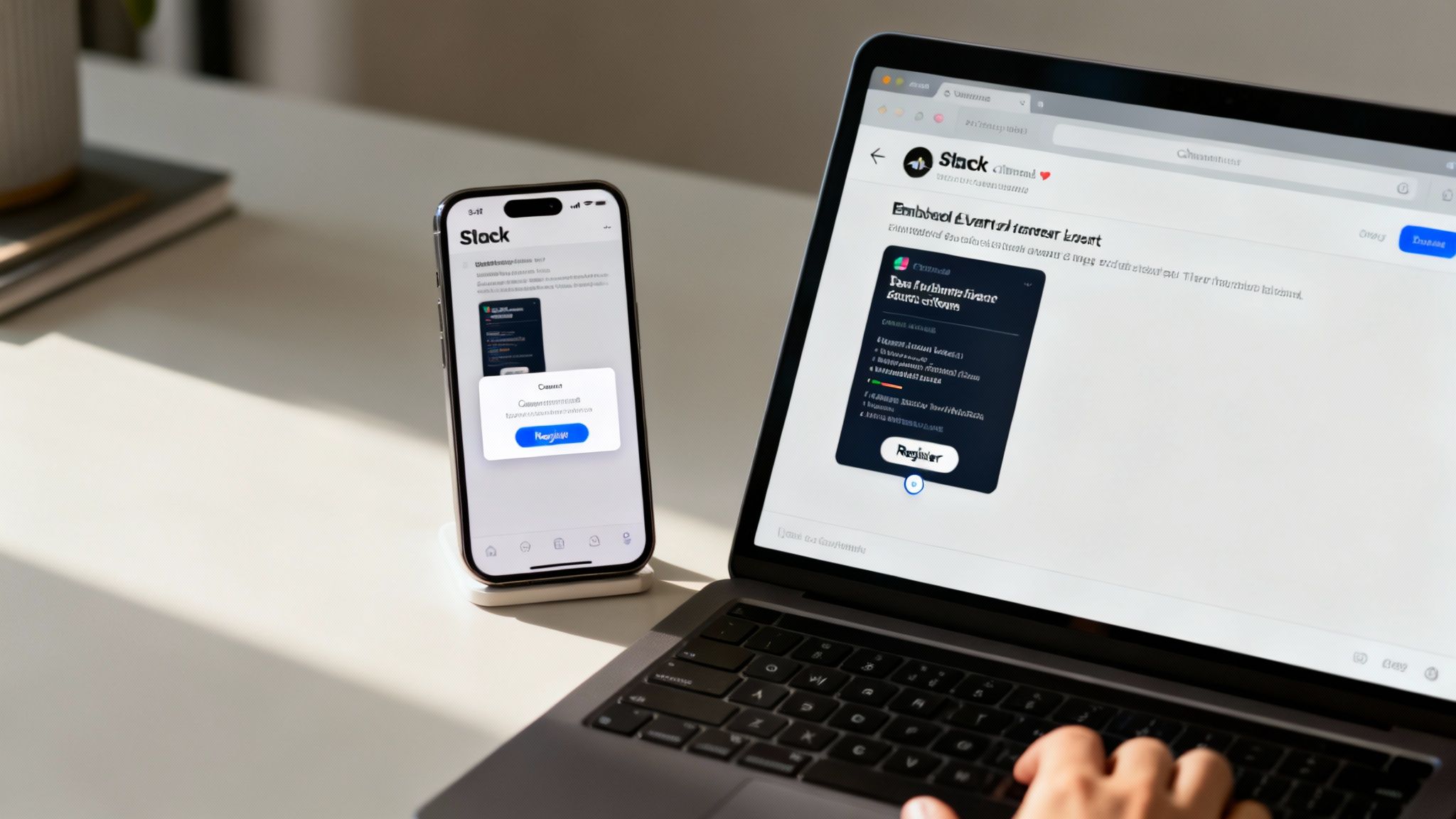
Instead of sending an email that gets buried under a mountain of other messages, you can drop an event announcement right into a channel like #announcements or #social-events. Employees see it, click a button to register, and they’re done. No new tabs to open, no passwords to remember, just pure simplicity.
✦From Announcement to Calendar in Seconds
The real magic happens when Slack and Google Calendar work together seamlessly. When an employee signs up through a Be-there.co form in Slack, the entire workflow is automated. For companies using both platforms, this synergy is incredibly handy, saving everyone time and seriously cutting down on no-shows.
Here’s how that smooth process plays out in the real world:
- Create the Event in Slack: You build out your event right inside Slack, adding all the essential details—date, time, location (whether it's virtual or in-person), and a clear title.
- One-Click Registration: Your team members see the post in their channel and can register with a single click without ever having to leave the app.
- Automatic Calendar Invite: The second they register, a Google Calendar invite is instantly sent their way. The event is now on their schedule, complete with all the info they need.
This simple, automated loop closes the gap between someone being aware of an event and actually committing to it. No more manual RSVP tracking for you, and no more "Oops, I forgot to add it to my calendar" from them. If you want to dig deeper into this approach, check out our guide on how to plan events that people genuinely get excited about.
✦Building Excitement Where the Conversation Happens
A Slack-native tool does more than just make logistics easier. It helps you build a community around your event.
You can spin up a dedicated channel, say #annual-retreat-2024, to post updates, share countdowns, and answer questions as they come up.
By managing your event registration within the same environment where your team collaborates and communicates, you make participation a natural part of their daily workflow, not an interruption to it.
This keeps the event top-of-mind and builds a sense of shared excitement. You can run a quick poll to pick the lunch menu, share a few teaser photos of the venue, or post a welcome message from the CEO—all in a space your team already checks multiple times a day.
It's a simple shift, moving from a static registration form to an interactive, conversation-driven experience. But that shift can dramatically boost participation for everything from a casual team-building happy hour to a critical all-hands meeting.
Automating Reminders and Syncing to Google Calendar
Getting someone to fill out your registration form is a huge win, but it’s only half the battle. The real challenge? Making sure they actually show up. This is where automation comes in, transforming that initial RSVP into a guaranteed attendee.
Let's be honest, manual follow-ups are a logistical nightmare, especially in a fast-moving company. Instead of spending your day chasing down RSVPs, you can set up automated reminders that keep your event top-of-mind without being a nuisance. This is especially true for teams who live in Slack and Google Calendar, where a smooth workflow is everything.
✦Seamless Integration for Modern Teams
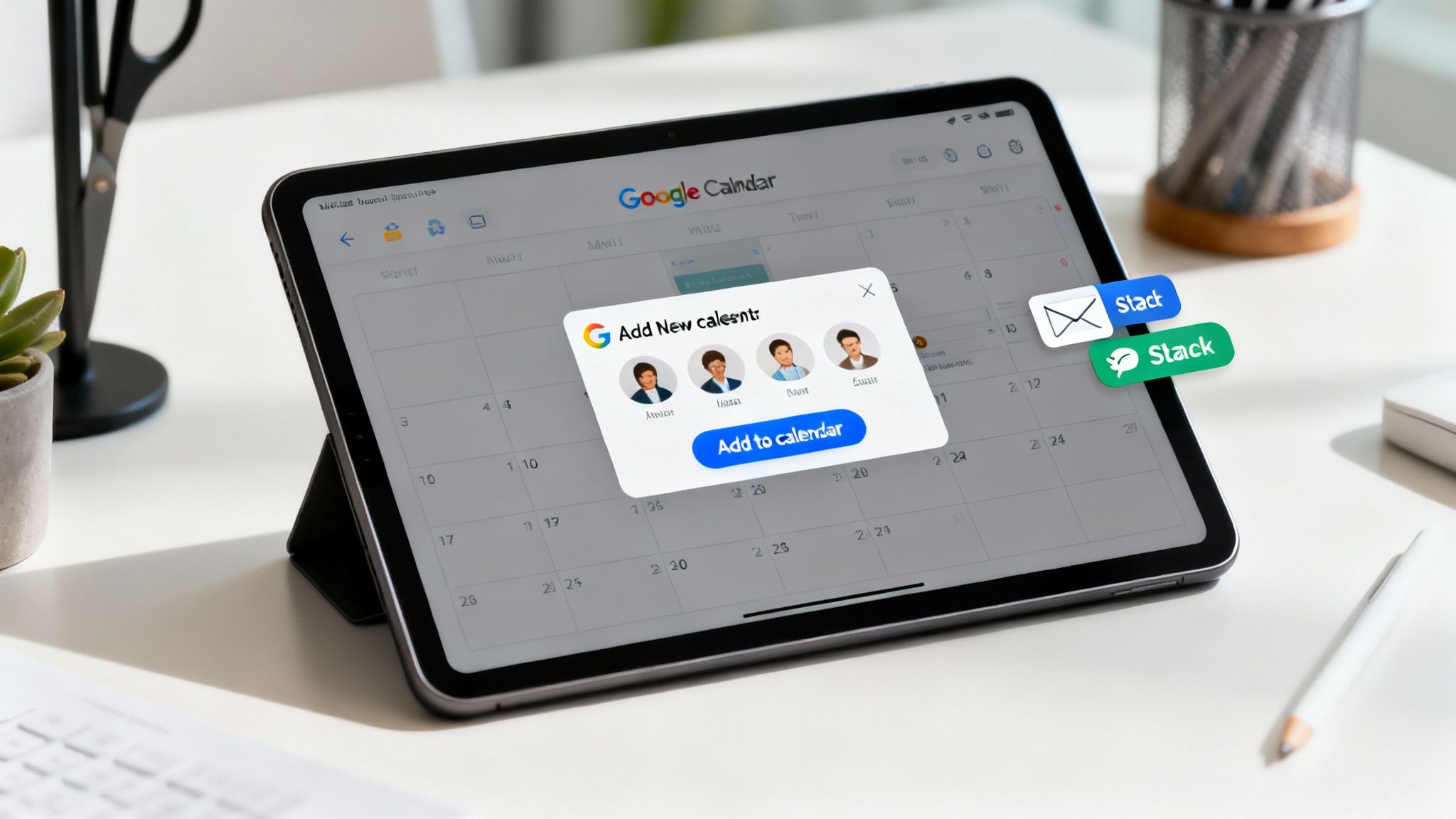
For companies that run on Slack and Google Calendar, a purpose-built tool like Be-there.co changes the game. The moment an employee registers for an event right within Slack, Be-there.co instantly creates and sends them a Google Calendar invite.
This one simple action bridges the gap between interest and commitment. Your event is now a firm block on their schedule, which drastically cuts down on no-shows. Even better, any updates you make to the event—a new time, a revised agenda—are automatically synced to every attendee's calendar. Everyone stays in the loop, and you don't have to lift a finger. This deep integration is what makes it so useful for companies that rely on both tools to coordinate their teams.
The real magic here is making event participation feel like a natural part of the workday. By removing all that friction, you’re not just making it easier to attend; you’re building a more reliable and engaged event culture from the ground up.
This kind of automation isn't just a nice-to-have anymore. In fact, 79% of event professionals now lean on systems that handle these tasks automatically. The payoff is huge: these platforms can slash administrative work by up to 25% and have been shown to boost attendance by nearly 20%. It’s a powerful argument for ditching manual processes for good.
✦Keeping Attendees Engaged
Beyond that first calendar invite, smart automation keeps the conversation going. You can schedule a series of gentle nudges to go out a week before, the day before, and even an hour before the event kicks off.
- Slack Reminders: Drop a quick, friendly message into the event channel to build some buzz.
- Email Notifications: For more formal events, a timed email can deliver the final agenda or any last-minute instructions.
This multi-channel approach makes sure your message gets seen. If you're looking to bring this kind of efficiency to other parts of your work, it’s worth reading up on how to automate repetitive tasks.
You can also explore different Google Calendar sync options to find the perfect setup for your team. By letting automation handle these critical touchpoints, you free yourself up to focus on what really matters—creating an incredible event experience.
Analyzing Your Data to Make the Next Event Even Better
Your registration form does more than just get people on the guest list. Think of it as your first, best source of intelligence for planning future events. Once the registrations start rolling in—and especially after they've closed—it's time to dig into that data. This is where you find the clues to make your next event a runaway success.
Instead of just guessing what people want, you can let the numbers guide you. This shifts your planning from guesswork to a smart, repeatable process where every event gets better than the last. It all comes down to tracking the right things and asking the right questions.
✦What to Look For: Key Metrics That Matter
To get a real sense of how your form performed, you don't need to track a million different things. Just focus on a few key metrics that tell the most important parts of the story.
- Conversion Rate: This is the big one. It’s simply the percentage of people who started your form and actually hit "submit." If this number is low, it’s a red flag that your form might be too long, confusing, or just plain buggy.
- Abandonment Points: Where are people giving up? Good analytics can pinpoint the exact field where they drop off. If everyone bails when you ask for their job title, you know that question is causing friction. Maybe it's time to rephrase it or ditch it altogether.
- Peak Registration Times: Did you get a huge wave of sign-ups right after you posted the announcement? Or did most people wait until the "last chance" email went out? This tells you exactly when your promotional efforts are hitting the mark.
The goal is to see the registration process through your attendees' eyes. Every piece of data you collect helps you smooth out the bumps in the road, making it easier and more appealing for people to sign up next time.
✦Turning Those Insights into Action
With this data in hand, you can start answering some really practical questions. Which Slack channel drove the most registrations, #general or #social-events? Did more people sign up for the "Advanced SEO" workshop or the "Content Marketing" session?
The answers are your roadmap for improvement. They help you refine your entire event marketing plan. You'll know where to focus your promotional budget, what topics people are genuinely excited about, and the best time to send your announcements.
Today's attendees expect a seamless digital experience. In fact, over 60% of them prefer registering on their phones or tablets. At the same time, a similar number are pushing for more sustainable, paperless events. This is why a simple, mobile-friendly registration process isn't just a nice-to-have anymore—it's a must. If you want to dive deeper into these trends, you can find more event industry statistics and insights here.
Common Questions About Event Registration Forms
Even with a solid plan, you're bound to run into a few questions when building your registration form. Let's tackle some of the most common ones I hear from event organizers so you can sidestep potential roadblocks and get more people to sign up.
✦How Many Fields Should My Form Have?
There's no single magic number, but here's the golden rule: only ask for what you absolutely need.
For something simple like an internal webinar, just a "Name" and "Email" might be perfect. I always suggest starting with 3-5 core fields to keep the process as quick as possible. Remember, every extra field you add is another reason for someone to abandon the form.
If you genuinely need more details—say, for dietary restrictions or session choices—use conditional logic. That way, you only show those extra questions to the people who need to see them. It's all about reducing friction.
✦How Do I Get More People to Sign Up for Internal Events?
Getting employees to register for internal events is all about meeting them where they are. Forget sending another email that gets lost in a crowded inbox. The real secret is to embed the registration process right into the tools they use all day, every day.
This is where a tool like Be-there.co really shines for companies that live in Slack and Google Calendar. You can drop an event announcement in a relevant Slack channel and let people RSVP with a single click—they never even have to leave the app. The tool is incredibly handy for this exact use case.
The best way to drive internal participation is to make registration an invisible, seamless part of the daily workflow. When it’s that easy, people actually show up.
The moment someone clicks to register, an invite automatically lands on their Google Calendar. By making it completely frictionless, you eliminate the usual excuses and make sure your event is front and center on their schedule.
✦What Do I Need to Know About Data Privacy?
Data privacy is non-negotiable. It’s the foundation of trust with your attendees, so you have to get it right.
Always be upfront about why you’re collecting data. The easiest way to do this is by including a clear link to your company’s privacy policy right on the form itself.
More importantly, only collect what's essential. If you have attendees from places with strict rules like GDPR, you must ensure your form is compliant. This means getting explicit consent for both processing their data and any future marketing emails. And, of course, always store that information securely.
Ready to build a simple, engaging event registration form right inside Slack? Be There brings your event planning into the tools your team already loves, making RSVPs a one-click process that syncs directly with Google Calendar. Start your free trial and see just how easy event management can be.
Share this post

Planning your internal events has never been easier!
No more scheduling headaches—our Slack-connected web app keeps things simple. Less email, more fun! 🚀
 Prefer a quick walkthrough?