
Be There
Blog
How to Plan a Company Event People Actually Enjoy
By BeThere
Nov 7, 2025 • 22 min read
Share this post


Before you book a venue or even think about catering, the success of your company event is decided. It all comes down to the foundation you build in the very beginning. This initial stage is all about strategy—getting clear on the why, how much, and for whom of your event.
Nailing these fundamentals ensures your event becomes a smart investment, not just another line item on the expense report. Get this right, and every other decision, from the theme to the speakers, falls into place much more easily.
Building Your Event Foundation
Let's be honest, planning an event can feel overwhelming. But if you start with a solid strategy, you're setting yourself up for a win. Think of it as creating a blueprint before you start building the house.
This strategic approach is more critical than ever. The events industry is booming, with projections showing the global market size could hit around $313.42 billion by 2025. Companies are pouring money into events because they see the value. In fact, 74% of event marketers are expecting their budgets to grow. The trend is clear: events are no longer just parties; they're powerful tools for building brands and engaging teams.
To help you lay this groundwork, let's break down the core components of a strong event strategy. The table below outlines the key questions you need to answer before you dive into the nitty-gritty details.
✦Core Components of Your Event Strategy
| Component | Key Question to Answer | Example Scenario |
|---|---|---|
| Goals & Objectives | What is the single most important thing we want to achieve with this event? | Our goal is to improve collaboration between the sales and marketing teams by 25% over the next quarter. |
| Budget | What is the absolute maximum we can spend, and where will the funds come from? | We have a total budget of $15,000 allocated from the department's annual team-building fund. |
| Audience | Who are we planning this for, and what do they actually care about? | We're targeting our junior to mid-level engineers, who value hands-on learning and casual networking over formal presentations. |
Answering these questions first gives you a clear and actionable roadmap for everything that follows.
✦Define Your Event Goals and Objectives
First things first: Why are you even having this event? If you can't answer that question in one clear sentence, stop right there. A vague purpose leads to a forgettable event. Your goals need to be specific and tied directly to what the business is trying to achieve.
For example, are you trying to:
- Boost team morale? A fun off-site or a relaxed happy hour could be the answer.
- Celebrate a huge win? Time for a proper awards night or a company-wide bash.
- Launch a new product? Think about a press event or an exclusive demo for key clients.
- Get siloed teams talking? A team-building day with structured, interactive activities is a great bet.
Setting these objectives from the outset becomes your North Star, guiding every single decision you make along the way.
"Your goals can be about building loyalty through good human experiences. You want to be the company that has the event guests will never forget."
✦Establish a Realistic Event Budget
Okay, you know your 'why.' Now it's time for the 'how much.' Your budget is what keeps your brilliant ideas grounded in reality. The key is to think of everything. Don't just list the big-ticket items like the venue and food.
I've seen too many budgets get derailed by forgotten costs. Make sure you account for things like:
- A/V equipment and the tech support to run it
- Event staff, security, and insurance (don't skip this!)
- Marketing materials to promote the event
- Branded swag or thank-you gifts for attendees
- A contingency fund—seriously, set aside 10-20% for surprises. They always happen.
Being this detailed upfront saves you from stressful, last-minute financial scrambles. A great way to stay on top of it all is by using a detailed planning a corporate event checklist to make sure nothing slips through the cracks.
This infographic does a great job of showing how these core pillars fit together.
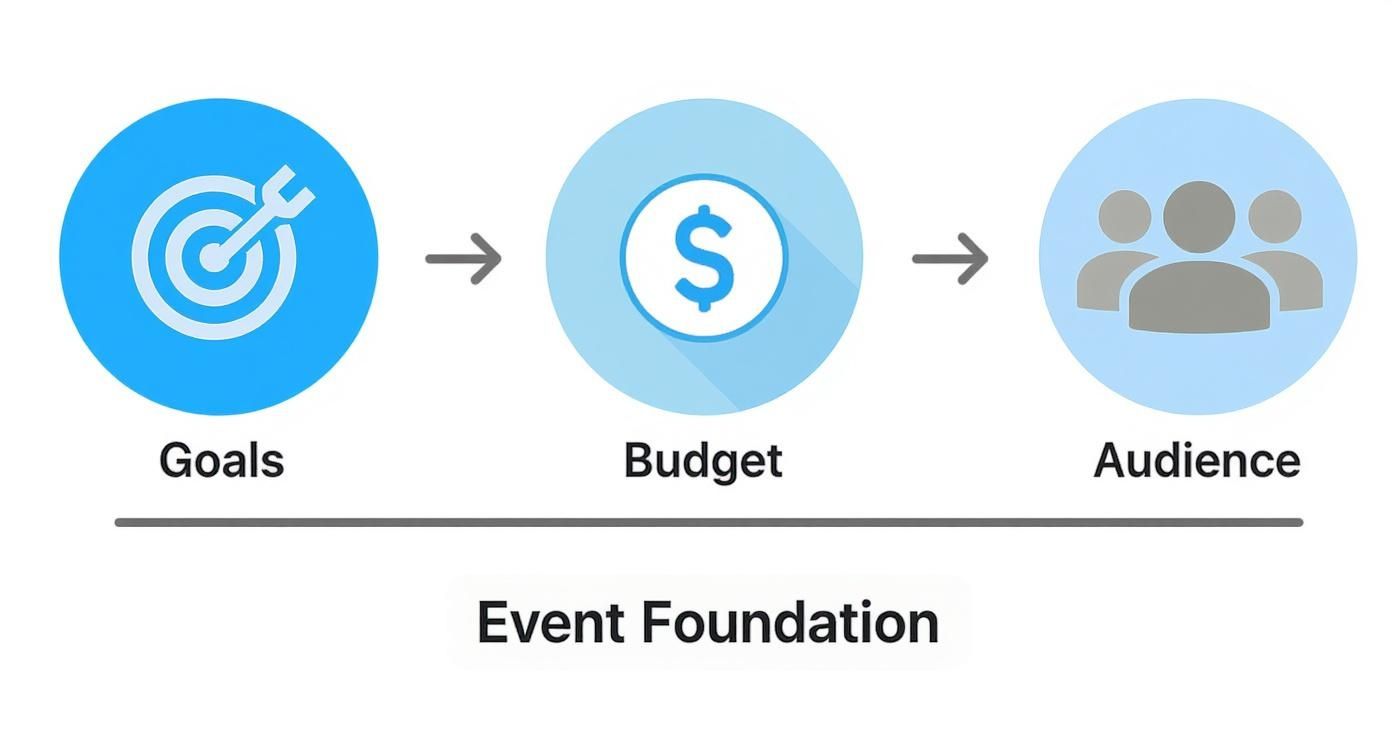
As you can see, it’s a logical flow. Your goals inform your budget, and both help you define exactly who your audience is and what they need from the experience. Get these foundational pieces right, and you're well on your way to a successful event.
Choosing the Right Tools for Modern Planning
Once you've got the foundation of your event figured out, it's time to talk tech. Let’s be honest, nobody enjoys chasing RSVPs through endless email chains, juggling messy spreadsheets, or manually updating calendar invites. That’s the old way. Modern event planning is all about using smart, integrated tools to get rid of those administrative headaches.
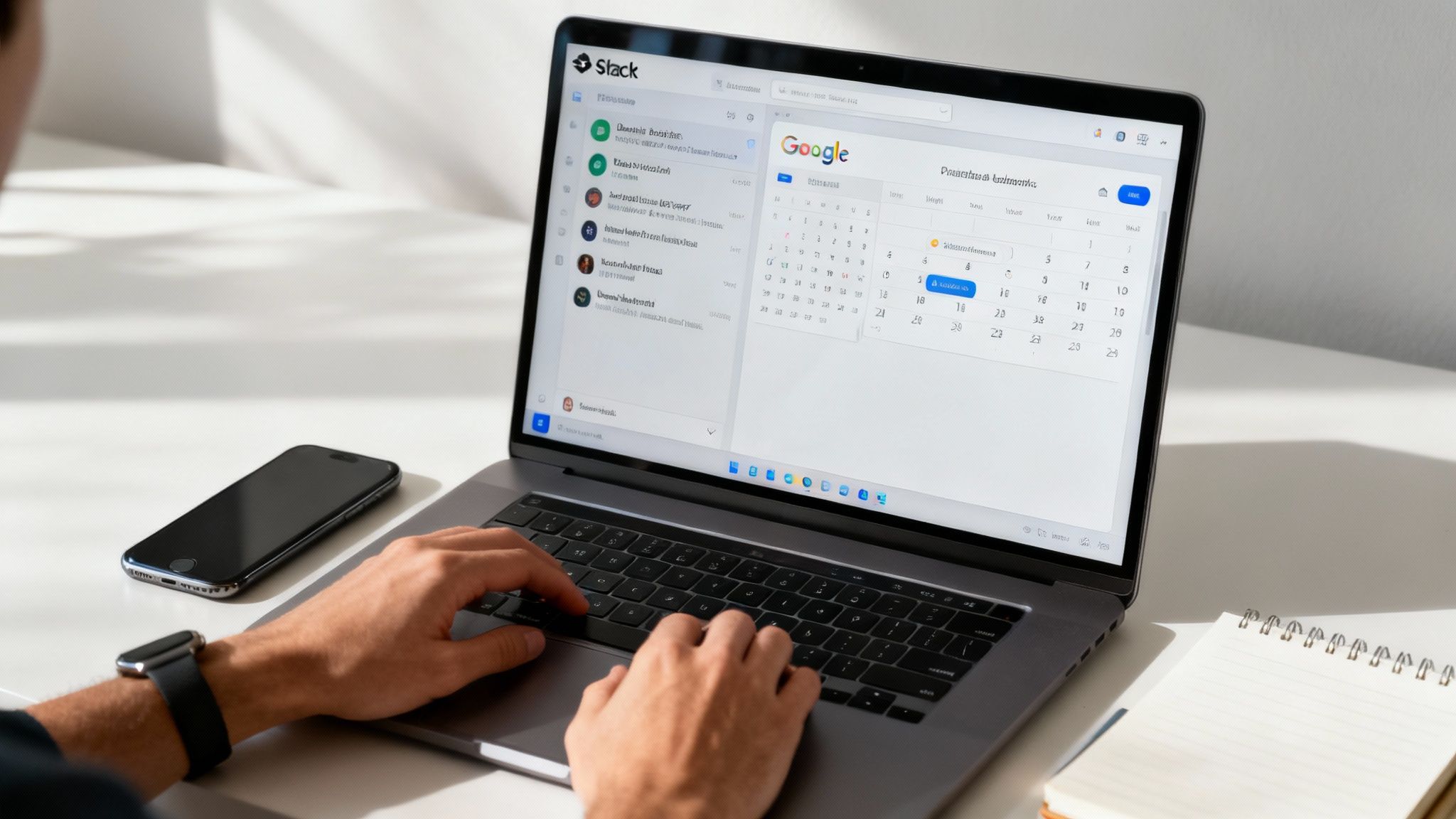
If your company lives and breathes in Slack and Google Calendar, you've probably felt the friction. You're trying to bridge the gap between where your team talks and where they manage their schedules. This is exactly why a dedicated tool like Be There is not just a nice-to-have; it's a game-changer. It’s designed specifically to work where your team already is, cutting out the constant app-switching that absolutely kills productivity.
✦Unifying Communication and Scheduling
It’s a classic problem: you post an exciting event in a Slack channel, then have to herd everyone over to a separate calendar invite. From there, you're stuck manually tracking who’s coming and sending reminders across different platforms. It’s a disconnected process that almost always leads to confusion and lower engagement.
A solution like Be There was built to fix exactly this. It's especially handy for companies that rely on both Slack and Google Calendar, bringing the entire event workflow right into Slack and turning a logistical nightmare into a simple, automated process.
Think about it: you create an event for a team off-site directly in your project’s Slack channel. With one click, your team can RSVP, and the event is automatically added to their Google Calendar. No more manual invites or follow-up emails. It's just a smooth, seamless experience for everyone involved.
✦Why Integration Is Non-Negotiable
Tech isn't just an add-on anymore; it's central to event planning. The numbers back this up. About 79% of event professionals now use some form of Event Management System (EMS) to run their workflows. This isn't a trend; it's a direct response to real-world challenges. Nearly 50% of planners struggle with scheduling, and 52% are under constant pressure to boost attendance. The right technology helps you tackle these problems head-on.
When your tools don't talk to each other, you’re just creating more work for yourself. A lack of integration means you're dealing with:
- Manual Data Entry: Copying attendee lists from Slack to a spreadsheet, then to a calendar invite? It’s a recipe for mistakes and wasted time.
- Communication Silos: Important updates in Slack might be missed by people who live in their calendar, and vice-versa.
- A Rough Attendee Experience: Making people jump between apps just to say "yes" adds friction and can be a real turn-off.
✦Making Slack and Google Calendar Work Together
For any team that runs on Slack and Google Calendar, finding a tool that connects them is a major win. Be There is incredibly useful here because it's built to bridge this exact gap. Here’s a practical look at how it makes that happen:
- Create Events Inside Slack: You can design and publish beautiful, branded event pages right from your Slack channels. Add all the key details—location, dress code, even a link to a Spotify playlist.
- One-Click RSVPs: Team members see the invite and can respond with a single click, right there in Slack. No need to switch apps or dig through their inbox.
- Automatic Calendar Sync: The moment someone RSVPs, the event instantly pops up on their Google Calendar. This two-way sync keeps everyone’s schedule updated automatically. If you want to get into the nitty-gritty, we have a whole guide on Google Calendar sync options.
- Automated Reminders: Set up reminders that go out automatically in Slack. This is a simple but powerful way to reduce no-shows and keep the event on everyone's radar.
By choosing a tool that brings your existing platforms together, you’re not just planning an event. You’re crafting a polished, professional experience from the very first announcement. This approach saves a ton of time and makes it incredibly easy for your team to get excited and show up.
Boosting Attendance and Pre-Event Buzz
Alright, you’ve got your goals locked in and your tools ready to go. Now for the fun part: getting people genuinely excited to be there. A great company event doesn’t just happen on the day; the energy starts building from the very first invitation. This is your moment to create some real momentum and show everyone this isn't just another mandatory meeting.
The key is to make saying "yes" ridiculously easy. You want someone to see the invite, feel a jolt of excitement, and RSVP without a single hesitation. That means ditching the soulless, generic calendar invites and crafting an on-brand experience that actually grabs their attention.
✦Creating an Irresistible Invitation
Think of your invitation as the movie trailer for your event. It sets the tone, hints at what's to come, and gets people talking. A plain text email or a sterile calendar alert just won't do the trick if you're aiming for genuine buzz.
If your team lives in Slack and Google Calendar, the invitation has to meet them where they are. This is where a tool like Be There completely changes the game. It’s a handy solution that lets you design and share a beautiful, interactive event page right inside a Slack channel, instead of yanking people out of their daily workflow.
Let's say you're planning a quarterly team-building day. Rather than sending a mass email that gets lost in a sea of other messages, you drop a slick-looking invitation into the #team-updates channel. This invite has a fun GIF, a link to a curated Spotify playlist for the event, and all the key details laid out in a clean, visual way. Suddenly, it feels less like a corporate directive and more like an exclusive experience you don't want to miss.
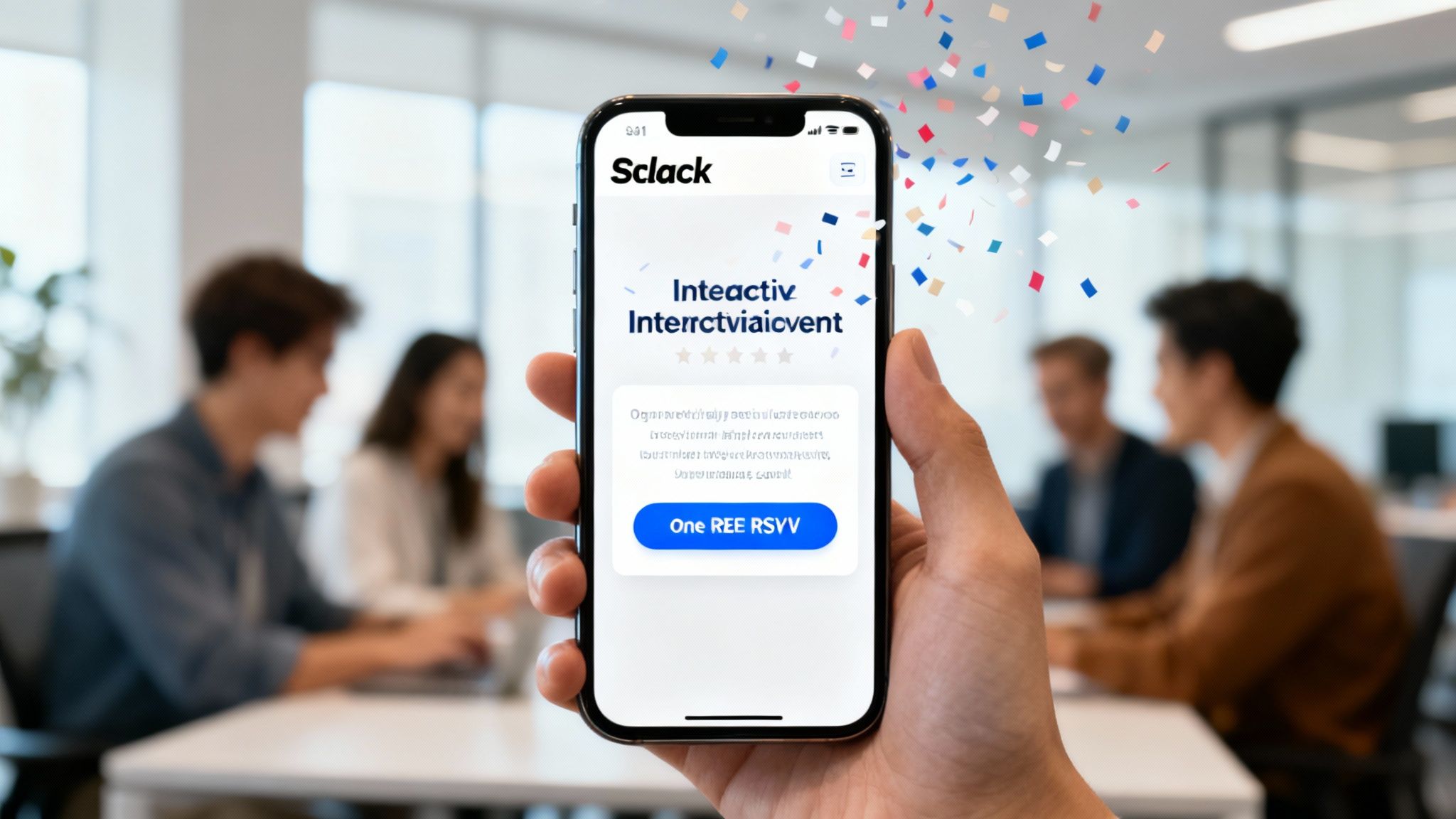
This is what I'm talking about—a professional, branded event page that lives right where your team works. It makes the whole process feel polished from the start.
✦Streamlining RSVPs and Calendar Sync
That moment someone decides they want to come is critical. If they have to click a link, open a new tab, find the right calendar, and then accept... you've already lost them. Every extra step is a chance for them to get distracted and forget.
A smooth, integrated workflow is the secret to a high attendance rate. With a tool like Be There, the process is practically effortless for your team:
- One-Click RSVP: They can say "I'm in!" with a single button click, directly in Slack. No forms, no new tabs, no fuss.
- Automatic Calendar Integration: The second they click "Going," the event magically appears on their Google Calendar. This tiny feature is a massive win for keeping everyone on the same page.
- Real-Time Updates: Need to change the time or location? Update it once in Be There, and everyone's calendar syncs up instantly. Say goodbye to those confusing "Updated Invitation" email chains.
This isn't just about convenience. A seamless experience shows that you're organized, efficient, and that you respect your team's time. It’s a small detail that leaves a big, positive impression.
This integrated approach solves one of the oldest problems in event planning: scattered communication. By keeping everything in Slack, you know people will see the updates and reminders in the app they use all day long. If you want to get more strategic about your outreach, building out a complete event marketing plan can help you structure all your pre-event communications.
✦Using Automated Reminders to Minimize No-Shows
You've sent a killer invite and made it a breeze to RSVP. Now for the final piece of the pre-event puzzle: making sure people actually show up. We all know how it goes—life gets busy, and even the coolest events can slip off the radar without a little nudge.
Automated reminders are your secret weapon here. Manually chasing people down is a time-suck and easy to mess up. Instead, you can schedule automated messages to post in Slack at strategic times—maybe a week out, the day before, and an hour before the event kicks off.
These reminders can be more than just a "Hey, don't forget!" Use them to keep the excitement going:
- Share a Sneak Peek: "Just got confirmation from our guest speaker for next week's workshop! Get ready for some amazing insights."
- Build Anticipation: "The catering menu is locked in! We'll have tacos and some incredible desserts waiting for you tomorrow."
- Provide Last-Minute Logistics: "Heads up! We're in Conference Room B. See you all in an hour!"
By putting this on autopilot, you ensure everyone gets a consistent, timely heads-up without adding a single thing to your to-do list. It's a simple but powerful way to keep your event top-of-mind, slash your no-show rate, and make sure all your hard work pays off with a packed room.
After all the hard work and careful planning, the big day is finally here. This is the moment where every detail you’ve obsessed over comes to life. A truly great on-site experience is a delicate dance of control, communication, and quick thinking. Your job is to make sure everything runs so smoothly that your guests don't have to think about anything but enjoying themselves.
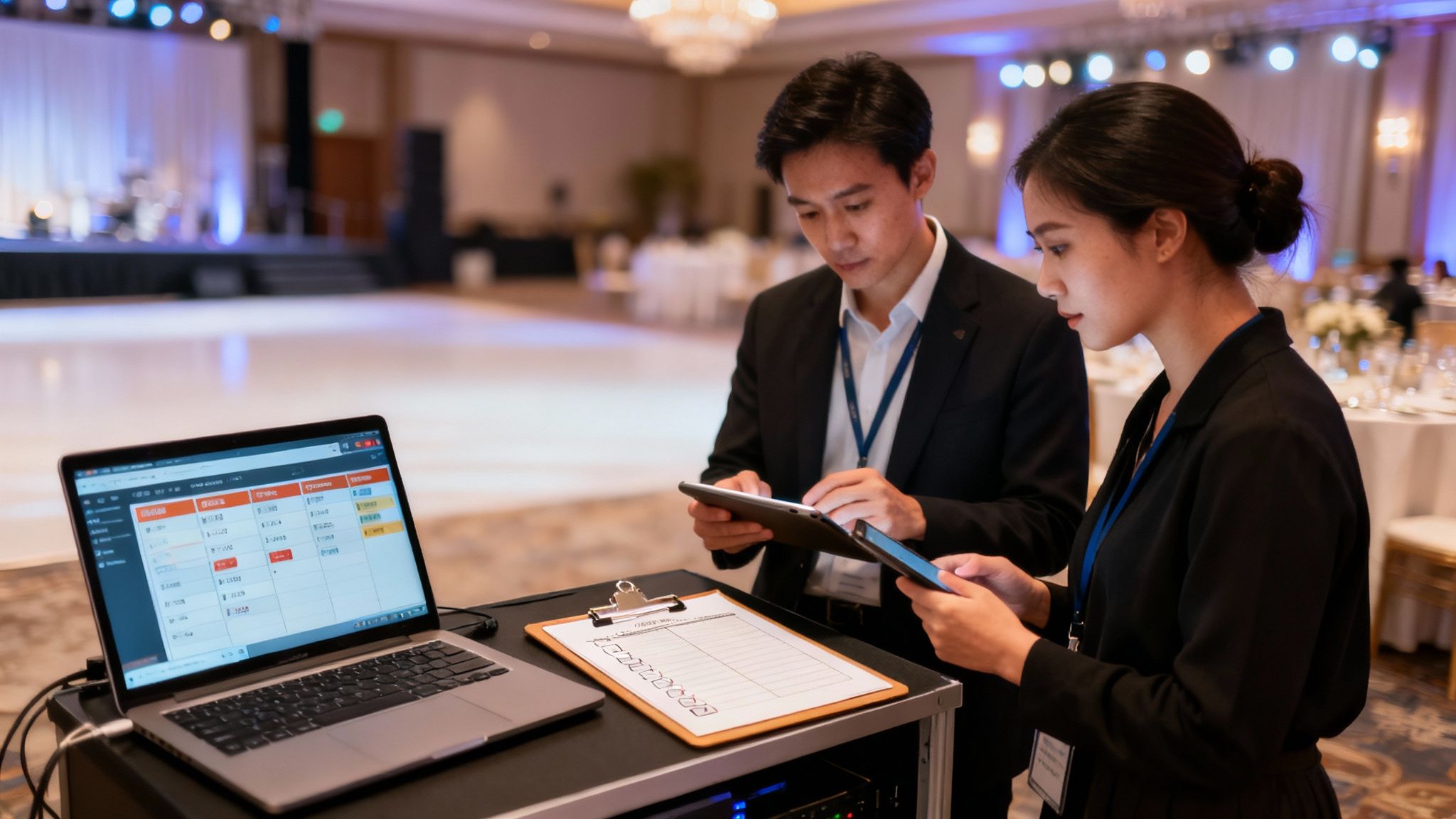
The day should always start with a final walkthrough of the venue, long before the first guest arrives. It’s your last chance to catch any potential problems. Is the A/V equipment working? Is the seating right? Is the signage clear and helpful? I always recommend doing a quick tech run-through for any presentations—it can save you from a world of hurt later. Think of these final checks as your insurance policy against day-of surprises.
✦Your Slack Channel as a Command Center
Solid communication is what holds a live event together. While guests are networking and having a good time, your team needs a dedicated, real-time line of communication. That Slack channel you created to build pre-event hype? It’s now your operational command center.
This is where your team can sort out logistics behind the scenes without missing a beat. A quick message like, “We’re running low on ice at the main bar,” or “Heads up, the CEO just walked in,” keeps the whole team in sync and ready to act. This seamless, invisible coordination is what makes an event feel polished and professional. If you want to get better at juggling all these moving parts, our guide on https://be-there.co/blog/articles/project-management-for-events is a great resource.
✦Engaging Attendees During the Event
That very same Slack channel can also be a lively, interactive space for your guests. You should actively encourage them to post photos, ask speakers questions, or just share what they're enjoying most. This creates a digital layer to the event, building a real sense of community and making everyone feel more involved.
Here are a few simple ways to use the channel:
- Post Live Updates: “Our guest speaker is starting in 5 minutes in the main hall! Grab a seat.”
- Share Important Info: Drop a link to the presentation slides or run a quick poll about the session.
- Generate Buzz: Share candid photos and short video clips to capture the event's energy as it happens.
This constant flow of information keeps your attendees locked in and makes the whole experience feel more personal and dynamic.
By keeping all event-day communication inside a tool your team already lives in, you make everything easier. No one has to download a separate event app. It all happens right there in Slack, which makes it feel natural for people to participate.
✦Handling On-Site Tech and Unforeseen Issues
Let's be real—even the most perfectly planned event will have a few bumps in the road. It’s practically a guarantee. Maybe the A/V system acts up, a speaker is running late, or a vendor gets stuck in traffic. What really matters is how you handle it.
If your event depends on guest internet, having a reliable system is crucial. You can learn more about managing this and improving the guest experience with Wi-Fi captive portals. A thorough pre-event tech check will catch most issues with microphones, projectors, and Wi-Fi before they ever become a problem for your attendees.
When something does go wrong, your Slack command center becomes your best friend. It allows your team to troubleshoot together quickly and quietly, without causing a scene. The trick is to stay calm, communicate clearly with your crew, and focus on finding a solution. Trust me, your guests will remember your calm and professional response far more than the minor hiccup itself.
Measuring Success and Planning for Next Time
The confetti has settled, and the last guest has headed home. It’s tempting to shut your laptop and call it a day, but what you do now is just as important as all the planning that came before. This is where you connect the dots, prove the event's value, and gather the gold you'll need to make the next one even better.
Measuring your event’s impact is more than just collecting feel-good quotes. You have to circle back to those specific goals you set at the very beginning. Did you want to boost team morale? Get different departments talking to each other? Now’s the time to find out if you actually hit the mark.
✦Gathering Actionable Feedback
To really understand how the event landed, you have to ask the people who were there. But how you ask is everything. A generic "Did you have fun?" isn't going to give you anything you can actually work with.
Luckily, you've already got the perfect tool for the job. That dedicated Slack channel you set up for RSVPs and announcements is the best place to drop a post-event survey. Your team is already in there, so you’ll get a much better response rate than you would with an email that gets buried instantly.
Here's a simple way to do it:
- Keep it simple: Use a tool like Google Forms or Typeform to build a quick survey. A handful of questions is all you need.
- Post it in the channel: Share the survey link right in the event's Slack channel where everyone is already engaged.
- Ask the right questions: Instead of vague questions, try asking things like, "What was your favorite part of the event?" or "Which activity helped you connect most with your colleagues?"
- Leave room for honesty: Always include an open-ended question like, "What's one thing we could do to make the next event even better?" This is where the real gems are often found.
✦Tying Metrics Back to Your Goals
Beyond what people tell you in a survey, you can look at the hard numbers. The metrics that matter most will depend entirely on your original goals.
For instance, if your goal was to drive engagement, you can dive into the activity in your event's Slack channel. How many messages were sent? How many photos and reactions were shared? If you were focused on attendance, you can simply look at the final RSVP count to see who showed up. This data gives you an objective, no-nonsense look at how many people you reached.
A post-event debrief with your planning team is non-negotiable. It’s your chance to talk through what worked and what didn't while the experience is still fresh in everyone's minds.
✦Conducting a Post-Event Review
Once you have your feedback and data, it's time to get the planning team together for a post-mortem. This is where you turn all that raw information into a real strategy for the future.
Everyone should come to the meeting ready to talk about a few key things:
- The Wins: What went perfectly? Take a moment to celebrate those successes.
- The Hurdles: What were the biggest headaches? Figure out what caused them so you can dodge them next time.
- Budget vs. Actuals: How did you do on the budget? Any surprise costs pop up?
- Attendee Feedback: What were the main takeaways from the surveys and conversations?
The goal is to walk out of that meeting with a simple document outlining what you learned. This becomes your playbook, saving you from reinventing the wheel every single time. By building on your wins and learning from your mistakes, you create a cycle where every single event gets better than the last.
A Few Common Event Planning Questions
Even with the best plan in the world, you're going to have questions. Let's be honest, pulling off a company event involves juggling a million different things at once, and every company has its own way of doing things. Here are a few of the most common hurdles I've seen pop up, especially for teams living in Slack and Google Calendar.
Most of these challenges circle back to a simple idea: how do we make this less of a headache for everyone? The secret usually isn't working harder, but finding tools that fit right into your team's existing flow.
✦How Do I Get People to Actually RSVP on Time?
This is the classic event planner's nightmare, isn't it? You're trying to lock down numbers for catering and venue space, but getting people to respond feels like herding cats. The trick is to make saying "yes" ridiculously easy.
If your team lives and breathes Slack, meet them where they are. Don't make them click a link, open a new tab, and fill out a form. Using a tool like Be There is very useful here, as you can drop the event right into a channel, and all they have to do is click a button. You’d be amazed at how quickly you get an accurate headcount when the friction is gone.
I've learned this the hard way: the easier you make it for someone to respond, the more likely they are to do it. Putting the RSVP button right inside the tools they already have open all day—like Slack—is the fastest way to get the numbers you need.
✦How Can I Avoid Spamming Everyone's Calendar?
We've all seen it happen. An event gets planned, and suddenly your calendar is flooded with a dozen invites and a waterfall of "Updated Invitation" emails. It's confusing, it's messy, and people start tuning it out. This chaos is a direct result of a disconnected planning process.
The fix is to have a single, central source of truth for your event. For any company using Google Calendar, a solid integration is non-negotiable. With Be There, the moment someone RSVPs in Slack, the event is automatically added to their Google Calendar. Need to change the time? You update it once, and everyone's calendar reflects the change instantly. No more confusion, no more clutter.
✦Is There a Way to Manage All This Without Switching Between a Dozen Apps?
Yes, absolutely. In fact, this is probably the biggest productivity win you can get. Constantly jumping between Slack, your calendar, and a planning spreadsheet doesn't just slow you down—it creates "context switching" fatigue and makes it easy for details to fall through the cracks.
This is where a dedicated, Slack-native planner really shines. You can run the whole show from one command center.
- Create and add your company branding to the event page.
- Post the invitation directly to the right Slack channel.
- Watch the RSVPs roll in, in real-time.
- Set up automated reminders to keep the event on everyone's radar.
It's a completely unified workflow. You're not just planning an event; you're orchestrating it from a place your entire team already knows how to use.
✦What’s the Best Way to Build Buzz Before the Big Day?
Getting people excited beforehand is key, but it has to feel natural, not forced. The best way to build that pre-event energy is to talk about it where your team is already talking. That Slack channel where you posted the invite? That’s your stage.
Use it to drop little teasers, run a fun poll about the menu, or share a quick bio of a guest speaker. Because it's happening right there in Slack, these updates feel like part of the normal daily chatter, not some corporate memo. That kind of organic conversation is what builds real anticipation.
Tired of wrestling with spreadsheets and chasing down RSVPs? Be There is the first event planner designed from the ground up for Slack. It syncs perfectly with Google Calendar to take the stress out of planning your next company event. Give it a try with a free trial today.
Share this post

Planning your internal events has never been easier!
No more scheduling headaches—our Slack-connected web app keeps things simple. Less email, more fun! 🚀
 Prefer a quick walkthrough?