
Be There
Blog
How to Plan for Event Success: A Practical Guide
By BeThere
Dec 1, 2025 • 23 min read
Share this post


Before you book a venue, send an invite, or even think about catering, you have to ask yourself one simple question: Why are we doing this?
Seriously. Getting this right from the start is the single most important thing you can do. It's the North Star for every single decision you'll make later. Without a clear "why," you’re just planning a party; with one, you’re creating an experience with a purpose.
Defining Your Event Purpose and Goals
Every truly great event I've ever planned or attended started with a crystal-clear vision. What’s the real reason you’re pulling people away from their work to get together? If you can’t answer that, you're just throwing money and time at something that probably won't hit the mark.
This is the moment to decide if you're trying to fire up team morale, pop the champagne for a huge company win, or welcome a new batch of hires into the fold.
Companies are pouring serious cash into events for a reason. The global events industry is valued at roughly $1.4 trillion in 2024 and is expected to more than double to nearly $2.9 trillion by 2035. That's not just for fun—it's because smart companies know that good events deliver real results. And with a massive 83% of meetings expected to have an in-person element, it's clear that face-to-face connection is still king. You can dig into more of these event industry statistics to see just how critical getting this right is.
✦Start with the End in Mind
To figure out how to plan your event, you first need to picture what success actually looks like. Forget vague goals like "a fun get-together." Get specific.
- What's the #1 Goal? Are you trying to get siloed teams to finally talk to each other? A better goal is: "Get 40% more interaction between our engineering and marketing teams." Now we're talking.
- Who Is This For? Is it for the whole company, one department, or just the leadership team? Your audience completely changes the vibe, the content, and the format.
- How Will You Know You Succeeded? Think about your Key Performance Indicators (KPIs). Will you measure success with post-event survey scores? A bump in employee retention next quarter? Or maybe it's seeing a new cross-functional project kick off after the event.
Before you get bogged down in the nitty-gritty, it's helpful to have a simple checklist to make sure you've covered the basics. Think of this as your event's foundation.
✦Core Event Planning Checklist
| Core Element | Key Question to Answer | Example Goal |
|---|---|---|
| Primary Objective | What is the single most important outcome? | Boost team morale and connection after a long project. |
| Target Audience | Who absolutely needs to be there? | The entire 50-person Product & Engineering department. |
| Success Metrics | How will we measure if this worked? | Achieve a 90% or higher "would recommend" score on the post-event survey. |
| Event Format | What's the best way to bring people together? | An in-person offsite with a mix of workshops and social activities. |
| Budget | What's a realistic amount to spend to achieve our goal? | $10,000 all-in for venue, food, activities, and materials. |
Getting clear answers to these questions upfront will save you countless headaches down the line and ensure everyone on the planning committee is rowing in the same direction.
✦Choosing the Right Format
Your goals should directly point you to the right format. If you want people to learn a new skill, a workshop makes sense. If you're celebrating a record-breaking quarter, a relaxed social event is the way to go.
- In-Person: Nothing beats it for building real bonds, hands-on training, or celebrating those big moments where you just have to be in the room.
- Virtual: Perfect for teams scattered across the globe, quick all-hands updates, or when you just need to get information out efficiently.
- Hybrid: Gives you the best of both. You get the buzz of an in-person event while making sure your remote folks don't feel left out.
The biggest rookie mistake I see is letting the planning process get buried in a nightmare of endless email threads and scattered Google Docs. You absolutely must have one central place for all event communication from day one.
✦Centralize Your Planning from Day One
If your company already lives in Slack and Google Calendar, it's a huge advantage to have your event planning hub there too. Constantly switching between different apps just creates confusion and opens the door for things to fall through the cracks. This is where tools built for the way you already work become incredibly handy.
For example, a platform like Be There is a lifesaver for companies using Slack and Google Calendar because it connects them seamlessly. You can create an event, see who’s coming, and send out reminders all from within Slack, and it all magically syncs to everyone’s official calendar. This completely eliminates the soul-crushing task of manually tracking RSVPs in a spreadsheet and guarantees everyone has the right info, right where they're already looking.
Getting your tools and communication hub sorted out first thing sets you up for a much smoother, saner planning process from the get-go.
Nailing Down Your Timeline and Budget
Once you know why you’re hosting an event, it’s time to figure out the “when” and “how much.” A solid timeline is your roadmap, and a realistic budget is the fuel that gets you there. Honestly, getting these two things right from the start is the best way to avoid that last-minute chaos that can sink even the most promising event.
My best advice? Work backward from your event date. For anything big, like a conference or a company-wide retreat, you’ll want to give yourself at least 3-6 months of planning time. This isn't just about avoiding stress; it's about having your pick of the best venues and vendors before they get snatched up.
For smaller get-togethers, like a team happy hour or a workshop, you can probably pull it off in 4-6 weeks. The trick is to break the whole process down into manageable chunks. Using a good project timeline template can be a lifesaver here, helping you map everything out and make sure nothing falls through the cracks.
Every decision you make about your timeline and budget should tie back to your main goals. It's a simple, three-part loop: define your purpose, target your audience, and measure your results.
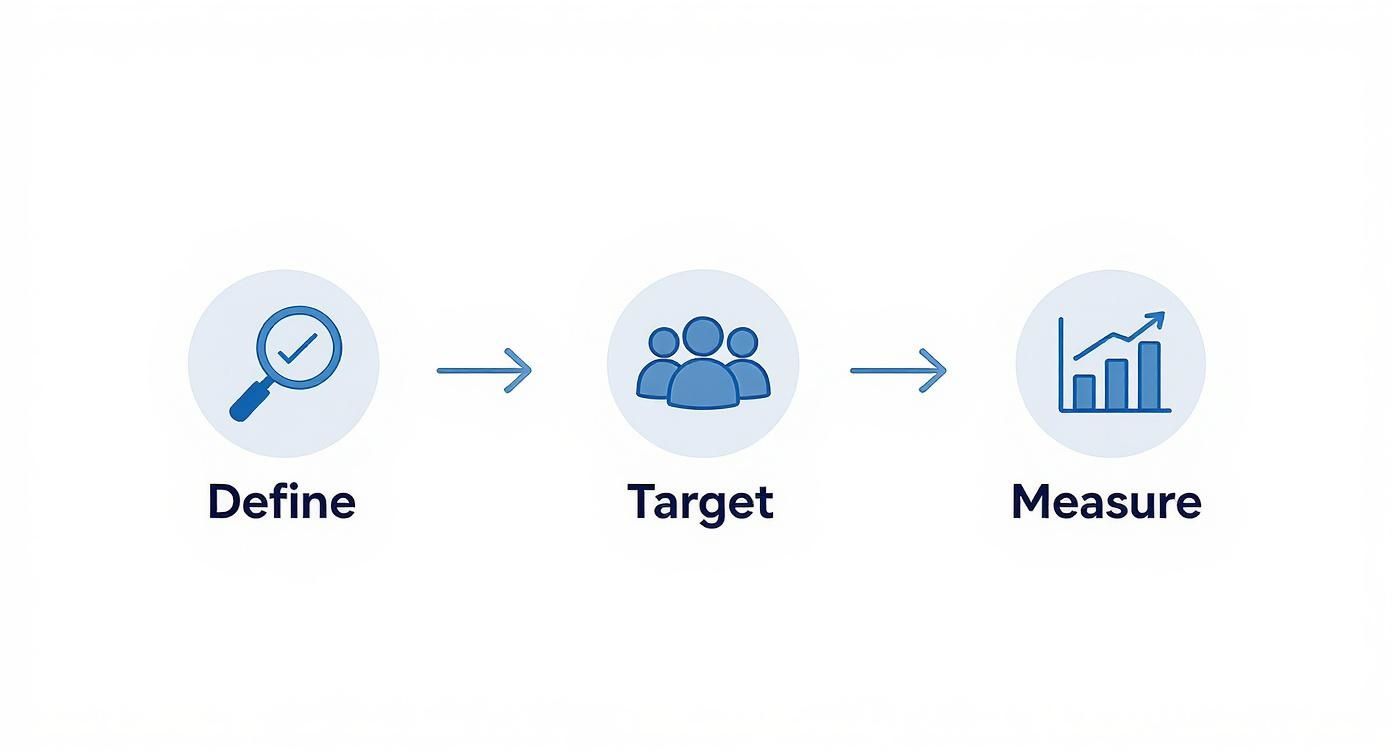
This visual is a great reminder that your planning should always be strategic. Don't just book things; book the right things that will help you achieve what you set out to do.
✦Mapping Out Key Milestones
A good timeline is all about milestones. Think of them as checkpoints. For a medium-sized event, your timeline might look something like this:
- 3-6 Months Out: This is for the big stuff. Lock in your budget, book your venue and any must-have speakers, and get the registration page live.
- 2-3 Months Out: Time to focus on the vendors. Line up catering, AV, photographers, and any entertainment. This is also when you should really start promoting the event.
- 1 Month Out: It's all about confirmations. Finalize the agenda, send attendees all the details they need, and touch base with every single one of your vendors.
- The Final Week: We're in the logistics zone now. Give the caterer final headcounts, run through any tech rehearsals, print name badges, and do a final huddle with your team.
Breaking it down like this makes the whole thing feel way less overwhelming.
Think of your budget as a reflection of your priorities, not just a list of expenses. If the main goal is team bonding, it makes a lot more sense to spend money on a really cool group activity than on fancy floral arrangements.
✦Getting a Handle on the Budget
Budgeting can feel like a chore, but it doesn't have to be a mystery. Just start by listing out every possible cost you can think of. It's the little "hidden" costs that always seem to trip people up.
Make sure you've thought about things like:
- Permits and licenses
- Event insurance
- Credit card processing fees for tickets
- Travel and lodging for staff or speakers
- A contingency fund (seriously, always set aside 10-15% for surprises)
If you want to go deeper, we've put together a complete guide on budgeting for an event that’s packed with templates and tips from our own experience.
The trend is clear: companies are investing more in events. In 2025, a whopping 70% of North American meeting planners are expecting their budgets to grow. Events now take up an average of 14% of a company’s marketing budget, and with 24.3% of event teams citing ROI as a top priority, the pressure is on to prove that money is well spent.
This is where smart tools become non-negotiable, especially for companies whose internal communication lives on Slack and Google Calendar. Trying to manage events manually in this environment is a recipe for missed messages and version control nightmares. A tool like Be There is a game-changer because it plugs right into your existing workflow, automating RSVPs and calendar invites between the two platforms. This saves a ton of administrative time—which is real money back in your budget—letting you focus on creating an amazing experience instead of chasing RSVPs.
Automating Promotion and RSVPs in Slack
You’ve put in the work to design a fantastic event, but its success really boils down to one thing: getting people to actually show up. The old way of doing things—blasting out an email, then manually chasing down RSVPs and updating a spreadsheet—is a soul-crushing time-sink. Frankly, it’s an administrative nightmare that creates friction for everyone involved.
For companies that use Slack and Google Calendar internally, event promotion has to meet employees where they already are. An email that gets buried under a mountain of other messages just isn’t going to cut it anymore. Real engagement begins when the entire process, from the first announcement to the final RSVP, feels effortless and fits right into their daily workflow.
✦Moving Beyond Email Threads
Picture this: you create an event in Google Calendar for your next team offsite. Instead of then having to draft a separate email and a Slack message, a tool automatically pushes a polished, interactive announcement directly into your #team-events channel. Your colleagues see a slick post with all the key details and can RSVP with a single click—all without ever leaving Slack.
This isn't some futuristic dream; it's exactly how modern event tools operate. By connecting your core communication platforms, you can finally ditch the tedious manual work that has plagued event organizers for years.
For companies that rely on both Slack and Google Calendar, a dedicated tool like Be There is particularly useful. It acts as the bridge between your calendar and your chat, turning a clunky, multi-step process into one smooth, automated action.
✦A Real-World Example in Action
Let's walk through what this looks like for a company planning its quarterly all-hands meeting.
- Create the Event in Google Calendar: The event manager pops the "Q3 All-Hands Meeting" onto the company's shared Google Calendar, adding the date, time, and meeting link.
- Automatic Slack Announcement: Since Be There is connected, a beautiful announcement instantly appears in the
#announcementschannel. It pulls in the title, a custom image, the date and time, and adds clear "Yes," "Maybe," and "No" RSVP buttons. - One-Click RSVP: An employee, catching up on Slack, sees the post and clicks "Yes."
- Seamless Calendar Sync: Here’s the magic. Be There instantly updates that employee's RSVP status on the original Google Calendar invite.
The employee never had to switch apps, open their calendar, or hunt for an old email. Even better, the event manager doesn't have to manually check who has responded or update a separate tracking list. It just works.
Here’s a look at how simple it is to get an event up and running right from Slack.
This direct integration means you can plan and announce an event from start to finish without ever leaving the app your team uses most.
The real power here is the real-time, accurate headcount. You always know exactly who is coming, which is absolutely critical for logistics, catering, and keeping your budget in check.
✦The Benefits of an Integrated Approach
Moving to a Slack-first promotion strategy does a lot more than just save you a few hours. It fundamentally improves the event experience for your attendees and your planning team.
- Increased Visibility: Let's be honest, announcements in active Slack channels get far more eyes on them than emails that are easily missed or ignored.
- Higher RSVP Rates: When you reduce the friction to zero, a one-click button in Slack dramatically boosts response rates. People are just more likely to respond on the spot when it's that easy.
- Reduced Administrative Burden: Think of all the hours you'll get back. You can reallocate that time from manual tracking to more important things, like improving the event content or the attendee experience.
- Centralized Information: All event details and the attendee list live in one place, easily accessible to the entire planning committee. No more "who has the latest spreadsheet?" moments.
If you want to dig deeper into the mechanics and strategies, our guide on how to plan events offers a more extensive look at optimizing each stage of the process.
Ultimately, automating your promotion and RSVP workflow isn't just a "nice-to-have" anymore. It's a core part of planning events efficiently in a modern, fast-paced company. It frees you up to focus on what truly matters: creating a memorable and impactful experience for your team.
Executing a Flawless Event Day
After all the spreadsheets, timelines, and late-night planning sessions, the big day is finally here. This is where the magic happens. Success now isn't about planning anymore; it’s all about smooth execution, thinking on your feet, and projecting a sense of calm control. The energy you and your team bring to the floor really does set the tone for everyone.
Think of this as your game-day playbook. With the right structure, you'll be able to spot and solve small issues before they snowball, making sure every single person—from attendees to speakers—feels looked after.
✦Master Your Run-of-Show
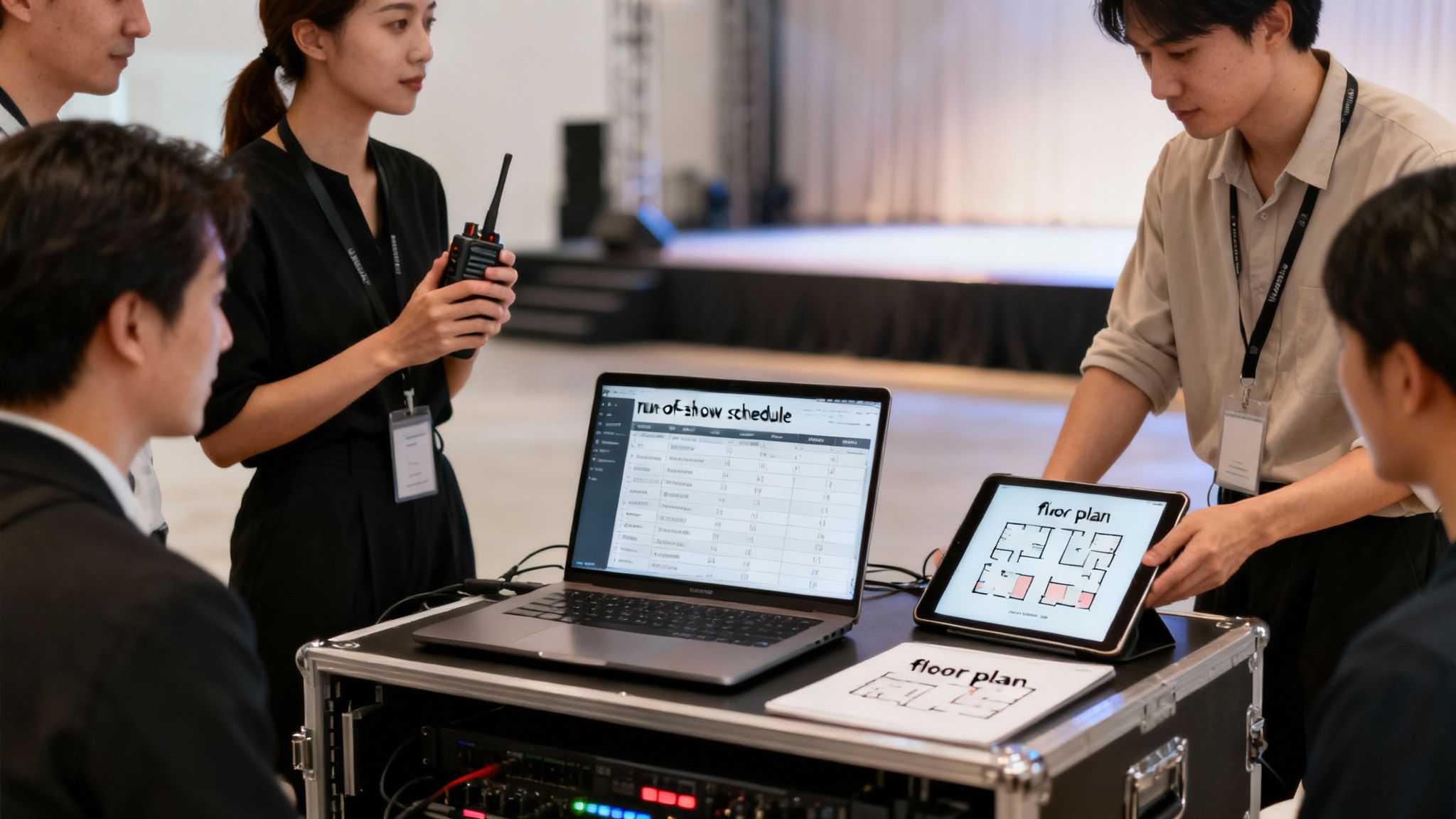
On event day, your most powerful tool is the run-of-show. Don't mistake this for a simple agenda; it's a minute-by-minute blueprint that maps out every single thing that needs to happen, from the moment the first vendor truck pulls up to when the last box is packed away.
I've learned from experience that a truly great run-of-show needs to include:
- Key Timings: Go beyond session start times. When does the AV team need to do sound checks? What time does the keynote speaker arrive? When does catering need access to the green room?
- Assigned Roles: No ambiguity. Who is on "greet the speaker" duty? Who is the point person for the registration desk? Make it crystal clear.
- Contact Information: This is a lifesaver. Get the mobile numbers for the venue manager, lead AV tech, catering captain, and your core team all in one spot.
- Contingency Notes: What’s our move if a speaker is stuck in traffic? If the presentation clicker dies, where’s the backup? Write it down.
This document becomes your team's bible for the day. Make sure everyone has a copy so they feel empowered to make decisions without having to ask you for every little thing.
✦Streamline Day-Of Communications with Slack
Let’s be honest, email is far too clunky for the fast-paced needs of an event day. The absolute best way to manage what's happening in real-time is a dedicated Slack channel. This is especially handy for companies who already use both Slack and Google Calendar, as it keeps all communication in a familiar, central hub.
Tools like Be There are a game-changer here because they enhance this workflow. For example, it can send automated pings to attendees right in Slack, reminding them a session is about to start or telling them where to check in. That simple automation frees up your team from being human alarm clocks.
Your team's communication hub on the day of the event should be instant and seamless. A dedicated Slack channel allows for quick updates, problem-solving on the fly, and keeps everyone in sync without cluttering up inboxes or requiring constant phone calls.
✦Perfecting the Arrival Experience
The first five minutes set the stage for an attendee's entire experience. A long, confusing line at check-in can sour the mood instantly. You're aiming for a welcome that feels smooth, personal, and efficient. To really nail that professional first impression, it’s worth looking into the best check-in apps for events. These tools can crush long lines, give you live attendance data, and just make your whole operation look sharp.
And a non-negotiable for any event format: a full pre-event tech check. For virtual guests, send clear joining instructions and have tech support on standby. For an in-person event, this means you're in the room with the AV team, testing every microphone, projector, and light well before a single guest arrives. Never, ever assume the tech will just work. Test it. Then test it again.
Remember, a flawless event isn't about perfection. It’s about how your team handles the inevitable small hiccups with grace. Armed with a detailed run-of-show, a solid communication plan, and smart backup strategies, you’ll be ready for anything.
Driving Engagement and Gathering Feedback
The real magic of an event isn't just in the logistics; it's in the buzz, the energy of the room. The best workplace events feel less like a mandatory meeting and more like a shared experience. That happens when you turn attendees into active participants, not just spectators. Pulling this off comes down to a smart engagement strategy—before, during, and long after the last person heads home.
Believe it or not, that work starts well before day one. Building anticipation is everything. You want people to show up excited and ready to connect, and a few simple pre-event activities can make all the difference.
✦Building Pre-Event Buzz in Slack
If your company culture is built around Slack and Google Calendar, that’s exactly where your engagement strategy should be. Forget sending yet another email that’s bound to get lost. Use your team's existing communication hub to get people involved from the very beginning.
This is where a tool like Be There becomes incredibly useful for internal event planners. Since it connects your Google Calendar events right into Slack, you have a built-in audience. You can use the event announcement thread it automatically creates to:
- Run a quick poll. Let people vote on the lunch menu, a workshop topic, or the playlist for the happy hour. It’s a small touch that gives everyone a sense of ownership.
- Start a Q&A thread. Ask speakers to post a "get to know me" message and invite people to drop questions in a thread beforehand. This warms up the audience and helps speakers tailor their content to what people actually want to know.
- Share some sneak peeks. Post a quick GIF of the venue being set up or a short video message from a guest speaker. These little teasers build excitement and keep the event top of mind.
Suddenly, the event isn't just a single entry on a calendar—it's an ongoing conversation happening where your team already works.
✦Keeping the Energy High During the Event
Once the event is underway, your goal is to keep that momentum going. Passive listening leads to zoned-out attendees scrolling through their phones. Interactive elements are non-negotiable, whether your event is in a physical room, fully online, or a mix of both.
Different formats call for different tactics, but many core ideas can be adapted. Here’s a quick look at what tends to work best where.
✦Engagement Ideas for Every Event Format
| Engagement Tactic | Best for In-Person | Best for Virtual | Best for Hybrid |
|---|---|---|---|
| Live Polling/Q&A | High | High | High |
| Gamification (e.g., scavenger hunt) | High | Medium | Medium |
| Facilitated Networking | High | Medium | High |
| Interactive Breakout Sessions | High | High | High |
For Slack-first companies, you can extend the interaction beyond the main stage. Create temporary channels for breakout groups or set up a live Q&A channel where remote attendees can participate just as easily as those in the room. This is how you make a hybrid event feel genuinely connected for everyone.
The real measure of a great event isn’t just how people feel during it, but what they take away from it. Gathering feedback while the experience is fresh is the only way to truly understand your impact and make the next one even better.
✦Gathering Feedback the Modern Way
The work isn’t over when the event ends. In fact, what you do next is your golden opportunity to capture valuable insights. But we all know the traditional "please take our survey" email often gets ignored, leading to dismal response rates.
This is another area where integrating your tools pays off big time. For companies using Slack and Google Calendar, deliver the feedback survey directly where your team is already active—Slack.
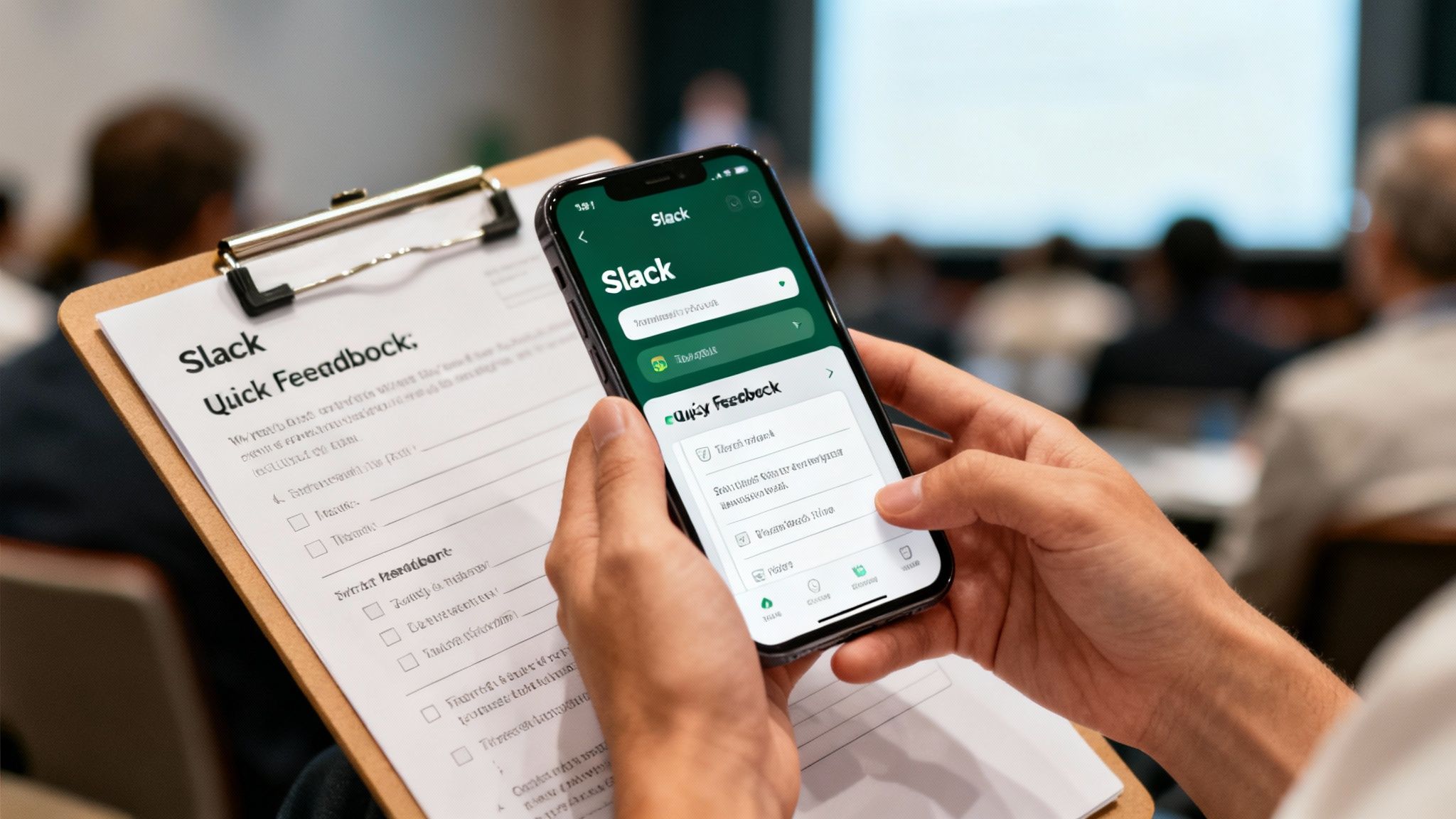
Using a tool like Be There, you can automate a post-event message that includes a simple, embedded survey. This approach is powerful for a few key reasons:
- Timing is everything. You can schedule the message to go out just an hour or two after the event wraps up, when memories are sharpest.
- Friction is the enemy. A one-click survey inside Slack is infinitely easier for an employee to complete than hunting for an email, clicking a link, and opening a new browser tab.
- You'll get way more responses. By meeting people where they are, you remove the barriers to responding. This means you get more data, and that data is more accurate because it's captured immediately.
By asking the right questions, you can gather crucial feedback on everything from content and speakers to logistics and the overall vibe. For a deeper dive, check out our guide on crafting effective employee engagement survey questions. This feedback is the fuel for improving every single event you plan from here on out.
So, How'd It Go? Measuring Success and Nailing the Next One
Once the buzz dies down and the last of the confetti is swept away, your job isn't quite done. This is actually one of the most important parts of the whole process: figuring out if you hit the mark. It's time to connect the dots between what you hoped would happen and what actually happened. This is how you prove the event was worth the time and money, and it's how you get the gold-star insights to make the next one even better.
Forget just going by "the vibe." To really show your event's value to stakeholders, you need to back up that feeling with some real data—both the hard numbers and what people actually thought.
✦Did You Hit Your Targets?
Remember those goals, or KPIs, you set way back at the beginning? It's time to pull them back out. Your analysis should be a straight-up report card on how you did against those original targets.
- The Numbers Game (Quantitative Data): This is your black-and-white evidence. How many people who RSVP'd actually showed up? If you used live polls, what were the engagement scores? If the goal was to drive sign-ups for a new program, how many did you get?
- The Human Element (Qualitative Feedback): This is where the story is. Dive into those post-event survey responses. What did people absolutely love? What was just… meh? These comments are pure gold for planning future events.
Your end goal here is a simple, clear report that tells a story. Start with "Here's what we wanted to achieve," and end with "Here's how we did it," using both the data and direct quotes from attendees to back it up.
This whole process used to be a massive headache, but thankfully, technology has caught up. In fact, over 85% of event planners are now using some form of event management software. There's a reason the market is set to explode to $18.4 billion by 2029—planners need an easier way to see what's working. You can dig into more of these numbers in G2's report on event industry statistics.
✦The Right Tools Make Measurement a Breeze
If your team lives in Slack and Google Calendar, pulling all this data together doesn't have to be a manual, spreadsheet-fueled nightmare. An integrated tool handles all the heavy lifting for you, giving you the insights without the grunt work.
This is exactly where a platform like Be There is particularly handy. Because the entire event—from the first announcement in Slack to the Google Calendar invite and final feedback survey—happens in one connected system, the data is just… there. No exporting, no cross-referencing.
You can instantly see things like:
- Who’s In, Who’s Out: Get a precise breakdown of accepts, declines, and maybes. This helps you understand the real interest level versus just who clicked a button.
- Reach and Engagement: See exactly how many people saw and interacted with your event announcements right inside Slack.
- Effortless Feedback: Sending a quick survey through Be There right after the event wraps up means you get way more responses. People are already in Slack, so it's a natural, easy click for them.
It all adds up to less time fighting with spreadsheets and more time actually understanding what resonated with your team. By learning from every single event, you build a powerful feedback loop that guarantees each one is better than the last.
Ready to stop chasing down RSVPs and start creating events people genuinely love? Be There is the first event planner built from the ground up for Slack and Google Calendar. It makes creating, managing, and measuring your company events ridiculously simple.
Share this post

Planning your internal events has never been easier!
No more scheduling headaches—our Slack-connected web app keeps things simple. Less email, more fun! 🚀
 Prefer a quick walkthrough?