
Be There
Blog
How to Track Attendance at Events A Simple Guide
By BeThere
Nov 4, 2025 • 14 min read
Share this post


Gone are the days of just counting heads at the door. Event attendance tracking has evolved into something much more valuable—it’s about gathering real data to understand what resonates with your audience, prove your event's worth, and make the next one even better.
The best way to do this? Ditch the clipboard and embrace digital tools that slide right into your team's existing workflow. Think QR codes, slick check-in apps, or specialized software that connects platforms like Slack and Google Calendar. This isn't just about convenience; it's about eliminating manual errors and getting a live look at what's happening.
Beyond Headcounts: Why Modern Attendance Tracking Matters
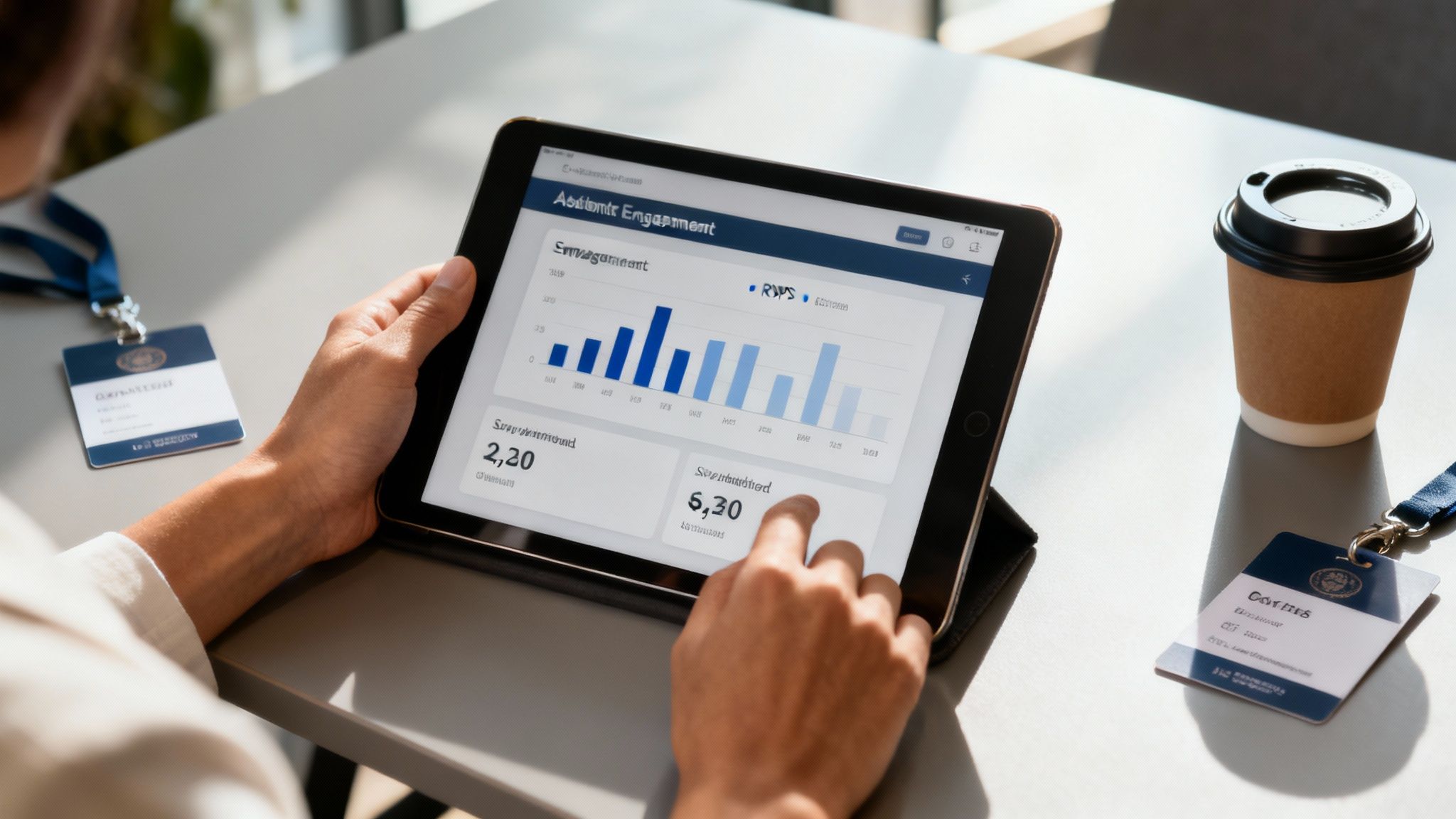
Knowing who actually shows up gives you a serious strategic advantage. It’s the key to measuring genuine engagement and making smart, data-backed decisions for the future. Moving from manual tallies to digital solutions is less of a trend and more of a necessity for anyone who values efficiency and real insight.
The numbers back this up. The global event management software market is already valued at a staggering $14.37 billion, and it's only expected to grow. This tells you just how essential these tools have become. Plus, with 80% of attendees saying they prefer personalized experiences, good data is no longer a "nice-to-have." You can explore more event tech statistics to see the full scope of this shift.
✦Why Integration Is the Secret Sauce for Internal Events
If your team lives and breathes in Slack and Google Calendar, the last thing you need is another standalone tool cluttering up your process. For these companies, the real challenge isn't just tracking attendance—it's doing it without creating more work. A fragmented system just causes friction, wastes precious time, and almost guarantees your data will be a mess.
I've seen this play out so many times:
- An event gets created in Google Calendar.
- Announcements go out across half a dozen Slack channels.
- RSVPs trickle in from everywhere—emails, random Slack threads, and calendar invites.
Trying to piece together a clear attendee list from that chaos is a nightmare. It’s nearly impossible to know who is actually planning to be there.
The best solution is one that meets your team where they already are. When your attendance tool plugs directly into Slack and Google Calendar, you kill the administrative overhead and make the whole experience smooth for everyone involved.
This is exactly where a tool like Be There shines. It's a particularly handy and useful solution for companies that rely on both Slack and Google Calendar. It acts as the bridge between your calendar and your primary communication hub, automating RSVPs and check-ins right inside Slack. This guide will show you how to set up a streamlined process that delivers data you can actually put to good use.
Finding the Right Event Attendance Tracking Method
Let’s be honest, how you track attendance can make or break your event’s first impression. No one wants to stand in a long line. The right method really depends on your event—what works for a small team workshop won't cut it for a major conference. You're juggling speed, cost, and how good the data you get back is.
Think about a small, internal training session. A simple digital sign-in sheet on Google Forms is a great, low-cost option. It’s certainly a step up from a clipboard. But try that at a company-wide town hall, and you'll have a bottleneck at the door and a headache from manually cleaning up the data later.
✦Matching Technology to Your Event
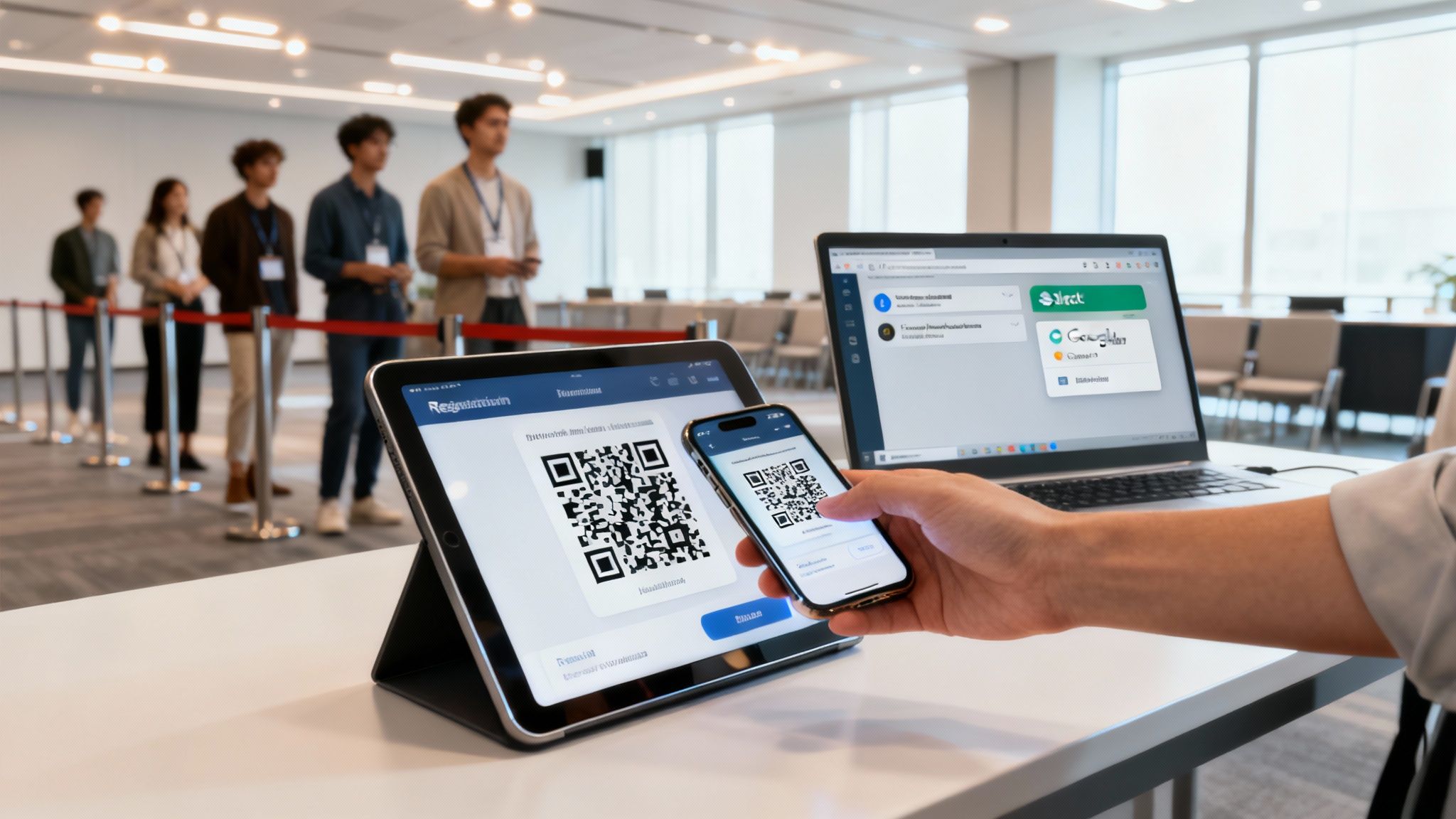
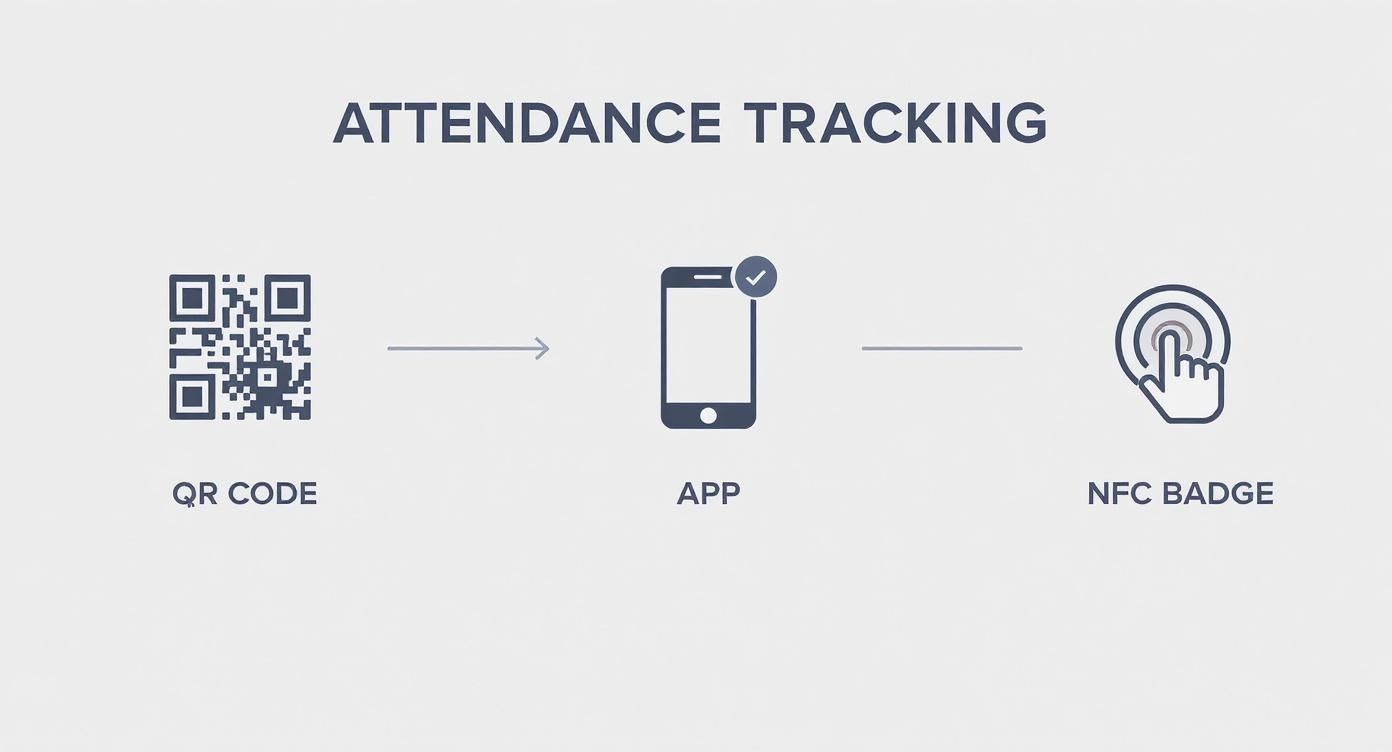
When you've got a bigger crowd, you need to think faster. QR codes are a fantastic solution. You can email a unique code to each attendee or print it on their badge. Staff just need a smartphone app to scan people in, which keeps the line moving and gives you a live look at who’s arrived.
For an even smoother experience, consider NFC (Near Field Communication) technology. It’s the same tap-to-go tech used in contactless payments, but embedded in event badges or wristbands. A quick tap on a reader and your attendee is in. It’s seamless.
With in-person events making a huge comeback, managing these crowds efficiently is more important than ever. The 2025 State of Events Report found that 78% of organizers believe in-person events are their most powerful marketing tool. This is why contactless tech like NFC is gaining so much traction—it handles the flow of people beautifully. You can dig into more stats about the rise of in-person event technologies to see where things are headed.
Now, let's look at the different ways you can handle check-ins and what they're best suited for.
✦Comparison of Attendance Tracking Methods
| Method | Best For | Cost | Speed | Data Quality |
|---|---|---|---|---|
| Manual Sign-In Sheet | Small, informal gatherings (under 20 people) | Very Low | Slow | Low (typos, illegible) |
| Digital Forms | Small workshops, internal meetings | Low | Moderate | Moderate (manual entry) |
| QR Code Scanning | Conferences, trade shows, large meetings | Moderate | Fast | High (automated) |
| NFC/RFID | Large-scale events, festivals, tech conferences | High | Very Fast | Very High (real-time) |
| Slack-Integrated App | Internal company events, team meetups | Low to Moderate | Fast | High (pulls from user profiles) |
Each of these methods has its place. The key is to match the tool to the job to avoid creating unnecessary friction for your attendees or extra work for your team.
For companies that live and breathe in Slack and Google Calendar, the best solution is one that fits right into that workflow. A tool like Be There is incredibly useful here, as it does exactly that, managing RSVPs and check-ins without making you jump to another system.
This is a game-changer for internal events. There are no new apps to download or clunky hardware to manage. You get accurate attendance data right where your team is already working, which simplifies everything for both the organizers and the attendees.
In the end, it’s all about picking a method that makes the experience better for everyone while giving you the insights you need. A big public conference? Investing in QR or NFC technology will pay for itself in smooth operations and rich analytics. An internal all-hands? A Slack-integrated tool is the most practical, user-friendly way to go, turning your communication hub into your event command center.
Connecting Slack and Google Calendar for Easy RSVPs
Let's be honest, if your company runs on both Slack and Google Calendar, managing event invites is a pain. You're constantly switching between email reminders, calendar invites, and Slack DMs just to figure out who's actually coming. It’s a mess, and getting a reliable headcount feels like guesswork.
This is where a tool like Be There is extremely useful. It connects your calendar directly to your team's main communication channel, turning that chaotic process into one smooth, simple workflow. It's the perfect handy solution for any company looking to streamline its internal event process within the tools they already use.
✦Creating a Seamless RSVP Experience
Picture this: you create a "Quarterly All-Hands" meeting in Google Calendar. The moment you do, Be There automatically spins up a dedicated Slack channel and sends a notification to everyone invited.
Your team gets a simple prompt right inside Slack where they can RSVP with a single click. No more hunting for an email invite or opening up another tab. This isn't just a small convenience; it’s a huge reduction in the administrative headache that comes with planning any internal event. Suddenly, all your communication and attendee lists are in one spot.
Modern check-in methods, from QR codes to simple app-based systems, have really simplified this whole process.
✦From Invitation to Attendance in One Place
The real magic here is that the entire event process—from the initial invite to the final attendance list—lives in one place. Instead of chasing down RSVPs across a dozen email threads, you get a real-time, accurate list of attendees right inside Slack.
The key is to meet your team where they already are. When you put the RSVP process inside Slack, you remove friction and get a much clearer picture of who is coming, well before the event even starts.
This also makes it incredibly easy to send reminders or share updates. Got a last-minute change to the agenda? Just post it in the event's Slack channel. Everyone who RSVP'd gets notified instantly, keeping them in the loop without clogging up their inbox.
If you want to get into the technical nitty-gritty, you can learn more about the different Google Calendar sync options that power this kind of integration. By bringing everything into a familiar environment, you can finally stop wrestling with logistics and focus on what really matters: planning a great event.
Managing Live Check-Ins Directly Within Slack
Event day is where the rubber meets the road for your attendance tracking. After sorting out all the RSVPs, the real test is managing check-ins as people start pouring through the door. For companies that operate primarily in Slack and Google Calendar, it's incredibly handy to handle this right where the conversation is already happening.
Forget about fumbling with a separate app or, even worse, a spreadsheet on a shared laptop. An integrated tool like Be There pulls the entire check-in process into your event's dedicated Slack channel. This turns what could be a chaotic bottleneck into a surprisingly smooth, transparent operation.
✦Real-Time Visibility Without the Hassle
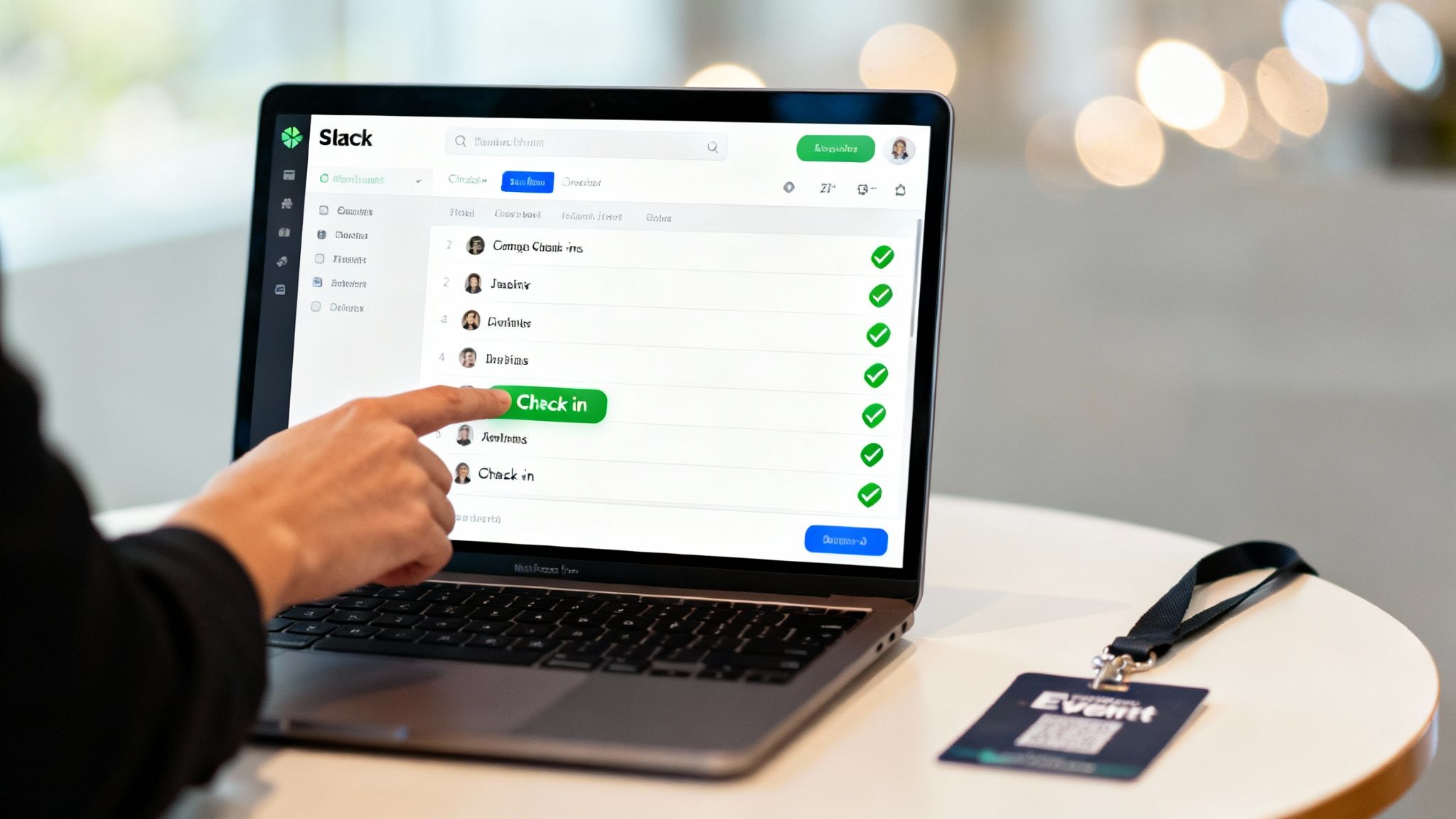
Picture this: your on-site team is at the door, greeting guests and checking them in with simple slash commands right in Slack. As each person arrives, a team member marks them as checked in, and a live feed of who just walked in pops up in the channel.
Suddenly, everyone who needs to know, knows. Stakeholders back at the office can see the current headcount in real time without having to ping someone at the welcome desk. It all happens in an interface they already have open all day. No app-switching, no manual updates needed.
The best event tools don’t add another layer of complexity; they fit right into how you already work. Keeping check-ins inside Slack cuts down on errors, saves a ton of time, and keeps your entire team on the same page.
When you manage check-ins this way, you close the loop. The entire process—from the initial Google Calendar invite to the final headcount—stays right inside your team's digital HQ. It’s a clean, unified system that is particularly useful for companies that rely on Slack and Google Calendar, keeping data accurate and freeing up the team to focus on giving attendees a great experience.
To make sure your event starts off on the right foot, take a look at our guide on how to plan events for a complete rundown. A unified system doesn’t just make tracking easier; it gives you clean, reliable data that makes post-event analysis a breeze.
Using Attendance Data to Plan Smarter Events
https://www.youtube.com/embed/DzUEiwzqQNk
The real power of tracking attendance kicks in long after the last guest has left. All that data you collected isn't just for a final headcount; it's a goldmine for proving event ROI, justifying your budget, and making much smarter decisions next time around.
For companies that already live in Slack and Google Calendar, a tool like Be There makes this part of the job surprisingly simple and handy. Since your RSVPs and check-ins all happen in the same place, you get an instant look at key metrics without ever having to wrestle with a spreadsheet.
✦Key Metrics to Analyze
With a clean dashboard in front of you, you can start asking the questions that truly shape your event strategy. For instance, you can easily pull numbers on:
- RSVP-to-Attendee Rate: Is there a big gap between the people who say they’ll come and those who actually show up?
- Departmental Turnout: Are certain teams more engaged with company events than others?
- Peak Arrival Times: When does the biggest wave of people arrive? This is invaluable for scheduling welcomes and opening remarks.
Imagine you pull up the report and notice the engineering team consistently has a low turnout for your 9 AM "Breakfast & Learn" sessions. That’s not a failure; it’s an insight. Armed with that data, you can experiment with an afternoon session next quarter and see if it moves the needle. You can find more tips in our guide on how to increase event attendance.
The goal isn't just to collect numbers; it's to find the story behind them. Data tells you what's working, what isn't, and where you should invest your resources for maximum impact.
This data-first mindset is just as crucial for virtual events. In fact, digital analytics let you get even more granular. Virtual events often see 60–70% of participants actively engaged at any given time, and the right tools can tell you exactly what holds their attention. These insights are key to refining your online event strategy. You can discover more insights about virtual event engagement on remo.co.
Of course, knowing who came is only half the story. You also need to know what they thought. Pairing your attendance data with qualitative feedback is where the magic happens. A great next step is learning about crafting an effective event feedback survey.
A Few Common Questions About Tracking Attendance
Switching up how you track attendance for your events always comes with a few questions. That's totally normal. Here’s a rundown of the things we hear most often from teams who are linking their Slack and Google Calendar workflows.
✦How Tough Is It to Set Up a Slack-Based Tool?
Honestly, getting started with a tool like Be There is surprisingly quick. You're basically just giving it permission to connect to your Slack workspace and Google Calendar.
Once you’ve done that initial authorization, it just works. The tool runs quietly in the background, automatically pulling in new calendar events and handling the RSVPs. You won’t have to manually fuss with every single meeting you create.
✦Can It Handle Recurring Events Automatically?
Yes, and this is a massive time-saver. Think about that weekly all-hands or a recurring project sync. You set it up once in your calendar, and the system takes care of the rest.
It will automatically announce each session and track attendance for every single one. It’s a true set-it-and-forget-it feature that cuts out a ton of administrative headaches.
✦What Happens With People Who Aren't in Our Slack?
Great question. This comes up all the time when you're inviting clients, partners, or external guests. The system is smart enough to track their RSVP directly from the Google Calendar invite.
So, while they won't get the Slack notifications, their attendance status is still captured. The event organizer will see them right there on the main check-in list, so no one gets missed.
Ready to stop chasing RSVPs and get clear insights on your internal events? Be There connects your Google Calendar to Slack for effortless event management. Learn more and start your free trial at be-there.co.
Share this post

Planning your internal events has never been easier!
No more scheduling headaches—our Slack-connected web app keeps things simple. Less email, more fun! 🚀
 Prefer a quick walkthrough?