
Be There
Blog

Planning an Event Checklist Template: The Ultimate Organizer for Any Event
By BeThere
Dec 9, 2025 • 28 min read
Share this post


Planning a memorable company event, whether it's a team-building retreat, a hybrid all-hands, or a simple Friday happy hour, is a massive undertaking. The difference between a seamless experience and a logistical nightmare often comes down to one thing: a solid plan. A well-structured planning an event checklist template is your roadmap to success, ensuring no detail is overlooked, from initial brainstorming to post-event feedback.
But static spreadsheets and scattered documents create more work, especially for modern teams living in Slack and Google Calendar. This guide cuts through the noise. We'll provide actionable checklist templates for every stage (pre-event, day-of, post-event) and review 12 top-tier resources designed to make event planning efficient, collaborative, and even enjoyable.
We'll specifically highlight how tools like Be There integrate directly into your existing workflows, transforming event management from a chore into a core part of your company culture. Our goal is to help HR professionals, team leads, and internal communicators find the perfect system to streamline coordination and boost engagement. Each entry in our list includes detailed analysis, screenshots, and direct links to get you started immediately. To explore various options for organizing your event, you might find more general guidance among the top event planning checklist template picks from other experts.
This resource is designed to be your definitive guide, offering everything you need to choose the right template and execute your next event flawlessly, no matter if it's in-person, virtual, or a hybrid of both. Let's dive into the best tools to make it happen.
1. Be There: The Native Slack & Google Calendar Solution
Be There fundamentally redefines what a planning an event checklist template can be by moving it from a static document into a dynamic, automated workflow directly within Slack. For organizations deeply integrated with Slack and Google Calendar, this platform isn't just an addition to your toolkit; it's a central hub that streamlines the entire event lifecycle. It eliminates the need to juggle external spreadsheets or third-party apps, allowing HR professionals and team leads to manage everything from a single, familiar interface.
The platform excels at transforming event announcements into engaging, interactive experiences. Instead of just listing tasks, Be There automates them. You create an event, enrich it with details like GIFs or agendas, and publish it to a Slack channel. From there, the system handles the rest: sending automated reminders, collecting one-click RSVPs, and instantly syncing all details and attendee lists to Google Calendar. This native integration is its core strength, turning a passive checklist into an active engagement driver for companies that rely on Slack for communication and Google Calendar for scheduling.
✦Core Strengths and Use Cases
- For HR and People Ops: Be There is ideal for organizing company-wide culture initiatives, such as all-hands meetings, virtual coffee chats, or holiday parties. The automated RSVP and calendar sync reduce administrative burden, while features like polls and photo walls boost participation and collect valuable feedback.
- For Team Leads: It simplifies the coordination of team-building activities, project kickoffs, and recurring weekly syncs. The ability to manage events without leaving Slack ensures announcements are seen and acted upon, increasing attendance and team cohesion.
- For Hybrid & Remote Teams: This tool is a powerful solution for bridging the gap between in-person and remote employees. It ensures everyone receives the same information and reminders, fostering a more inclusive and connected company culture regardless of location.
✦Implementation and Pricing
Getting started is straightforward, requiring no IT intervention. The tool can be added to your Slack workspace in minutes. Be There offers a clear, predictable pricing model with a one-month free trial. The standard plan is €25 per month for up to 50 users, with a charge of €0.50 for each additional user, making it accessible for small to medium-sized businesses.
While its focus on internal Slack workflows means it isn't designed for complex external ticketing or enterprise-level SSO, its performance in its niche is exceptional. With an average 4.8-star rating from over 270 reviews, it stands out as a proven solution for boosting internal engagement and simplifying event management.
Website: https://be-there.co
2. Asana
For teams that need a collaborative, dynamic, and timeline-based approach, Asana offers a powerful event planning checklist template. Instead of a static document, Asana transforms your checklist into a full-fledged project plan. You can copy their ready-made template into a workspace to get a complete structure with tasks, owners, due dates, and dependencies, making it ideal for coordinating complex events with multiple stakeholders.
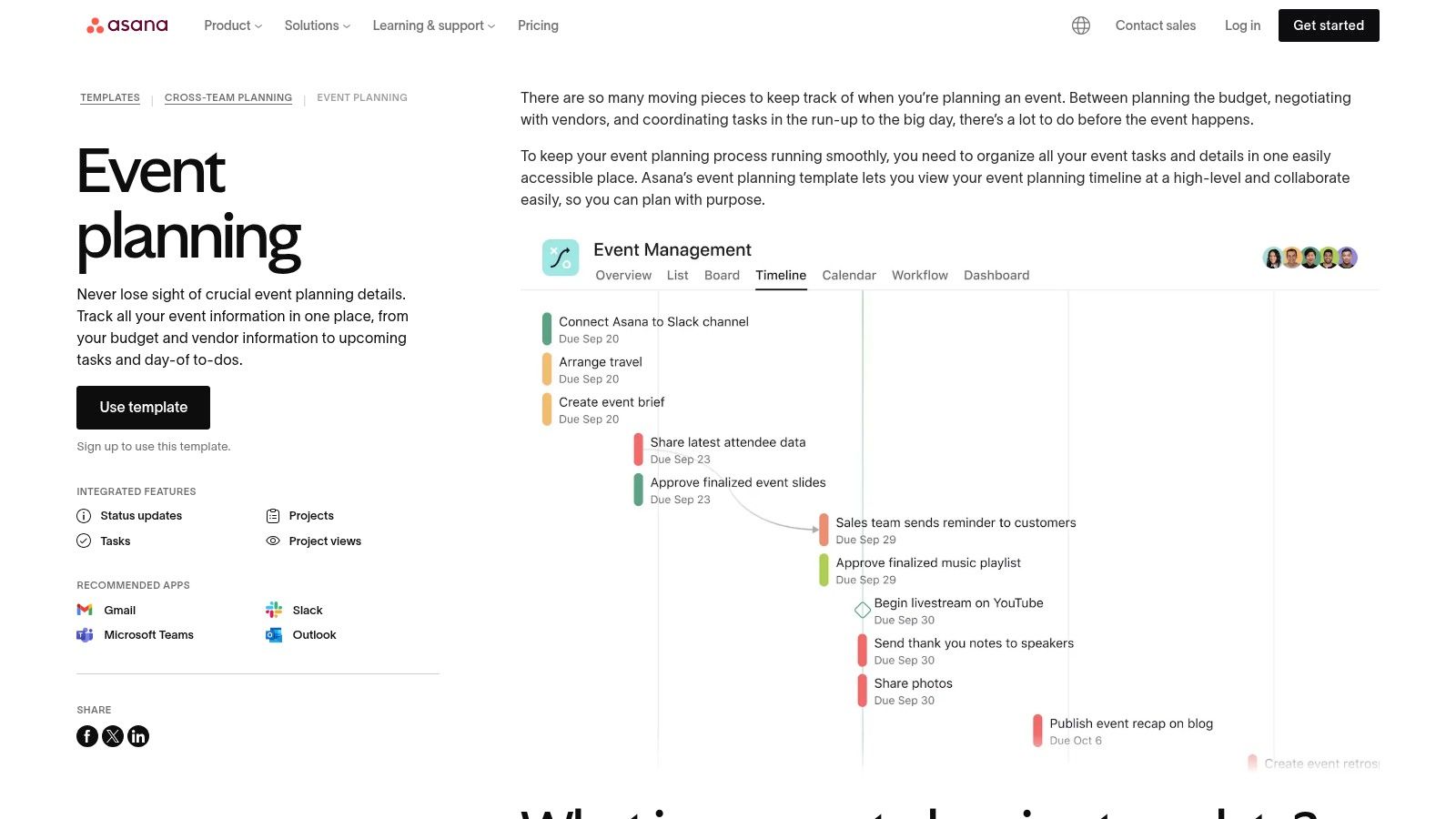
What makes Asana stand out is its multiple project views. You can visualize your checklist as a traditional list, a Kanban board for tracking progress, a Gantt-style timeline for mapping out dependencies, or a shared calendar for key milestones. You can learn more about using project management tools like Asana for event planning here. The platform also lets you invite external vendors as guests to specific tasks, keeping all communications centralized.
✦Practical Usage Tips
- Pre-Event: Use the Timeline view to map out critical paths, like booking a venue before sending invitations.
- Day-Of: Create a dedicated "Day-Of Run Sheet" section in the list view, assigning time-stamped tasks to specific team members.
- Integrations: Connect Asana to Slack to get task updates in a dedicated event channel. Then, use a tool like Be There to create the event directly from that Slack channel, automatically syncing it with everyone's Google Calendar. This is a very handy workflow for companies using both Slack and Google Calendar, creating a seamless bridge from initial planning in Asana to final execution with Be There.
| Key Details | Information |
|---|---|
| Best For | Collaborative teams needing detailed task tracking and cross-functional visibility. |
| Access Requirements | Free Asana account required. Advanced features are on paid tiers. |
| Unique Offering | Multiple project views (List, Board, Timeline, Calendar) for the same checklist. |
| Website | asana.com/templates/event-planning |
3. monday.com
For teams that prefer a highly visual and centralized hub for event planning, monday.com offers a robust event management template. Instead of a simple list, this template provides a pre-built board that functions as an interactive dashboard for all event-related activities. It’s designed to manage multiple workstreams like RSVP tracking, budget management, and vendor coordination in one place, making it an excellent planning an event checklist template for complex projects.
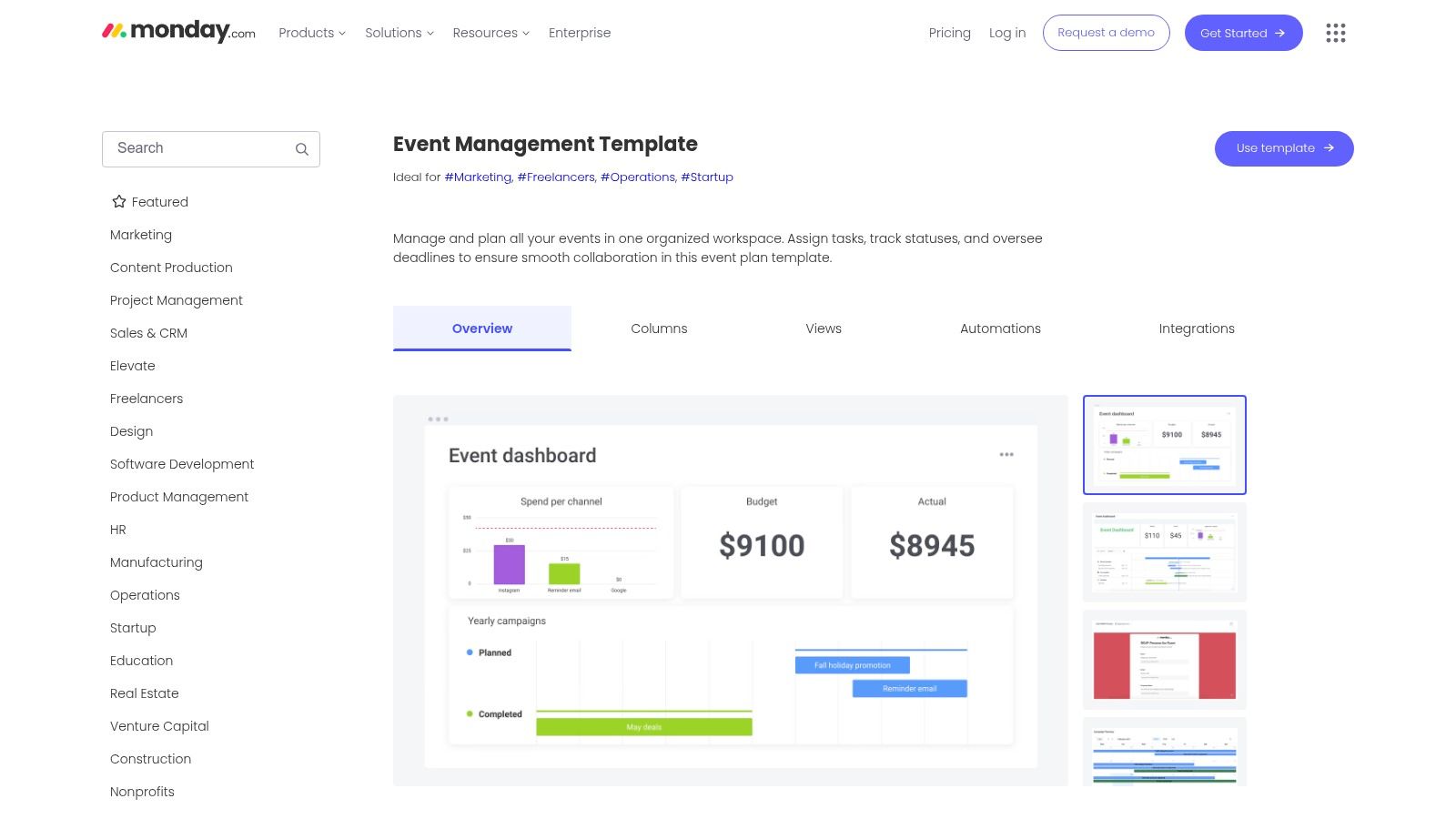
What sets monday.com apart is its focus on high-level reporting and visual progress tracking. You can instantly switch between a Kanban board, a Gantt chart, or a calendar view to see your checklist from different perspectives. The platform’s strength lies in its automations, which can handle repetitive tasks like sending reminders or updating a task status when an email is received. This visual-first approach is perfect for presenting progress to stakeholders without getting lost in details.
✦Practical Usage Tips
- Pre-Event: Use the dashboard widgets to create a high-level overview of the budget, registration numbers, and overall task completion for leadership.
- Day-Of: Create a specific group on your board titled "Day-Of Checklist" and use the mobile app to check off tasks in real-time.
- Integrations: Connect monday.com with Slack to send automated updates on task completions to your event channel. When you’re ready to announce the event, use a tool like Be There to create the event directly in Slack. This is very useful as it then automatically syncs it to everyone’s Google Calendar, bridging the gap between planning and participation.
| Key Details | Information |
|---|---|
| Best For | Teams wanting a centralized, visual dashboard to manage multiple event workstreams. |
| Access Requirements | Free monday.com account for basic features. Advanced views and automations require paid plans. |
| Unique Offering | Highly customizable visual dashboards that provide a 360-degree view of event progress. |
| Website | monday.com/templates/template/113263/event-management |
4. ClickUp
For teams seeking an all-in-one work hub, ClickUp provides several free, robust templates dedicated to event planning. With options like the "Event Planners Checklist" and "Large Event Planning" templates, you can instantly load a pre-built structure that combines tasks, documents, and goals. This makes it an excellent choice for consolidating all event-related information into a single, cohesive workspace, eliminating the need to jump between different apps.
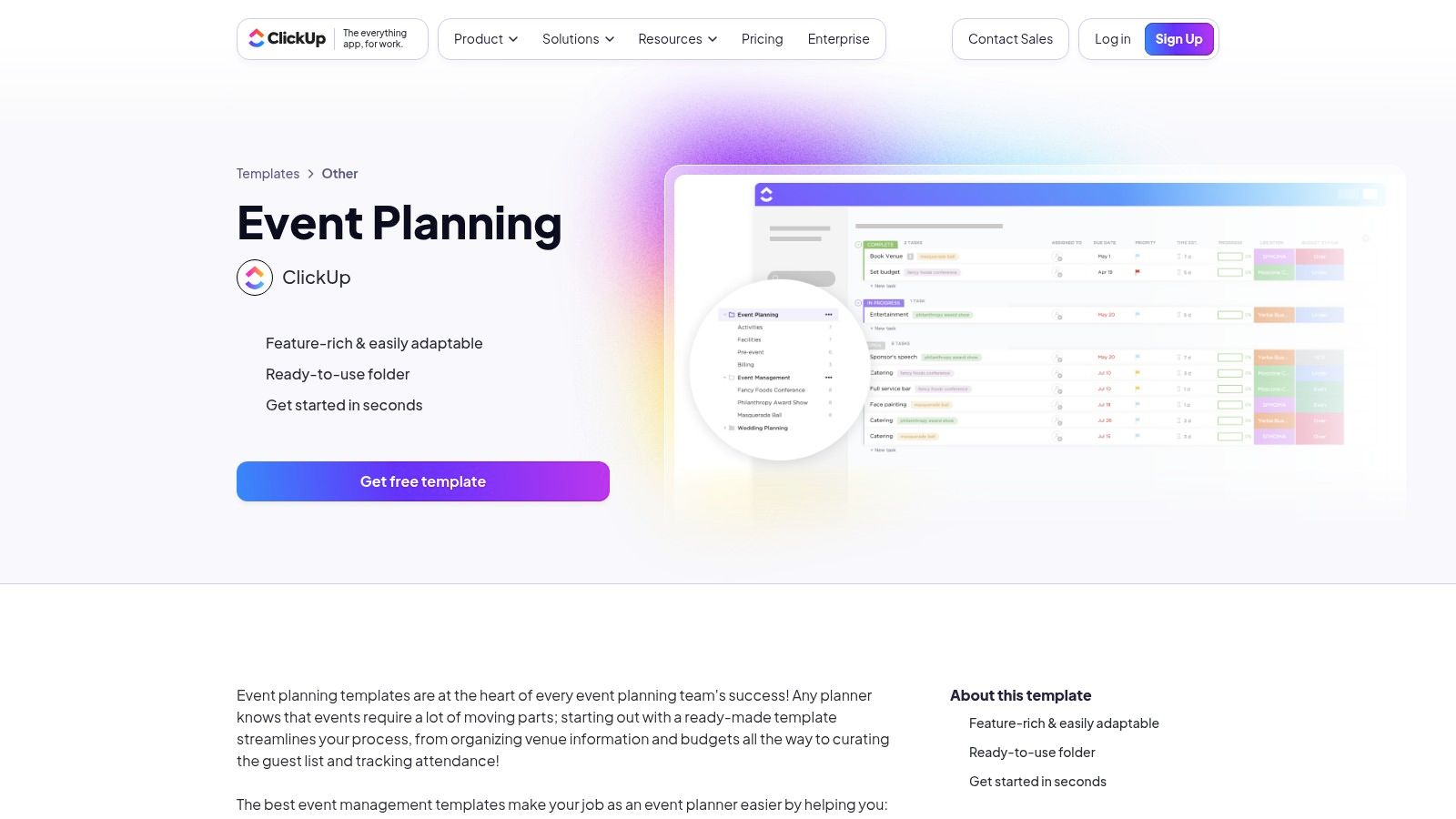
What sets ClickUp apart is its "everything app" approach. Your event planning checklist template isn't just a list; it’s part of an ecosystem where you can also write event briefs in ClickUp Docs, track budgets with custom fields, and visualize timelines. This unified environment helps ensure no detail falls through the cracks, from initial brainstorming in a doc to final task completion on a board. The platform’s extensive template library and generous free tier make it highly accessible.
✦Practical Usage Tips
- Pre-Event: Use the "Event Planning Doc" template to outline the event brief, goals, and run-of-show. Link tasks from your checklist directly to this document for context.
- Day-Of: Create a specific "Day-Of" list view filtered to show only tasks assigned to the on-site team, which they can check off from their mobile devices.
- Integrations: Connect ClickUp with your team’s Slack workspace for task updates. When it's time to set the date, use a tool like Be There to create the event directly in a Slack channel. For companies using Google Calendar, this is incredibly handy because Be There automatically adds it to everyone's calendar, bridging the gap between your detailed plan in ClickUp and seamless event attendance.
| Key Details | Information |
|---|---|
| Best For | Teams wanting to manage all event-related tasks, documents, and goals in one platform. |
| Access Requirements | Free ClickUp account required. More advanced features are available on paid plans. |
| Unique Offering | Multiple dedicated event templates and an integrated Docs feature for comprehensive planning. |
| Website | clickup.com/templates/event-planning-t-4389476 |
5. Canva
For those who need a visually polished and brand-aligned planning an event checklist template, Canva is the go-to design platform. Rather than offering a dynamic task management system, Canva provides thousands of beautifully designed, editable templates for checklists, event programs, schedules, and proposals. You can quickly customize a template with your brand colors and logos, then export it as a printable PDF or a shareable digital file.
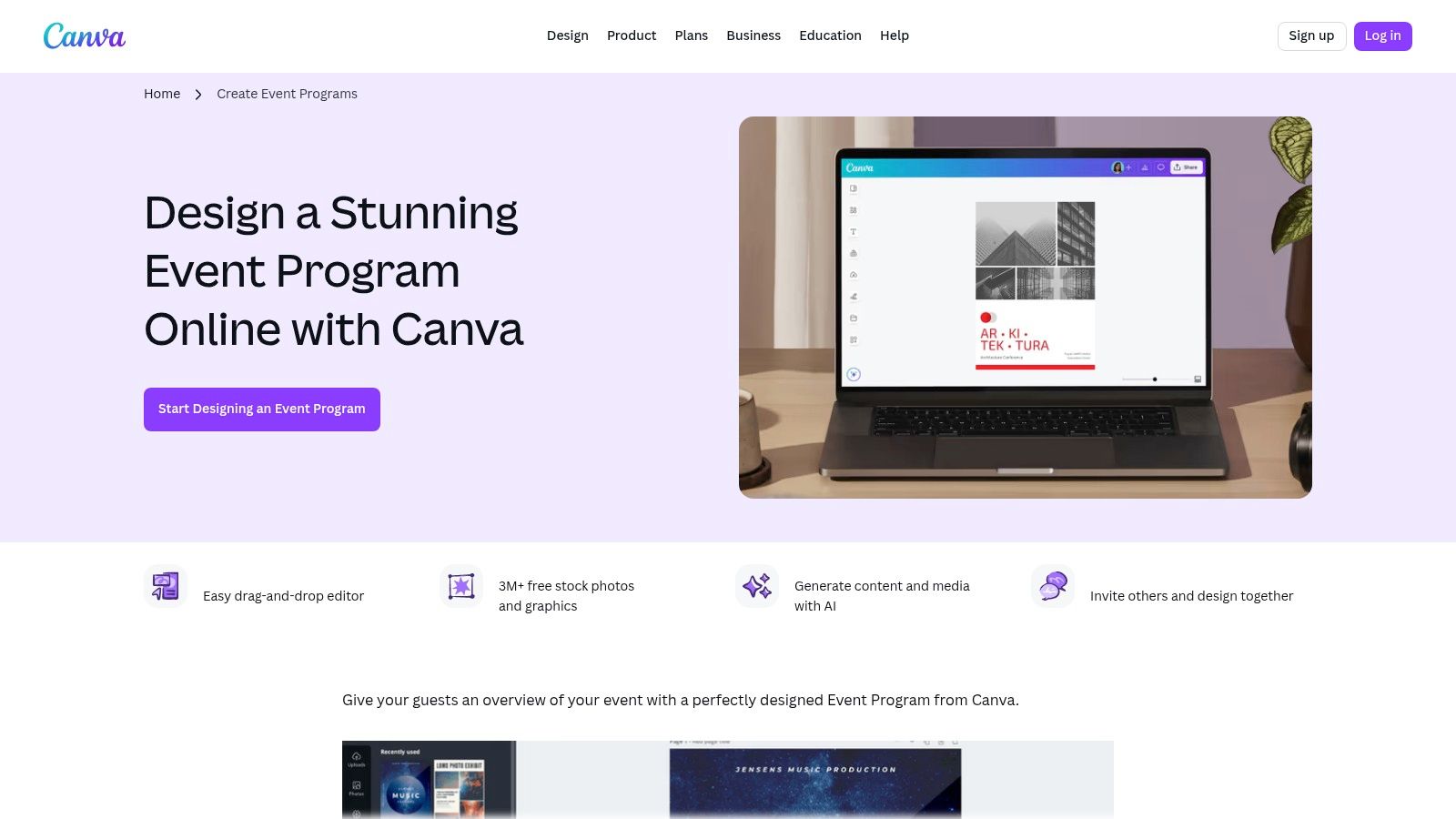
Canva's strength lies in its intuitive drag-and-drop editor and extensive library of graphics, making it easy to create professional-looking event materials without any design experience. You can seamlessly bundle your checklist with other collateral like invitations, social media graphics, and event signage, ensuring brand consistency across all touchpoints. This is particularly useful for creating compelling visuals, as discussed in these tips for designing event invitation emails.
✦Practical Usage Tips
- Pre-Event: Use the Brand Kit feature to quickly apply your company's fonts and colors to a checklist template. Share the design link with stakeholders for feedback and final approval before printing.
- Day-Of: Design a clear and concise "Run of Show" schedule or a volunteer checklist in Canva. Print multiple copies for your team or display a digital version on screens at the venue.
- Integrations: While Canva itself doesn't manage tasks, you can use it to design the visual elements for your event promotions. After designing in Canva, create the event in a dedicated Slack channel using a tool like Be There. This syncs the details directly to everyone's Google Calendar, offering a very handy workflow for companies to move from design to deployment.
| Key Details | Information |
|---|---|
| Best For | Teams wanting to create visually appealing, printable, and on-brand event checklists. |
| Access Requirements | Free Canva account required. Premium templates and assets are on paid plans. |
| Unique Offering | An integrated design environment for creating checklists alongside all other event collateral. |
| Website | canva.com/create/event-programs/ |
6. Microsoft Create (Excel)
For planners who prefer the familiarity and robust calculation power of a spreadsheet, Microsoft Create offers a valuable collection of event planning checklist templates for Excel. These are not just simple lists; they are comprehensive, multi-tab workbooks designed for detailed budget tracking, scheduling, and task management. This approach is ideal for budget-focused events where precise financial control is as important as the checklist itself.
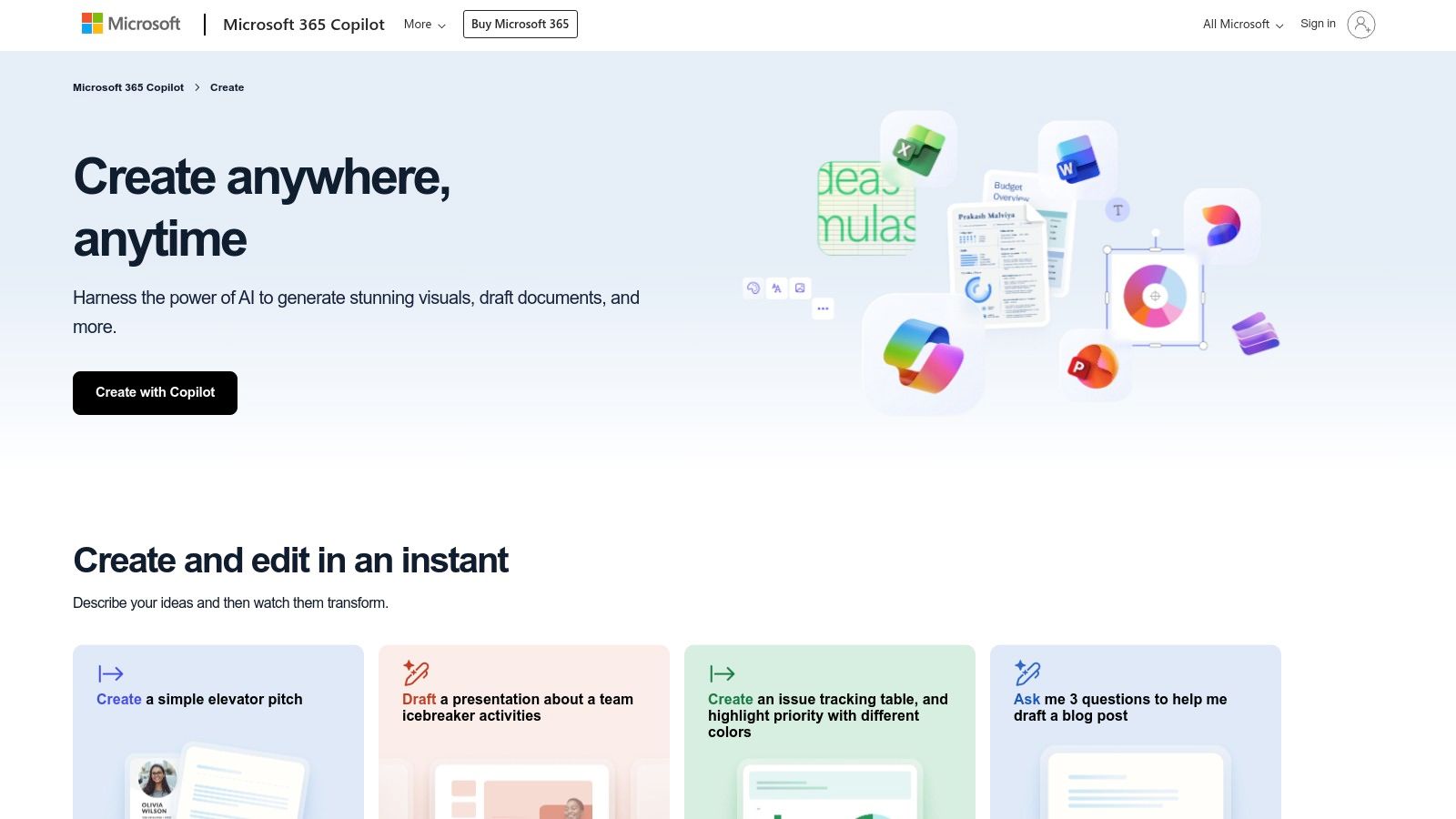
What makes the Excel approach from Microsoft Create stand out is its deep integration within the Microsoft 365 ecosystem. You can easily share the template via OneDrive or SharePoint, allowing for real-time collaboration with colleagues. The templates leverage familiar Excel functions like formulas, filters, and tables, empowering users who are already comfortable with the software to customize their planning an event checklist template without a steep learning curve. While it lacks the visual flair of dedicated project management apps, its strength lies in its data-driven, tabular format.
✦Practical Usage Tips
- Pre-Event: Dedicate a separate tab in the Excel workbook for your budget. Link cells from your main checklist to the budget tab to automatically update spending as you book vendors.
- Day-Of: Use Excel's filter function to create a "Day-Of" view. Add a column for team member assignments and filter by individual names to give each person their specific run sheet.
- Integrations: While Excel doesn't directly integrate with many event tools, you can use it as your central planning hub. Once you've finalized your event date and details in the spreadsheet, create a dedicated Slack channel for the event. From there, an app like Be There can be very useful to quickly create the event and sync it directly to everyone’s Google Calendar, bridging the gap between your spreadsheet plan and team-wide communication.
| Key Details | Information |
|---|---|
| Best For | Budget-heavy events and planners who are highly proficient with spreadsheet software. |
| Access Requirements | Free to download templates; a Microsoft 365 subscription is needed for the best collaboration features. |
| Unique Offering | Multi-tab workbooks combining checklists with powerful, formula-driven budget trackers. |
| Website | create.microsoft.com/en-us/learn/articles/customizing-an-event-planning-template-in-excel |
7. Smartsheet
For planners who prefer a spreadsheet-driven approach but want more power than a standard document, Smartsheet offers a robust library of event templates. You can download their free planning an event checklist template, along with budget trackers and timelines, in familiar formats like Excel or Google Sheets. This makes it an excellent starting point for structured, multi-tab planning that can be easily shared with stakeholders who don't use the platform.
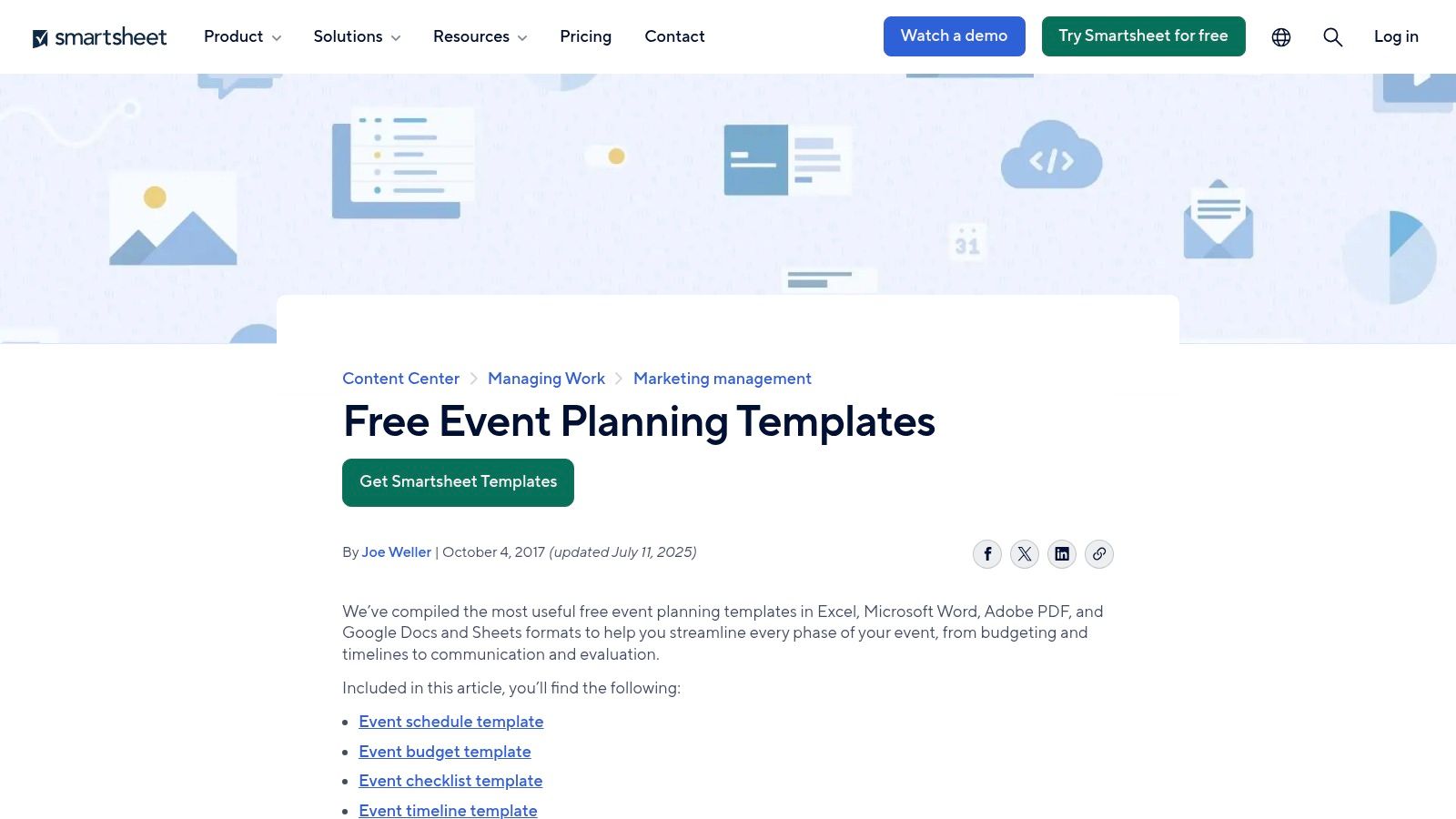
What sets Smartsheet apart is its scalability. A simple checklist can evolve into a dynamic project plan within the Smartsheet platform itself. By importing the template, you can unlock advanced features like Gantt charts, real-time dashboards for a high-level overview, and automated workflows. This allows your event plan to grow from a basic outline into a sophisticated management tool as complexity increases, offering a clear upgrade path from static documents.
✦Practical Usage Tips
- Pre-Event: Use the downloaded budget template in Excel for initial cost estimates. Once approved, import it into Smartsheet to create a live dashboard tracking actual spending against projections.
- Day-Of: While Smartsheet manages the master plan, create a dedicated Slack channel for day-of coordination. Use this channel for immediate updates and quick team communication.
- Integrations: For event creation and RSVPs, a tool like Be There is especially handy for companies using Slack and Google Calendar. You can set up event details and invitations directly within Slack, which then automatically populates everyone’s Google Calendar. This keeps the high-level plan in Smartsheet and the actionable event communication streamlined through Slack.
| Key Details | Information |
|---|---|
| Best For | Planners needing structured, downloadable templates with an option to scale to a full project management tool. |
| Access Requirements | Templates are free to download. Live features like dashboards require a paid Smartsheet license. |
| Unique Offering | Scalable planning, from a simple downloadable checklist to an advanced, live Gantt chart and dashboard. |
| Website | smartsheet.com/marketplace/us/templates/fundraising-gala |
8. Eventbrite
For planners seeking a comprehensive guide backed by industry data, Eventbrite offers an extensive 'Event Planning Checklist for Any Event'. More than just a list, it’s a detailed educational resource that walks you through every stage, from setting goals and budgeting to managing the run-of-show and post-event follow-up. Since Eventbrite is a major ticketing and registration platform, its advice is deeply rooted in what drives successful event marketing and attendance.
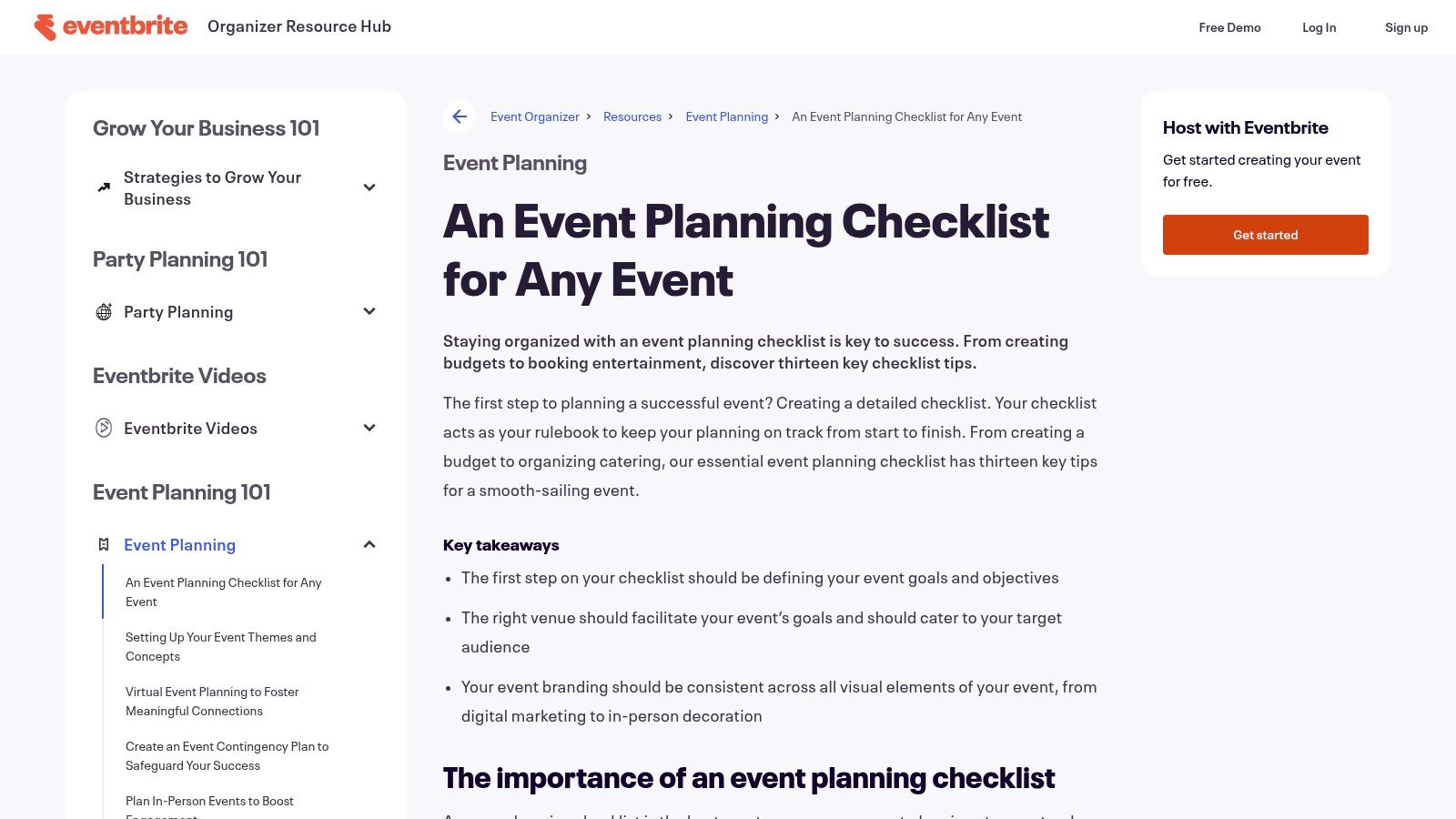
What makes Eventbrite’s resource stand out is its integration with a broader learning center. Each checklist item often links to in-depth articles, providing context and practical strategies. The platform also offers a downloadable template pack that includes a budget spreadsheet, run-of-show template, and outreach planners. This is an excellent starting point for those who need a solid foundation before moving their plan into a more dynamic tool. You can find more tips on how to use marketing to increase event attendance here.
✦Practical Usage Tips
- Pre-Event: Use the downloadable budget template to establish financial guardrails before you start booking vendors or promoting the event.
- Day-Of: Adapt their run-of-show template to create a master document for your team, then break out specific roles and tasks.
- Integrations: After using Eventbrite’s resources to build your strategy for an internal event, a tool like Be There is useful for execution. Create the event in a Slack channel, and it will instantly sync to everyone’s Google Calendar, handling the logistics of team communication and scheduling in one step.
| Key Details | Information |
|---|---|
| Best For | Planners who want a comprehensive, marketing-focused guide alongside downloadable assets. |
| Access Requirements | Free to access the online guide. Some downloads may require an email address. |
| Unique Offering | A complete template pack (budget, run-of-show, outreach) tied to a detailed guide. |
| Website | www.eventbrite.com/resources/event-planning/checklist/ |
9. Cvent
For professional event managers or HR teams planning large-scale corporate functions, Cvent offers a goldmine of strategic resources. Instead of simple to-do lists, Cvent provides comprehensive playbooks and detailed checklists that cover the entire event lifecycle: pre-event, during-event, and post-event. Their materials are structured around professional best practices for everything from sponsorships and content strategy to production and analytics, making them an excellent reference for high-stakes events.
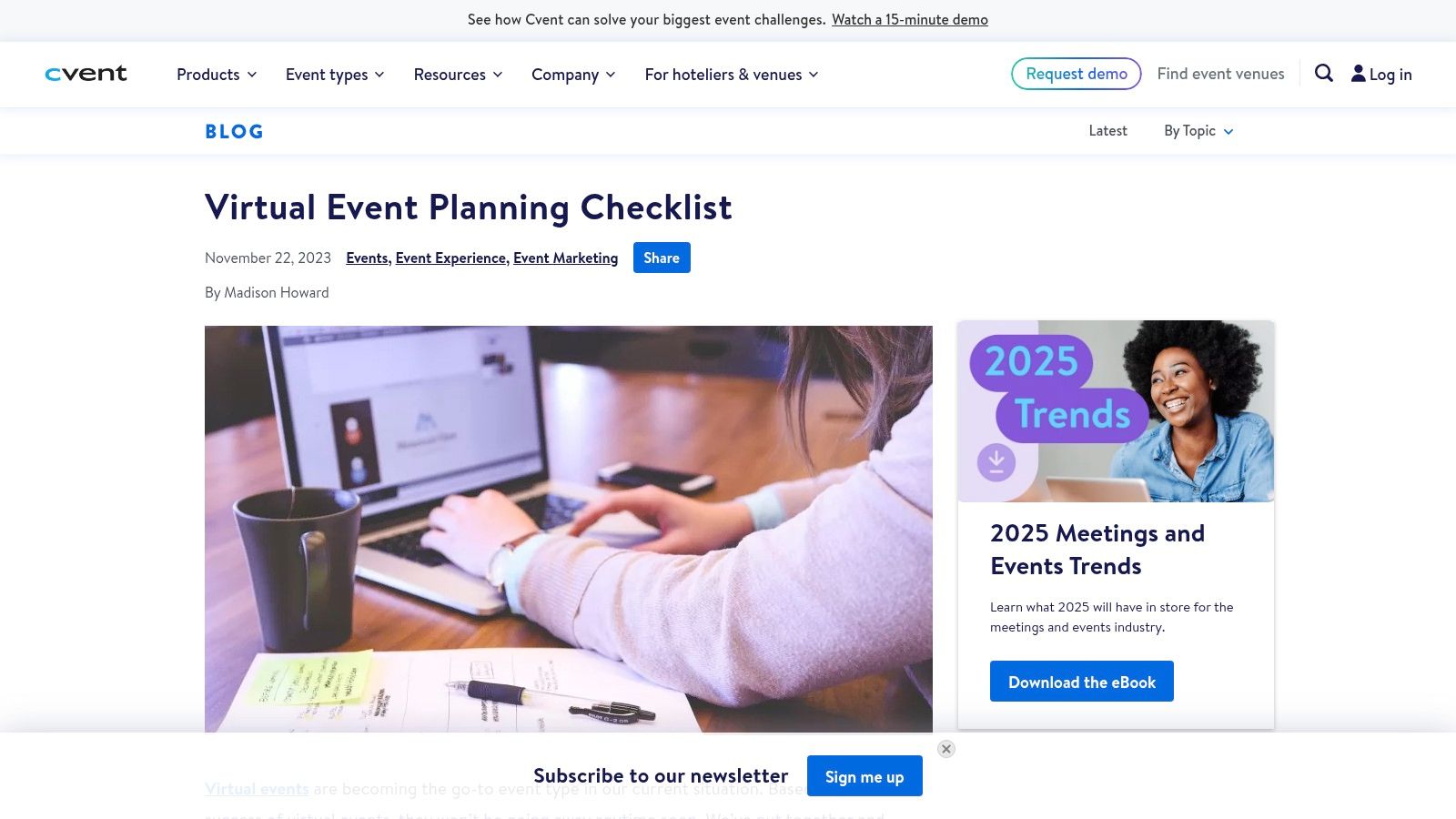
What makes Cvent’s content unique is its enterprise-grade perspective, offering insights you won't find in a generic planning an event checklist template. The resources are particularly strong for virtual and hybrid events, guiding organizers through the complexities of digital engagement and technology selection. While some content is presented as blog-style guidance rather than a directly fillable template, the strategic advice is invaluable and can be used to build your own robust internal checklist.
✦Practical Usage Tips
- Pre-Event: Use Cvent’s pre-event task guidance to structure your sponsorship tiers and content calendar, ensuring you cover all professional-grade requirements.
- During-Event: Adapt their production checklists to create a detailed run-of-show for your A/V team and speakers, minimizing day-of technical issues.
- Integrations: Once you've built your master plan based on Cvent's best practices, use Be There to schedule key planning meetings. This is particularly handy for companies using Slack and Google Calendar, as you can create an event directly in a Slack channel, and it will automatically sync with everyone’s calendar, ensuring all stakeholders are aligned on important deadlines.
| Key Details | Information |
|---|---|
| Best For | Professional event managers and HR teams organizing large, complex, or corporate events. |
| Access Requirements | Free to access, though some downloadable resources may require an email address. |
| Unique Offering | Enterprise-level playbooks covering strategic areas like sponsorship and analytics. |
| Website | cvent.com/en/blog/events/virtual-event-planning-checklist |
10. Etsy
For those who prefer a visually appealing, low-cost, and instantly downloadable solution, Etsy is a treasure trove of event planning checklist templates. This online marketplace connects you with thousands of independent creators offering everything from simple, one-page printable PDFs to comprehensive multi-tab spreadsheets and editable Canva planners. Instead of a software-based system, you get a tangible or digital document tailored to specific event types, often for just a few dollars.
What makes Etsy stand out is the sheer variety and creativity. You can find niche templates for a corporate wellness day, a hybrid team-building retreat, or a holiday party, often with unique designs that you can’t find elsewhere. The platform's review system helps ensure quality, allowing you to see feedback from other buyers before purchasing. This approach is perfect for one-off events or for planners who appreciate a well-designed, printable checklist to keep on hand.
✦Practical Usage Tips
- Pre-Event: Use the search filters to find a "digital download" and specify your format (e.g., "Google Sheets" or "Canva") to ensure you get an editable file.
- Day-Of: Print a beautifully designed checklist from an Etsy seller to use as a physical run-of-show document for you and your on-site team.
- Integrations: While a static template from Etsy won't integrate directly, you can manually transfer the key dates into a dynamic system. For companies using Slack and Google Calendar, a tool like Be There is very useful here. You create a dedicated Slack channel, then use Be There to create the event invitation, which automatically syncs to your team's calendars, bridging your static plan with actionable, digital execution.
| Key Details | Information |
|---|---|
| Best For | Individuals and small teams looking for affordable, printable, or simple digital checklists. |
| Access Requirements | One-time purchase per template, with prices often under $10. Requires an Etsy account. |
| Unique Offering | A vast marketplace of unique, creative, and niche designs from independent sellers. |
| Website | etsy.com/market/event_planning_check_list_template |
11. Template.net
For those who prefer the familiarity and simplicity of traditional documents, Template.net offers a vast library of professionally formatted event planning checklist templates. Instead of learning a new platform, you can download a comprehensive checklist directly into Word, Google Docs, Excel, or Google Sheets. This makes it an excellent choice for creating printable run sheets or static plans that can be easily shared via email.
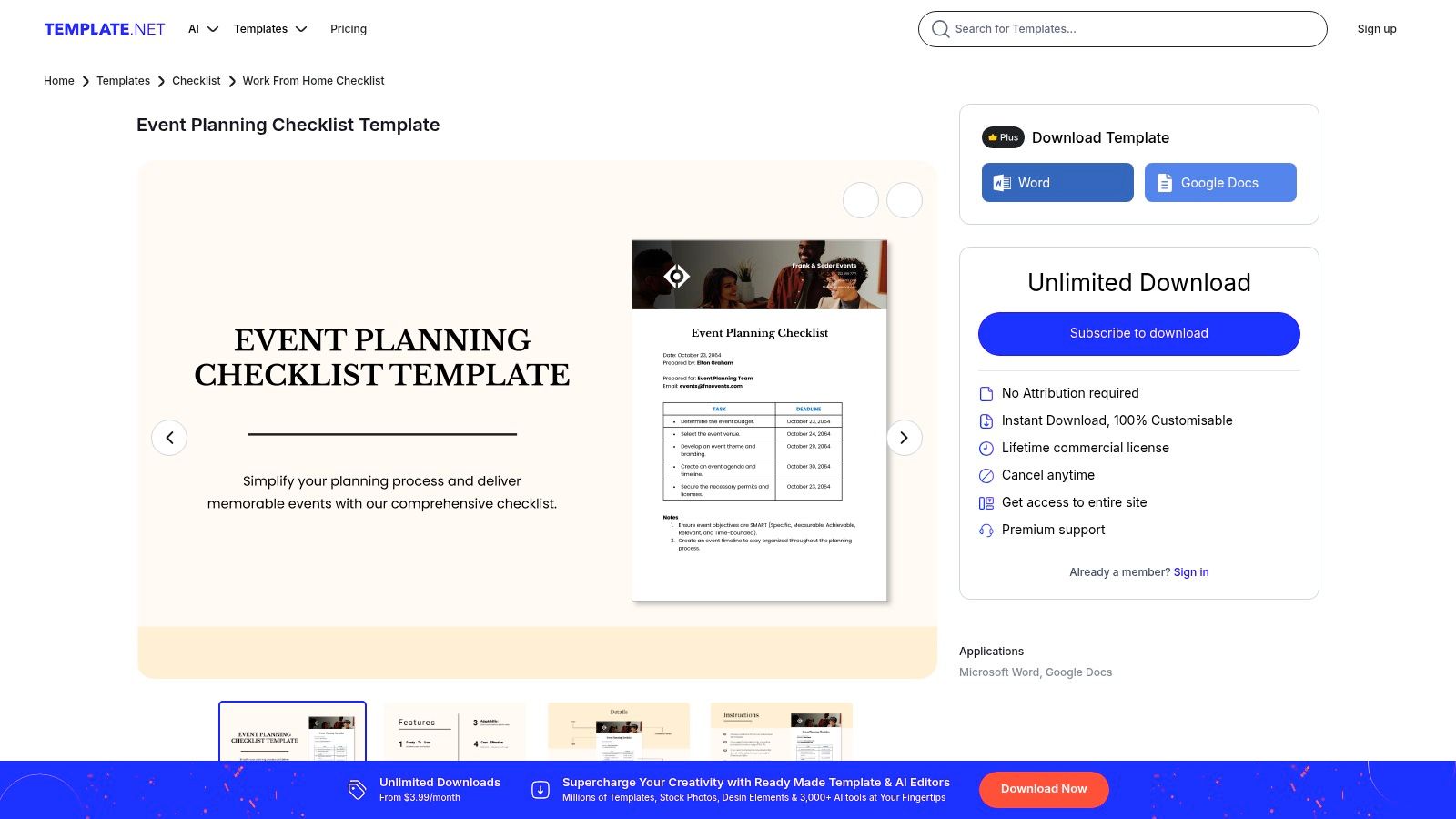
What makes Template.net stand out is its sheer variety and accessibility. You can find themed checklists for corporate events, specific coordinator roles, and even restaurant functions. The templates are designed to be edited and printed with minimal effort, providing a tangible, one-page reference guide for your team. While less dynamic than a project management tool, these documents offer a straightforward approach for smaller-scale events or for stakeholders who are less tech-savvy.
✦Practical Usage Tips
- Pre-Event: Download a Google Docs version of a checklist and share it in a team folder. Assign owners by simply tagging them in comments within the document.
- Day-Of: Print a finalized PDF version of your checklist for every on-site team member to ensure everyone has a physical copy of the schedule and their responsibilities.
- Integrations: After finalizing your key dates in a downloaded sheet, use a tool like Be There to execute the event announcement. For a company that uses Slack and Google Calendar, this is very handy: create the event in a designated Slack channel, and Be There instantly syncs it with your team’s calendars, bridging the gap between your static plan and your team’s live schedule.
| Key Details | Information |
|---|---|
| Best For | Planners who need easily printable, shareable, and editable checklists in familiar formats. |
| Access Requirements | Free downloads available. Premium templates require a Pro subscription. |
| Unique Offering | Wide variety of themed templates for specific event types, downloadable in multiple formats. |
| Website | template.net/editable/12521/event-planning-checklist-template |
12. Lucid (Lucidchart / Lucidspark)
For planners who need to translate a text-based checklist into a high-level visual roadmap, Lucid offers a suite of templates perfect for stakeholder communication. Instead of just managing tasks, Lucid (through Lucidchart and Lucidspark) allows you to create a visual event planning checklist template. You can map out major phases, key milestones, and dependencies in a format that's easy for executives and cross-functional partners to understand at a glance.
What makes Lucid stand out is its ability to complement, not replace, your existing task management system. It's designed for creating shareable, embeddable diagrams that clearly communicate the event strategy and timeline. Collaborative features like comments and @mentions allow stakeholders to provide feedback directly on the visual plan, streamlining the approval process before you dive into granular task execution.
✦Practical Usage Tips
- Pre-Event: Design a high-level timeline in Lucidchart to secure budget and buy-in from leadership. Embed the chart in your internal project documentation.
- Day-Of: While not a task manager, you can create a simple visual run-of-show or venue layout chart to share with vendors and on-site staff.
- Integrations: After finalizing your visual plan in Lucid, manage the detailed execution in a dedicated Slack channel. From that channel, use Be There to create the official event. This is very useful for companies on Google Calendar, as it syncs directly to everyone's calendars, ensuring the team stays aligned from strategic visualization to calendar invites.
| Key Details | Information |
|---|---|
| Best For | Visualizing event timelines and milestones for executive-level reporting and buy-in. |
| Access Requirements | Free account offers basic features. Paid plans are needed for advanced collaboration. |
| Unique Offering | Transforms a checklist into a professional, shareable, and embeddable visual roadmap. |
| Website | lucid.co/templates/event-planning |
12-Tool Event Checklist Template Comparison
| Product | Core features | UX / Quality | Price / Value | Target audience | Unique selling points |
|---|---|---|---|---|---|
| Be There 🏆 | Native Slack/Teams integration, RSVP & waitlist, calendar sync, automated reminders, unlimited events | 4.8★ (272 reviews) — intuitive dashboard | 💰 €25/mo (up to 50 users) + €0.50/user; 1‑month free trial | 👥 HR, People Ops, team leaders, remote/distributed teams | ✨ Built for Slack workflows; photo wall, polls, easy event publishing |
| Asana | Event templates, tasks, dependencies, Timeline/Gantt, integrations | ★★★★ — collaborative checklists | 💰 Free tier; paid seat plans | 👥 PMs, cross-functional teams, stakeholders | ✨ Ready-made event project templates; strong visibility |
| monday.com | Prebuilt event boards, RSVP tracking, timelines, dashboards | ★★★★ — highly visual boards | 💰 Seat-based pricing; paid tiers | 👥 Ops teams, program managers | ✨ Visual workboards + automations for multi-stream events |
| ClickUp | Multiple event templates, custom fields, docs, Timeline/Calendar views | ★★★★ — all-in-one hub | 💰 Generous free plan; paid tiers for advanced features | 👥 Small teams consolidating tasks & docs | ✨ Deep template library + docs + goals in one workspace |
| Canva | Drag‑and‑drop templates for checklists, programs, signage; brand kit | ★★★★ — polished design outputs | 💰 Free; Pro for premium assets | 👥 Designers, comms, event marketers | ✨ Fast, on‑brand printable collateral and invites |
| Microsoft Create (Excel) | Excel event planner templates, budgets, schedules, formulas | ★★★ — familiar spreadsheet UX | 💰 Requires Microsoft 365 for best collaboration | 👥 Finance-focused planners, M365 users | ✨ Spreadsheet power for budgets and tabular tracking |
| Smartsheet | Downloadable templates; live Gantt, reports, dashboards in app | ★★★ — structured planning | 💰 Free templates; paid for live features | 👥 PMOs, planners needing structured multi-tab plans | ✨ Exportable templates that scale into live tracking |
| Eventbrite | Step-by-step checklist, downloadable pack, learning center | ★★★ — practical marketing-aware guides | 💰 Guides free; ticketing fees if used | 👥 Event marketers, small public events | ✨ Practical checklist tied to ticketing & outreach best practices |
| Cvent | Comprehensive playbooks for virtual/hybrid/in-person events | ★★★★ — enterprise-grade guidance | 💰 Enterprise solutions; some free resources | 👥 Professional event managers, large-scale events | ✨ Detailed checklists for production, sponsorship & analytics |
| Etsy | Wide variety of downloadable checklist templates (PDF/Sheets/Canva) | ★★★ — variable by seller | 💰 Low-cost options (many <$10) | 👥 Budget-conscious planners, DIY users | ✨ Niche, instant-download templates for many event types |
| Template.net | Professionally formatted Word/Excel/Google templates | ★★★ — familiar document formats | 💰 Mix of free and Pro-paid templates | 👥 Users preferring printable/shareable docs | ✨ Quick access to editable, themed checklist documents |
| Lucid (Chart/Spark) | Visual timelines, roadmaps, collaborative canvases | ★★★★ — executive-friendly visuals | 💰 Free limited; paid Team/Enterprise plans | 👥 Stakeholders needing visual plans | ✨ Visual timeline + embed/export for presentations |
From Checklist to Celebration: Choosing the Right Tool
We've explored a wide range of tools, from dedicated project management powerhouses like Asana and monday.com to versatile design platforms like Canva and traditional spreadsheet templates from Microsoft Create. Each offers a unique approach to managing the countless details involved in event planning. Your choice ultimately depends on your team's specific needs, existing workflows, and the complexity of the events you're organizing.
A static, downloadable planning an event checklist template from a site like Etsy or Template.net can be a fantastic starting point. It provides structure and ensures you don't miss critical steps. However, its greatest limitation is that it's a passive document. It relies on you and your team to manually track progress, send reminders, and bridge the communication gap between the checklist and your actual work channels.
For more complex events, robust platforms like Cvent or Smartsheet offer enterprise-level control, but their steep learning curves and extensive features can be overkill for internal team-building or company-wide town halls. They often require team members to adopt yet another new tool, creating a barrier to entry and fragmenting communication.
✦The Real Challenge: Bridging Planning and Participation
The core challenge isn't just about listing tasks; it's about seamless execution and maximizing engagement. The most effective event plan is one that integrates directly into your team's daily environment. If your team lives in Slack and organizes their schedules with Google Calendar, forcing them to constantly switch to a separate project management app to check off a task or RSVP creates unnecessary friction. This is where a tool that is native to those platforms becomes incredibly useful.
This is where the context of your digital workplace becomes critical. An ideal solution doesn't just help you plan the event; it helps your team experience it. It automates the tedious administrative work, like sending reminders and calendar invites, freeing you up to focus on creating a memorable and engaging experience. The goal is to make participation as easy as possible, which starts by meeting your team where they already are.
✦Making the Right Choice for Your Team
To select the best tool, consider these key factors:
- Workflow Integration: Does the tool fit naturally into your company's primary communication and scheduling platforms (like Slack and Google Calendar)? Or does it require a significant change in behavior? For companies that use both, an integrated solution is a major advantage.
- Ease of Use: How quickly can your team leads, HR managers, and employees adopt the tool? A simple, intuitive interface is crucial for widespread adoption and successful event participation.
- Focus of the Tool: Is the tool a general-purpose project manager that you need to adapt for events, or is it specifically designed to streamline the event planning and engagement process?
- Engagement Features: Does the solution go beyond a simple checklist? Look for features like automated reminders, simple RSVP tracking, and direct calendar integration that actively boost attendance and participation.
While a traditional planning an event checklist template provides the "what," the right tool provides the "how." It transforms your plan from a static document into a dynamic, automated engine for creating successful and well-attended events. By choosing a tool that minimizes administrative work and maximizes visibility, you empower your team to move from merely checking boxes to truly celebrating together.
Ready to turn your event plans into highly-attended, engaging experiences without ever leaving Slack? Be There transforms your checklist into an automated workflow, handling invites, reminders, and calendar integration so you can focus on what matters. Try Be There and see how effortless planning your next company event can be.
Share this post

Planning your internal events has never been easier!
No more scheduling headaches—our Slack-connected web app keeps things simple. Less email, more fun! 🚀
 Prefer a quick walkthrough?