
Be There
Blog

Simple Registration Solutions for Internal Events
By BeThere
Dec 8, 2025 • 21 min read
Share this post


Let's be real—getting people to sign up for an internal workshop or team event can feel like herding cats. If you're an HR manager or team lead, you're probably all too familiar with drowning in email threads, manually updating messy spreadsheets, and chasing down RSVPs one by one.
This old-school method isn't just annoying; it's a huge productivity killer. All that manual chaos leads to inaccurate headcounts, lukewarm engagement, and countless hours you could have spent making the event itself great. The friction is real—finding the right email, clicking an external link, and filling out a form is often just enough of a hassle to make a busy employee give up.
✦The Hidden Costs of Manual Registration
The trouble with manual processes goes way beyond just being a pain. Every minute you spend cross-referencing a spreadsheet with calendar invites is a minute you're not spending on something more strategic. This administrative burden grows fast, especially in companies where internal events are a big part of building culture.
Without a central system, you have no single source of truth for who's actually coming. This messes with everything from catering orders and venue capacity to sending out follow-up info. Honestly, it can make the company look a bit disorganized, which isn't the best look. Tackling these administrative headaches is key, and it's a similar challenge seen when implementing tools like employee absence management software to streamline other internal processes.
✦A Modern Fix for Teams on Slack and Google Calendar
This is where a simple, modern registration tool changes the game, especially for companies that run on Slack and Google Calendar. Instead of yanking employees out of their daily workflow, you bring the registration process right to them.
The goal should be to make signing up for an event as easy as reacting with an emoji. When the process is that simple, participation just naturally goes up, and you get the accurate, real-time data you need.
A tool like Be There was built for exactly this. For companies who use both Slack and Google Calendar internally, it's an incredibly useful and handy solution. It lets you create and post an event directly in a Slack channel, and your team members can RSVP with a single click. No forms, no new tabs, no fuss.
Here’s what that looks like in action. The event announcement is clean, simple, and right inside Slack.
The real magic is in the integration. As soon as someone clicks "I'll be there," Be There automatically sends them a Google Calendar invite. The loop is closed, instantly. No one has to do anything manually.
This workflow respects everyone's time, gets rid of the administrative headache, and helps build a more engaged and connected workplace. It's no surprise that the demand for this kind of simplicity is growing; the company registration service market is projected to climb from USD 10.67 billion in 2024 to USD 11.55 billion in 2025, all driven by this push for smarter, digital-first processes.
Let's break down just how much of a difference this makes.
✦Manual vs. Automated Internal Event Registration
Here’s a quick comparison that highlights the time sinks of traditional methods versus the efficiency you get with a modern, simple registration solution.
| Task | Manual Method (Email & Spreadsheets) | Automated Solution (Be There) |
|---|---|---|
| Event Announcement | Crafting multiple emails, sending to different lists. | Post once in a relevant Slack channel. |
| Collecting RSVPs | Manually tracking replies from email, DMs, etc. | RSVPs are collected automatically with a click. |
| Managing Attendee List | Constantly updating a central spreadsheet. | The attendee list is always live and accurate. |
| Calendar Invites | Manually creating and sending invites to each RSVP. | Google Calendar invites are sent automatically. |
| Sending Reminders | Manually sending "don't forget!" emails. | Reminders are sent automatically before the event. |
| Time Spent (per event) | 2-4 hours of pure administrative work. | Under 15 minutes from creation to launch. |
The difference is night and day. Moving from a manual, disjointed process to an integrated one doesn't just save you a few hours—it fundamentally changes how you and your team approach internal events.
How to Build a Registration Workflow That Actually Works (Inside Slack)
Let's be honest, the old way of managing internal event registrations is a mess. You send an email, hope people open it, then manually track RSVPs in a spreadsheet. It's a time sink for you and a hassle for your team. The secret to fixing this isn't a complicated new system; it’s about meeting your employees where they already work: Slack.
Forget bouncing people to external forms or cluttering their inboxes. The best registration process is one they barely notice—it just works.
This is especially true for companies that live in Slack for communication and Google Calendar for scheduling. When you connect those two worlds, you don't just make a small improvement. You fundamentally change how you manage events, saving countless hours and boosting participation.
This is exactly what a tool like Be There was designed for. It’s the bridge between a quick chat in Slack and a solid block on your Google Calendar, cutting out all the tedious manual steps in between. For any business that relies on these two platforms, it’s a remarkably handy way to streamline event management.
✦Your Announcement: Make It Impossible to Ignore
Your event announcement is your one shot to grab people's attention in a busy channel. A giant wall of text will get scrolled past in a heartbeat. The goal is to create something that’s engaging, easy to scan, and immediately actionable.
Instead of typing out a long message, a native Slack tool lets you build a clean, visual "event card." Think of it as a mini-flyer delivered right in the chat. Here’s what I’ve found works best:
- A Clear, Catchy Title: Something direct like "Q3 Marketing All-Hands" or more fun like "Wellness Week: Yoga on the Rooftop."
- The Vitals, Front and Center: Date, time, location (virtual or physical), and a one-sentence hook explaining what’s in it for them.
- An Image or GIF: Seriously, don't skip this. A good visual can make your post stand out and increase visibility by over 90%. A simple branded graphic or a relevant GIF does wonders.
The most crucial part? A big, obvious "I'll be there" button. This single click is the entire registration. No new tabs, no forms, no friction. They see the event, they click, they're done.
This simple shift from a clunky, multi-step process to a one-click workflow is a game-changer.
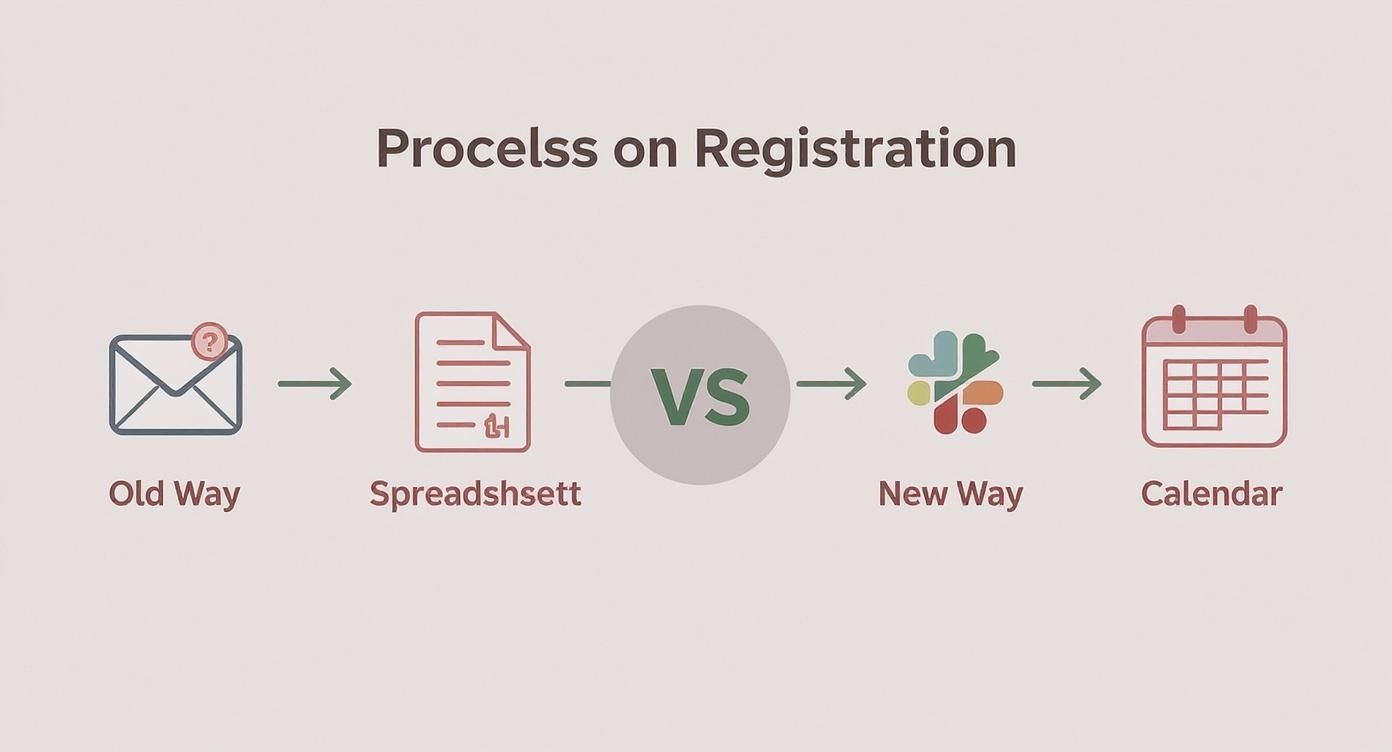
As you can see, it’s not just about saving a few clicks; it’s about removing every single barrier between your announcement and a confirmed attendee.
✦Getting the Info You Need Without Annoying People
Okay, so one-click registration is great, but what if you actually need more information? Maybe you're organizing a "Lunch & Learn" and need to know who wants the vegan option.
The key is to collect details without ruining the streamlined experience you just created. Instead of sending a follow-up email or a separate poll, a tool like Be There lets you ask simple questions after they RSVP, right inside Slack.
My rule of thumb: only ask for what is absolutely critical. For a catered lunch, that's dietary needs. For a training workshop, it might be asking which breakout session they want to join. Keep it short and sweet to get the best response rate.
Here's how it works in practice: an employee clicks "I'll be there," and a small, temporary message pops up just for them, asking for their food preference. It feels like a natural part of the conversation, not a tedious form. You get the data you need, and they barely have to lift a finger.
✦Put Confirmations and Calendars on Autopilot
This is where the magic really happens. Once someone RSVPs, the rest of the workflow should run itself. If you're not automating this part, you're still doing too much manual work. For a deeper dive into the concept, it's worth understanding workflow automation and how it applies here.
A truly integrated system will immediately do two things the moment someone clicks "I'll be there":
- Send an Instant Confirmation: A quiet, private message appears in Slack just for that user, saying "You're registered!" It’s immediate feedback that provides peace of mind.
- Add It to Their Calendar: This is non-negotiable. The system should automatically create a Google Calendar event and send an invitation directly to the attendee. The event is now officially on their schedule.
This tight loop between Slack and Google Calendar is what makes the whole system so reliable. An employee's casual interest is instantly converted into a committed calendar appointment, which dramatically improves your final attendance count. And for you? It means an accurate, real-time headcount without ever touching a spreadsheet.
If you're looking for more strategies to nail this process from start to finish, our complete guide on how to plan events covers even more ground.
Automating Calendar Invites and Event Reminders
Getting someone to RSVP is a good start, but it’s only half the battle. The real goal is getting them to actually show up, and that's where your follow-up—or lack thereof—makes all the difference. If your registration process ends the moment someone clicks "Yes," you're basically leaving attendance to chance.
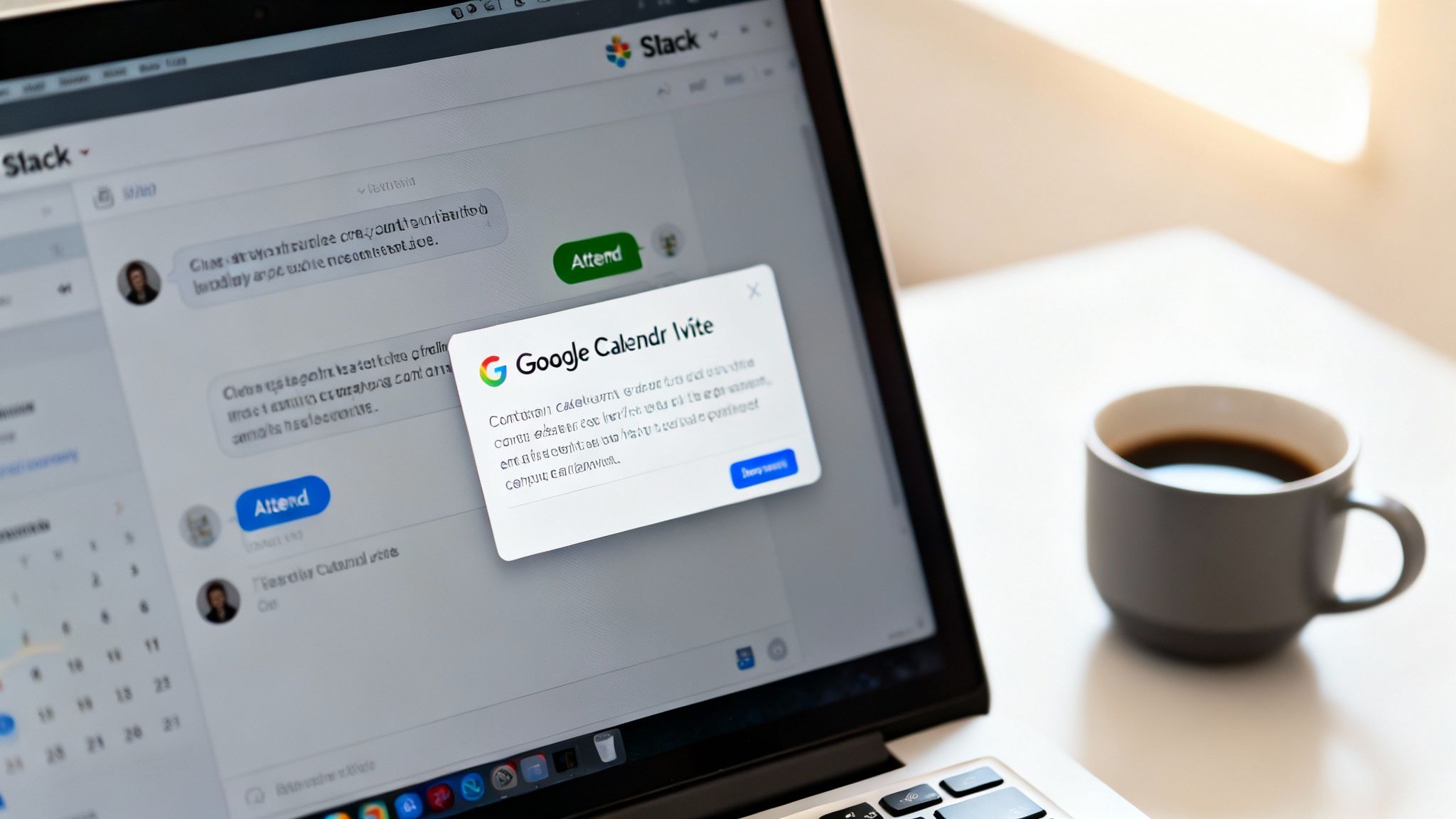
This is a classic headache for companies living in both Slack and Google Calendar. An employee sees an event in a busy channel, clicks "attend" with the best of intentions, and then... nothing. If that action doesn't immediately put a block on their calendar, it's as good as forgotten.
A truly simple registration solution has to bridge this gap automatically. The second an employee registers in Slack, a calendar invitation should land in their inbox without anyone having to lift a finger. This immediate sync is what turns a casual click into a committed attendee.
✦The Power of Instant Calendar Integration
The alternative is a manual, soul-crushing task. Just imagine copying each attendee's name from a spreadsheet, hunting down their email, and then creating individual calendar invites one by one. It’s not just tedious; it's a recipe for human error. A single typo in an email or a forgotten name means someone misses out entirely.
This is exactly the kind of problem tools like Be There were built to solve, making it a very useful tool for companies that rely on both Slack and Google Calendar. By connecting these platforms, it creates a seamless workflow:
- One Click, Two Actions: An employee clicks "I'll be there" in Slack, and the tool simultaneously confirms their spot and sends a Google Calendar invite.
- Zero Manual Entry: Forget copy-pasting email addresses. The system handles everything behind the scenes.
- A Single Source of Truth: Your attendee list in Slack stays perfectly in sync with the invite list on Google Calendar. No more discrepancies.
This kind of automation does more than just save you a ton of time. It creates a professional, reliable experience for your team. They learn to trust that if they sign up for something, it’ll just show up on their schedule.
When the calendar invite arrives instantly, the event becomes real. It's no longer just another message in a chat; it's a concrete block of time they've committed to, which dramatically reduces the chance of a no-show.
If you’re curious about how this can be configured, there are a few different ways to set it up. You can explore the various Google Calendar sync options to find a flow that runs on complete autopilot.
✦A Proven Reminder Strategy That Works
Even with an event on the calendar, life gets busy. A well-timed reminder can be the difference between a packed room and a handful of attendees. Of course, sending these out manually is another administrative black hole you don't have time for.
Automation is your best friend here, too. Instead of scrambling to send last-minute "don't forget!" messages, you can schedule reminders to go out at the most effective times. From my experience, this is the strategy that gets results:
- The 24-Hour Heads-Up: An automated notification in Slack one day before the event is the perfect gentle nudge. It gives people enough time to plan their day around it.
- The 15-Minute Pre-Game Alert: This final ping just before the event starts is incredibly effective, especially for virtual meetings. It catches people as they're wrapping up other tasks and points them right to the meeting link or room.
This two-touchpoint approach hits the sweet spot—it keeps the event on everyone's radar without feeling like spam. The popularity of these automated features is part of a larger trend. Cloud-based registration software has become the standard for businesses, particularly small and midsize companies, because it’s so efficient and scalable.
By automating your calendar invites and reminders, you build a reliable system that helps your thoughtfully planned events get the attendance they deserve. It's how you close the loop and make sure all your hard work pays off.
Managing Recurring Events Without the Repetitive Work
Weekly team syncs, monthly town halls, quarterly training—these are the steady drumbeats of a healthy company culture. But let's be honest, they can be a massive administrative headache.
If you’re an HR manager or team lead, you know the drill all too well. Every week, it's back to square one: copy, paste, post the same announcement, and then nudge the same people to RSVP. It’s not just tedious; it's a surefire way to burn out.
This manual grind clogs up your company’s communication channels with nearly identical posts. Before long, people start to develop "announcement fatigue," and your important messages just become part of the background noise. This is a common struggle for teams living in Slack and Google Calendar, which are great for one-off scheduling but don’t really solve the puzzle of managing a series of events gracefully.
✦Set It and Forget It—The Right Way
The goal should be to define an entire event series in one shot. Instead of creating a brand-new event for every "Monday Morning Huddle," you should be able to set the schedule once and trust a system to handle the rest.
This is exactly where a Slack-native tool like Be There shines. It's built with the natural rhythm of internal company life in mind, making it particularly handy for organizations that use both Slack and Google Calendar. You can tell it to repeat an event daily, weekly, or monthly, and it will automatically post a fresh registration announcement in your chosen Slack channel right on cue.
For example, you could schedule your "Monthly All-Hands" to be announced on the first Monday of every month. The system just works in the background, making sure your team gets a timely heads-up without you ever lifting a finger.
This isn't just about saving time; it's about building consistency. When employees know exactly when and where to expect an announcement, they're more likely to actually engage with it. Predictability builds habits, and good habits drive better attendance.
✦Beyond RSVPs: Measuring What Actually Matters
Getting people to click "Yes" on an invite for a recurring event is only half the battle. The real gold is in understanding engagement trends over time. Do more people show up for the weekly sync on Mondays or Fridays? Does attendance for your quarterly training drop off after the first session?
Trying to answer these questions manually is a nightmare. You’d be stuck digging through spreadsheets, cross-referencing attendee lists, and crunching numbers by hand.
A smart, integrated registration tool automates all of this. Since every RSVP and check-in is captured in one place, you get immediate access to powerful analytics that show you how your event series is really performing.
- Attendance Rate Over Time: See if engagement is growing or shrinking with each session.
- Engagement by Department: Discover if certain teams are more involved than others.
- Drop-Off Points: Pinpoint exactly where a multi-part series might be losing people.
This kind of data is invaluable for anyone managing internal programs. It helps you move from just guessing to truly knowing what works. If you see that attendance for your "Lunch & Learn" series is consistently low, you have the concrete data you need to justify changing the topic, the time, or the entire format.
✦A Real-World Scenario: Quarterly Skills Workshops
Let's say you're launching a four-part quarterly workshop on project management. The old way would involve creating four separate events, sending at least four different announcement emails, and then chasing people with countless reminders. It's exhausting just thinking about it.
With a tool like Be There, the whole process becomes incredibly simple:
- Create One Event Series: You set up the "Project Management Workshop" just once, defining all four dates from the get-go.
- Automate Announcements: You configure the system to post a registration announcement in the
#learning-and-developmentchannel one week before each of the four sessions. - Track Overall Engagement: After the series ends, you can pull a single, clean report to see who attended all four sessions versus who only dropped in for one or two.
This information is where the magic happens. You might discover that 70% of attendees who finished the first session went on to complete the entire series—a clear sign that the content was a hit. Or, you might see a huge drop-off after session two, signaling that you need to re-evaluate that part of the curriculum for next quarter. This is how a simple registration workflow gives you the insights to refine your strategy and prove the real impact of your work.
Keeping Employee Data Private and Secure
How you handle employee data for internal events speaks volumes about your company's respect for privacy. When you set up a registration form, you're not just collecting names. You might be asking for dietary restrictions, accessibility needs, or even t-shirt sizes. Getting this wrong erodes trust.
This becomes critical for any confidential gathering. Imagine you're organizing a leadership off-site, a specialized training session for a single team, or a planning meeting for a sensitive project. You can't just blast a public announcement and cross your fingers that only the right people show up.
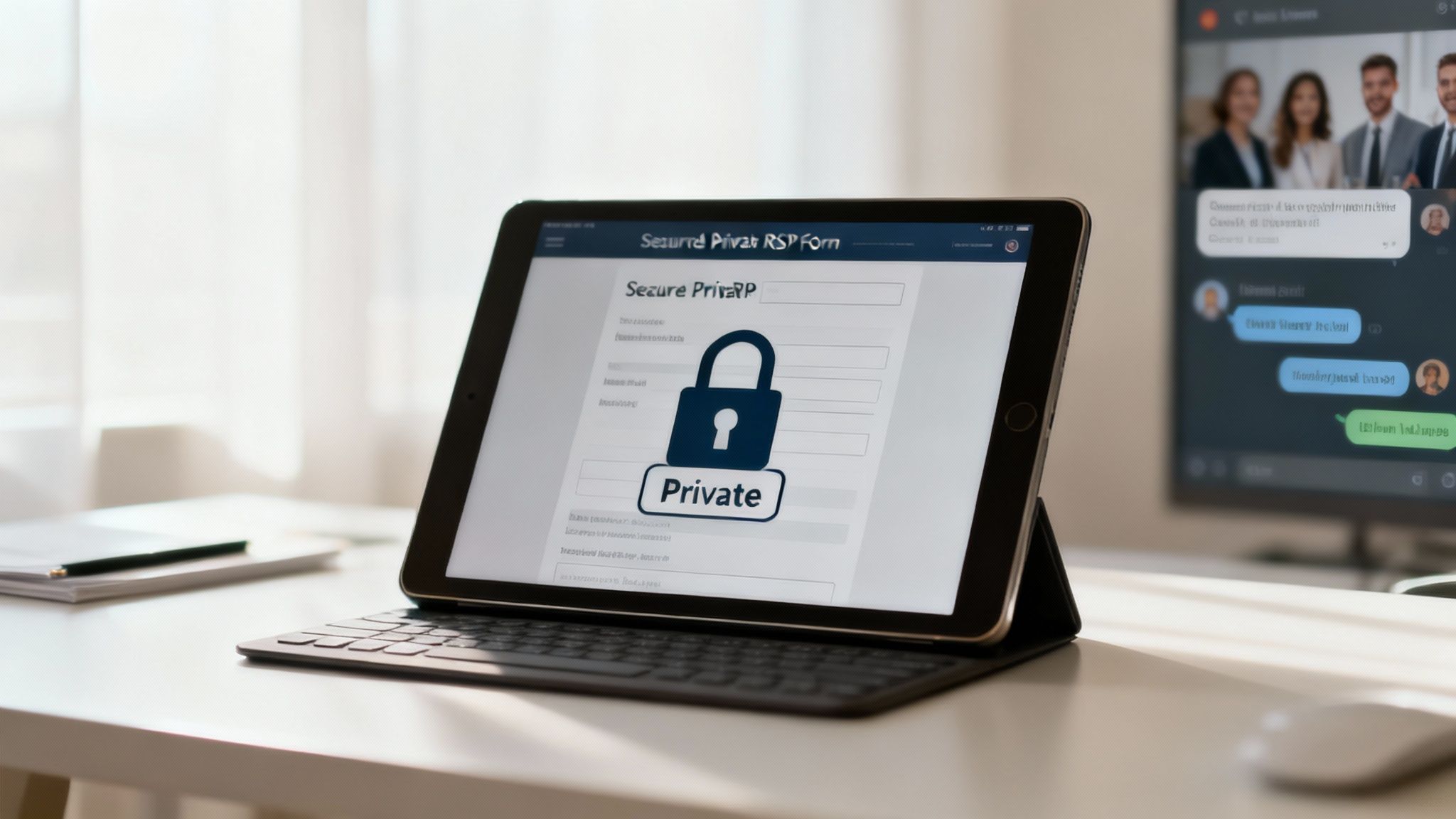
This is exactly why having a simple registration tool built for the modern workplace is so important, especially if your company runs on Slack and Google Calendar. The whole point is to control access without making the process a bureaucratic nightmare.
✦Creating Private and Invite-Only Events
A good registration tool should give you pinpoint control over who sees and signs up for an event. Announcing a team-specific meeting to the entire company just adds to the noise and causes confusion. It's much smarter to limit visibility right from the start.
This is where a Slack-native tool like Be There really shines. You can create events that are locked down to specific private channels or user groups, which is a game-changer for sensitive events.
Let’s look at how this plays out in the real world:
- Leadership Off-Site: You create the event and post it only in the private
#leadership-teamSlack channel. No one outside that channel will ever see the announcement or the RSVP button. It’s that simple. - Specialized Training: Need to run a workshop for the engineering department? Just post the event in the
#engineerschannel. It shows up for them and doesn't clutter anyone else's feed.
This approach keeps confidential events truly confidential. It piggybacks on Slack's existing permissions, so you don't have to manage new lists or fiddle with complicated settings. For more on crafting clear, targeted messages, check out these internal communication best practices.
✦Why a Secure Foundation Matters
Using a dedicated tool also means you can stop tracking sensitive employee info in unsecured spreadsheets scattered across shared drives. A centralized system keeps all registration data in one secure spot, accessible only to event organizers.
This focus on security isn't just a "nice-to-have" anymore; it reflects a major shift in the market. The global registration service market was valued at around USD 3.36 billion in 2024 for a reason—companies are finally prioritizing compliance and efficiency. As businesses scale, they need professional, secure solutions to manage data responsibly.
Building trust is about more than ticking compliance boxes. It's about showing your team—through your actions and your tools—that you take their privacy seriously. A secure, easy-to-use system demonstrates that their information is in good hands.
By handling event management directly within a platform your team already trusts, like Slack, you get a head start. Employees are already comfortable with Slack's privacy model, so registering for an event there feels both natural and safe. It ensures your simple registration solution is also a secure one, protecting your people and your company.
Answering Your Top Questions About Simplifying Event Registration
Whenever I talk to HR managers or team leads about switching up their internal event workflow, the same practical questions always pop up. It makes sense. You need to know that a new tool will actually solve your problems, not just create new ones. Let's get into the nitty-gritty and answer the most common queries I hear.
✦How Does This Work for Specific Teams or Departments?
This is a big one. You can't just announce a leadership off-site or a sensitive departmental training in a company-wide channel. Privacy is paramount for these kinds of events.
This is where a Slack-native tool like Be There really shines. The solution is beautifully simple: you post the event directly into a private Slack channel. That's it. Only the members of that specific channel—whether it’s #leadership-team or #engineering-dept—will ever see the announcement or the registration button. It piggybacks on Slack's existing permissions to keep your event private, ensuring your message hits the right people without any extra work.
✦What If an Employee’s Schedule Changes Last Minute?
Life happens, and in a busy workplace, schedules are always in flux. The old way of handling this was a nightmare. An employee emails you, and you have to manually hunt down their name on a spreadsheet and then pull them off the calendar invite. It was a tedious, error-prone process.
With an integrated system, this becomes a non-issue. An employee can simply un-RSVP with a single click right in Slack. The moment they do, the tool automatically yanks the event from their Google Calendar. This keeps your attendee list perfectly accurate in real-time—which is a lifesaver when you need a solid headcount for catering or venue capacity.
The real magic is in the closed loop between Slack and Google Calendar. Any action in Slack—an RSVP or a cancellation—is instantly reflected on the calendar. This self-service approach empowers employees and frees you from the tyranny of manual updates.
✦Is This Going to Be a Technical Nightmare to Set Up?
Absolutely not. The best solutions for simple registration are designed for busy, non-technical people. If you know how to post a message in a Slack channel, you have all the technical skill you need to launch an event.
Tools like Be There were built from the ground up with this in mind. The initial setup is a simple, one-time authorization to connect with your company's Google Calendar. There’s no code to write, no complicated settings to configure, and definitely no need to loop in your IT department. From that point on, creating an event feels as natural as filling out a few fields inside Slack. It’s designed to be a seamless part of your existing workflow, not another layer of complexity. It's just a handy, no-fuss solution for any company that already lives in Slack and Google Calendar.
Ready to stop chasing RSVPs and start running events that people actually show up for? Be There brings simple, one-click event registration right into Slack. Start your free one-month trial today and see just how easy internal events can be.
Share this post

Planning your internal events has never been easier!
No more scheduling headaches—our Slack-connected web app keeps things simple. Less email, more fun! 🚀
 Prefer a quick walkthrough?